Finish every module, pass the quiz, unlock 10% off
Module 1 of 5
Know the remote
The Situo models and what they run. After this module you can order the right one for a room.
3 lessons, then a scenario check.

Shade Motors School · Program It · 101
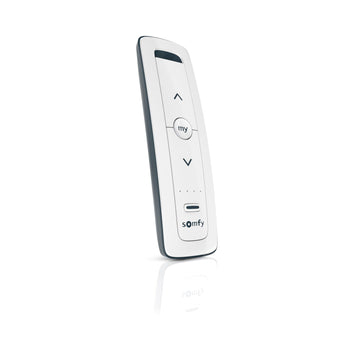
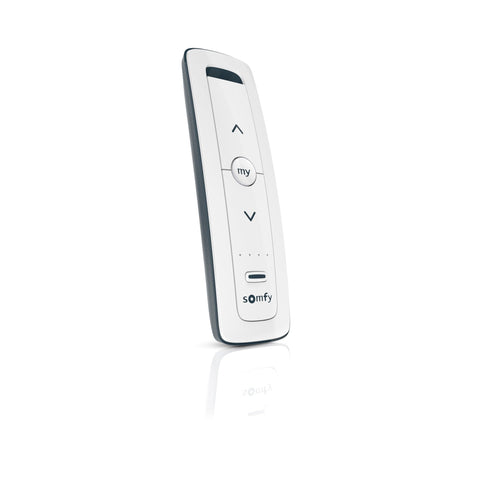
The Situo 5 RTS runs five channels of RTS shades, drapes or awnings from one handheld. Learn the models, how to read the channel lights, what each button does, how to add the remote to a shade, and how to care for it.
Pass the quiz to unlock 10% off your first ShadeMotorsDirect order. Your code and certificate arrive by email from Shade Motors School.
You will be able to: Select channels on a Situo 5 RTS, set a favorite position and pair it to each shade.
Inside this course
Finish every module, pass the quiz, unlock 10% off
Module 1 of 5
The Situo models and what they run. After this module you can order the right one for a room.
3 lessons, then a scenario check.
Know the remote
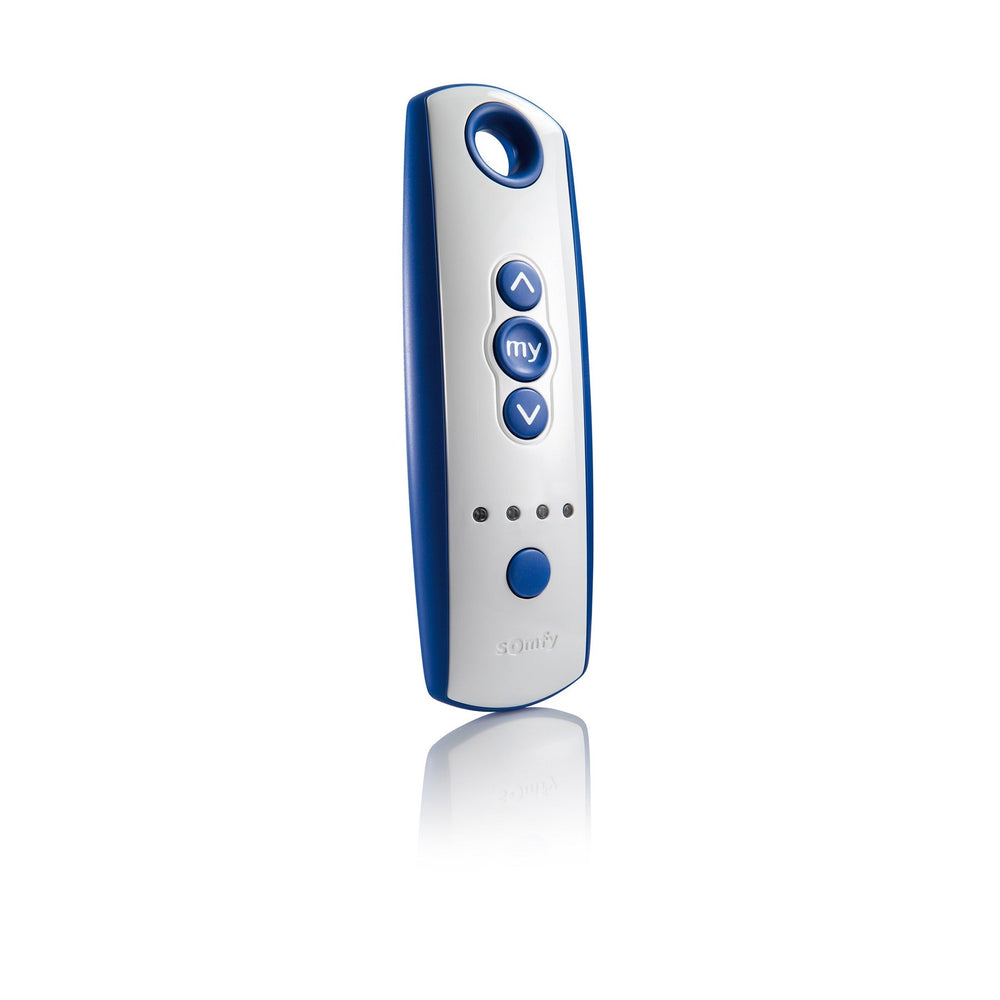
The Situo 5 RTS controls one product or one group per channel, across five channels. Somfy says RTS transmitters can run any RTS motor.
ExampleA living room with four shades and a drapery fits on one Situo 5.
Know the remote
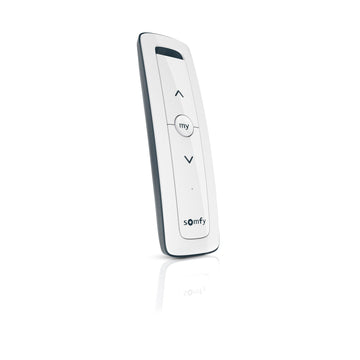
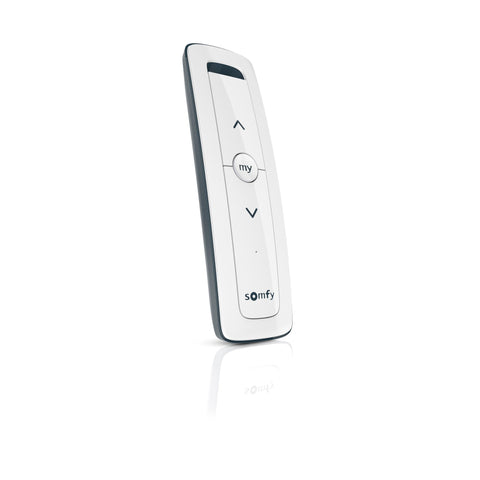
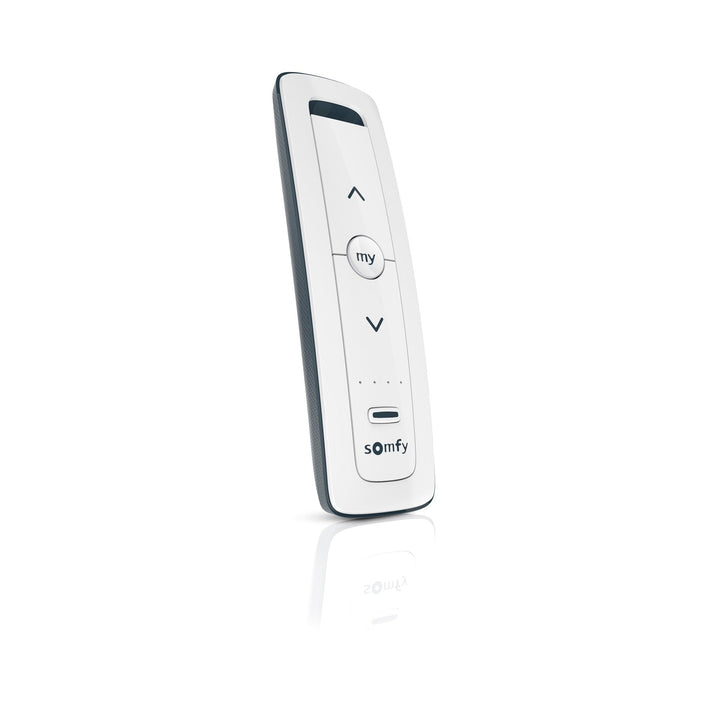
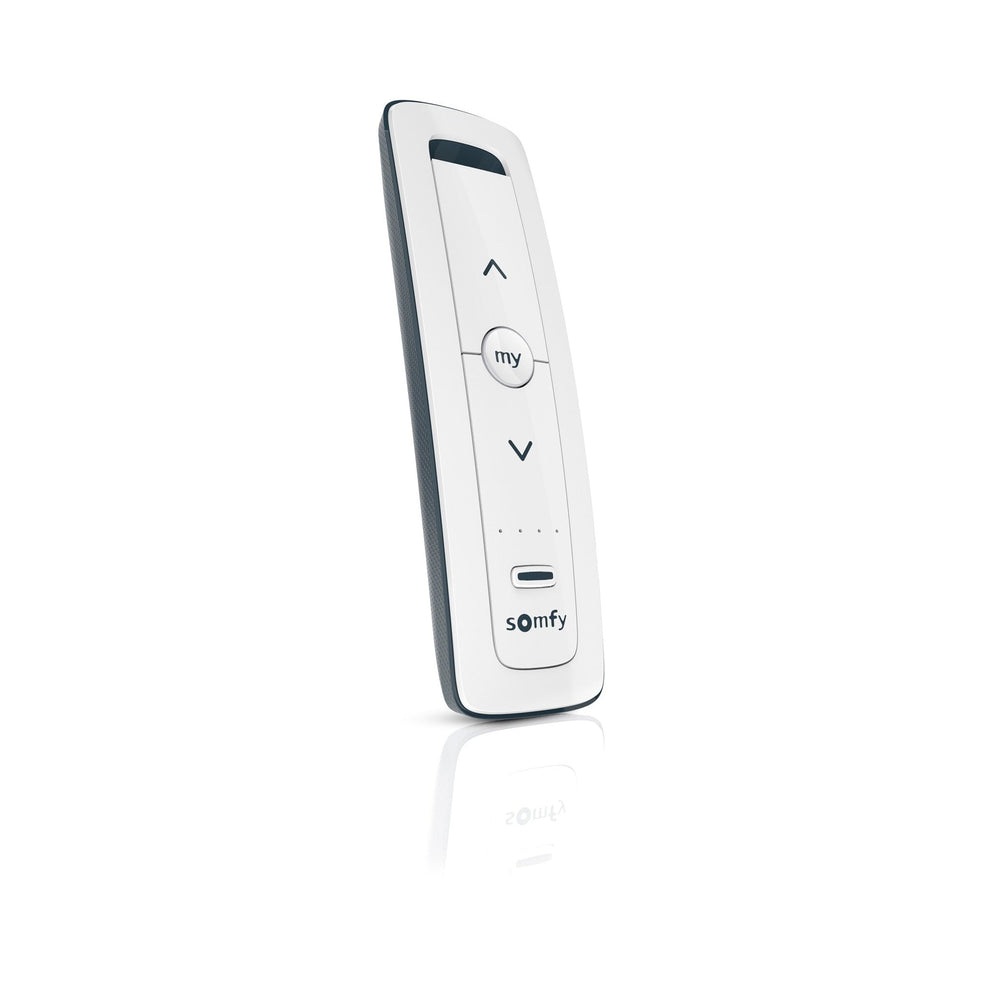
Somfy makes the Situo RTS II in Pure, Iron, Natural and Arctic, as 1-channel or 5-channel. The 5-channel Pure is 1870575.
On the jobRead the part number on the old remote to match the finish.
Know the remote
Somfy's spec sheet gives a reliable range of 20 ft and a maximum up to 65 ft in optimal conditions.
Watch forA shade at the far end of a long room may need the remote walked closer.
Check yourself
Hint: Check the parts table.
1870576, the Situo 5 RTS II in Iron.
Finish every module, pass the quiz, unlock 10% off
Module 2 of 5
How the Situo shows which channel is selected. After this module you will not send a command to the wrong shade.
2 lessons, then a scenario check.
Read the channel lights
Press the channel selector button to move through the channels. Each press moves one channel on.
On the jobLabel the channels on a card for the owner: 1 kitchen, 2 dining, and so on.
Read the channel lights
The lights show channels 1 to 4. Channel 5 shows when all four lights are on. Confirm the channel before you press UP or DOWN.
Watch forAll lights on is channel 5, not every channel at once.
Check yourself
Hint: Channel 5 has its own light pattern.
All four lights mean channel 5 is selected, and channel 5 runs only what is paired to it.
Finish every module, pass the quiz, unlock 10% off
Module 3 of 5
What UP, DOWN and MY do on the Situo. After this module you can set and use a favorite position.
2 lessons, then a scenario check.
The buttons
UP and DOWN move the covering. MY stops it while it moves. Press UP or DOWN again to carry on.
ExampleStop a shade halfway with MY to cut glare on a screen.
The buttons
Move the covering to the spot you want, then hold MY for about 5 seconds. To delete it, press MY to go there, then hold MY for about 5 seconds.
On the jobSet a favorite on each channel at handover. Owners use it most.
Check yourself
Hint: The favorite position.
A MY favorite on each shade: move it there and hold MY for about 5 seconds.
Finish every module, pass the quiz, unlock 10% off
Module 4 of 5
How to pair the Situo 5 to motors that already have a remote. After this module you can load every channel.
3 lessons, then a scenario check.
Add it to a shade
On a remote already paired, hold PROG on the back until the covering moves up and down. On the Situo 5, select the channel and briefly press PROG. The covering moves to confirm.
Watch forThe PROG button is recessed. Bring a paperclip.
Add it to a shade
Each channel can run a group of one or more coverings. Repeat the two steps for every shade you want on that channel.
ExamplePair three bedroom shades to channel 2 and they move together.

Add it to a shade
Somfy uses the same two steps to delete a control from a motor. The covering moves to confirm the change.
On the jobTest each channel after every change so you know what you did.
Check yourself
Hint: Select first, then PROG.
Select channel 3, then briefly press PROG after the shade has been opened with a paired remote.
Finish every module, pass the quiz, unlock 10% off
Module 5 of 5
Care for the remote between visits. After this module you can change the battery and mount the holder.
3 lessons, then a scenario check.
Battery and wall holder
The Situo takes one CR2032 lithium battery. Remove the rear panel with a Phillips screwdriver, fit the new cell and replace the panel.
Watch forSomfy marks the Situo for indoor use. Outdoors, use a Telis Patio.
Battery and wall holder
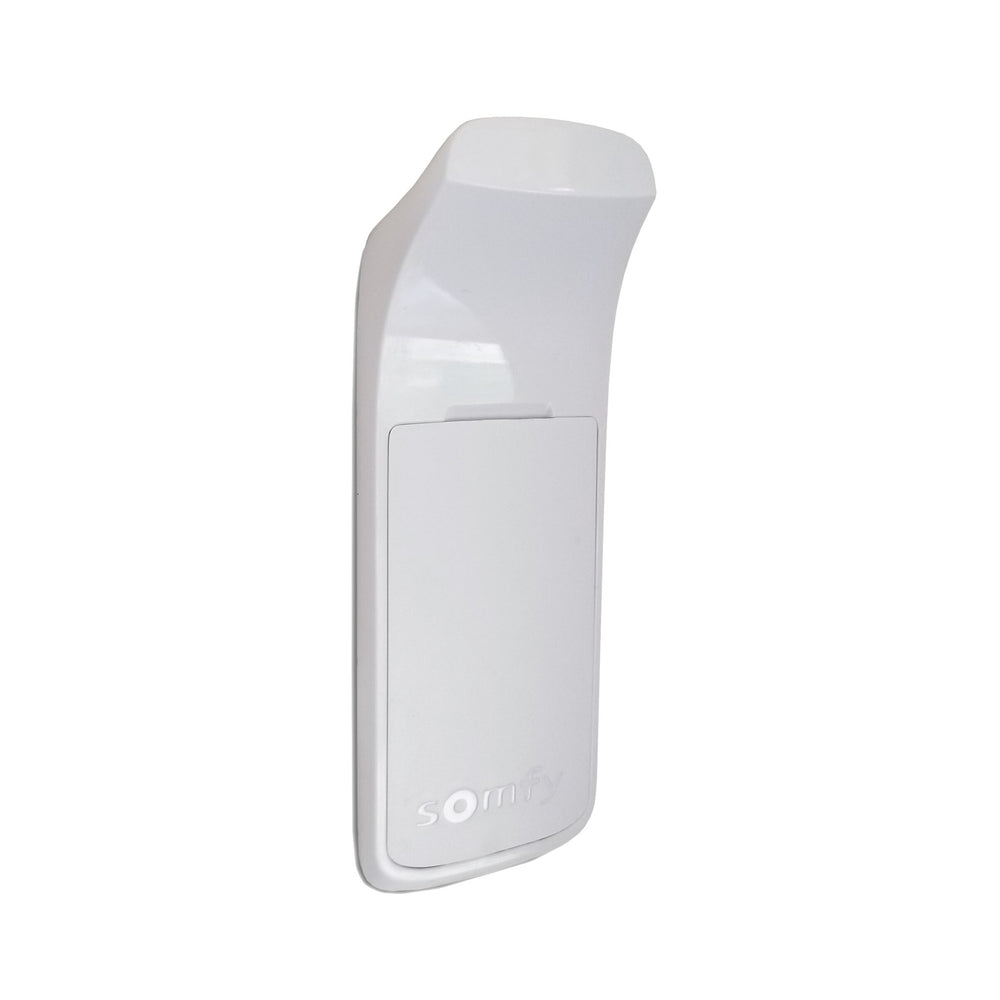
The Situo ships with a wall holder. Peel the film and press it on a flat, clean, dry surface. A spare is the Situo II mounting bracket 9028048.
ExampleMount the holder by the bedroom door so the remote always has a home.
Battery and wall holder
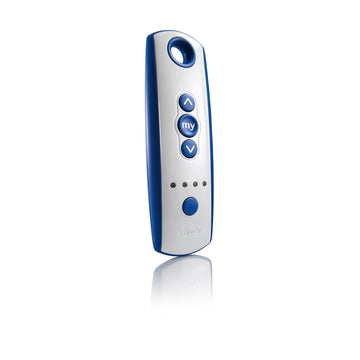
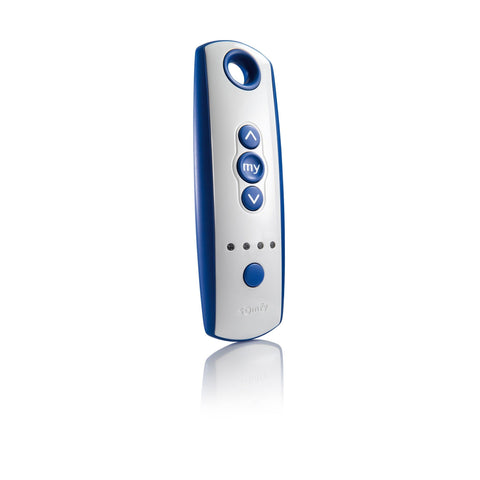
For a patio, the Telis 4 RTS Patio (1810645) gives five channels with an IP44 rating.
On the jobOffer the Patio remote when the owner wants control from the deck.
Check yourself
Hint: A coin cell.
One CR2032 3 V lithium cell, behind the rear panel.
Final quiz
Each question is a real job scenario, one per screen. Stuck? Tap the hint. You see the right answer and why right after you choose. Pass and you get a printable certificate.
Score 80% to unlock 10% off your first ShadeMotorsDirect order.
Question 1 of 10
On the job: A room has five shades on separate controls.
Hint: Five channels.
The Situo 5 runs five channels.
Question 2 of 10
On the job: A client wants the Arctic 5-channel.
Hint: Check the table.
Arctic 5-channel is 1870578.
Question 3 of 10
On the job: You plan where the owner will use it.
Hint: Reliable, not maximum.
The spec sheet gives 20 ft reliable.
Question 4 of 10
On the job: All four lights are on.
Hint: A light pattern.
All four lights mean channel 5.
Question 5 of 10
On the job: You press UP and the wrong shade moves.
Hint: Look at the lights.
Confirm the channel before operating.
Question 6 of 10
On the job: A shade is moving.
Hint: MY has a job while moving.
MY stops a moving covering.
Question 7 of 10
On the job: You set a favorite.
Hint: Somfy gives a figure.
About 5 seconds.
Question 8 of 10
On the job: You add the Situo 5 to a shade.
Hint: Open the motor first.
A paired remote starts it.
Question 9 of 10
On the job: You want three shades on channel 2.
Hint: Groups are built shade by shade.
Each channel can run a group.
Question 10 of 10
On the job: The remote will sit on a pool deck.
Hint: Indoor use only.
The Situo is for indoor use; the Telis Patio is IP44.
Almost done
Your score shows on the next screen. If you pass, your certificate and 10% code go to this email. They come from Shade Motors School (school@shademotorsdirect.com). Check Promotions, Updates or Spam if you don't see them.
Parts used in this course
Parts used in this course
Your cart is currently empty.
Not sure where to start? Try these collections: