Module 1 of 4
What TaHoma switch runs
The capacity and radios of the hub, so you know one is enough for the house. After this module you can size a TaHoma job.
2 lessons, then a scenario check.

Shade Motors School · Program It · 101
TaHoma switch puts RTS and Zigbee shades on one app with scenes, schedules and voice control. Learn what it runs, what to prepare before you plug it in, the setup steps in the app, and what to do after.
You will be able to: Prepare the shades and network, then set up a Somfy TaHoma switch in the app.
Inside this course
Module 1 of 4
The capacity and radios of the hub, so you know one is enough for the house. After this module you can size a TaHoma job.
2 lessons, then a scenario check.
What TaHoma switch runs
Somfy lists TaHoma switch for up to 40 RTS channels and up to 60 Zigbee products. Up to 10 switches can join for RTS multi-zone control.
ExampleA house with 12 RTS shades and 8 Zigbee shades fits on one hub with room to spare.
What TaHoma switch runs
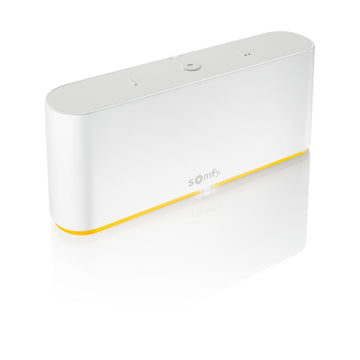
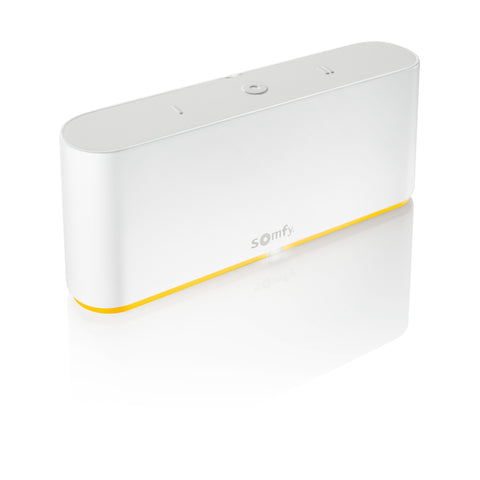
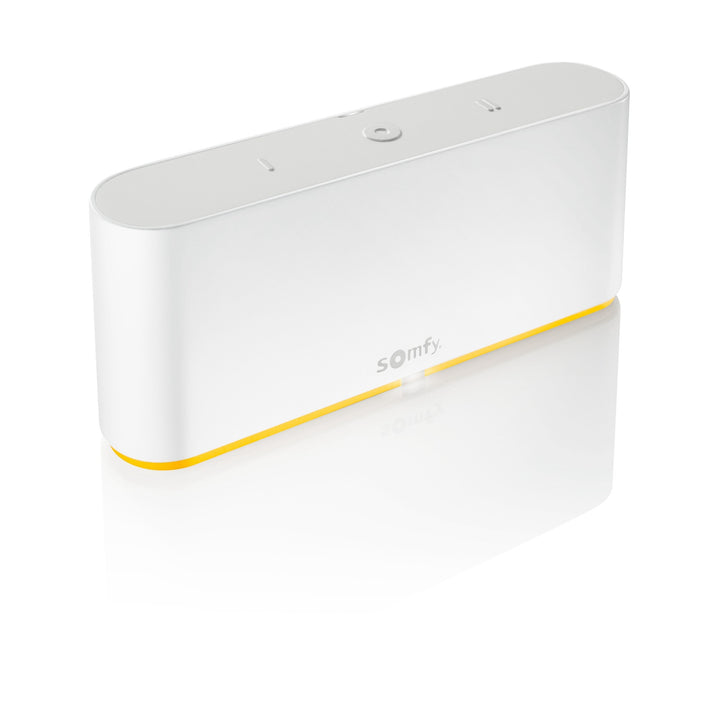
TaHoma switch (1871037) runs Zigbee 3.0 and RTS. It sits indoors, and Somfy rates it for 32 to 95 F.
Watch forKeep it out of a hot closet or garage. Somfy lists an indoor rating only.

Check yourself
Hint: Compare the counts with the hub limits.
Yes. Somfy lists 40 RTS channels and 60 Zigbee products for one hub.
Module 2 of 4
The prep that keeps setup from stalling. After this module your shades, network and phone will be ready.
3 lessons, then a scenario check.
Before you plug it in
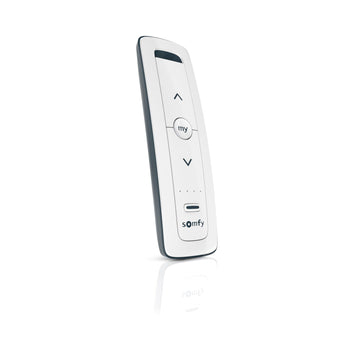
Somfy asks for RTS motor setup to be complete before you install TaHoma: remotes paired, limits set and the MY position stored.
On the jobTest every shade on its own remote before the hub comes out of the box.
Before you plug it in
The hub needs a 2.4 GHz Wi-Fi network secured with a password. Keep your phone within 2 m (about 6.5 ft) of the hub during Bluetooth setup.
Watch forA router broadcasting only 5 GHz will not work. Turn on the 2.4 GHz band first.
Before you plug it in
For Zigbee, Somfy says to have the motor and Ysia QR codes ready and to pair plugs and wired Zigbee motors first.
ExamplePair the plug-in Zigbee shades in the living room before the battery shades upstairs.
Check yourself
Hint: Check the band Somfy names.
Turn on a 2.4 GHz network with a password. Somfy requires 2.4 GHz for TaHoma switch.
Module 3 of 4
The steps the TaHoma app walks you through. After this module you can set up a hub in one sitting.
2 lessons, then a scenario check.
Setup in the app
Install the TaHoma app and tap Start. Plug in the hub; the LED lights blue. Accept Bluetooth, choose Wi-Fi, enter the password, create an account and finish the profile.
On the jobHave the Wi-Fi password and the owner's email ready before you start.
Setup in the app
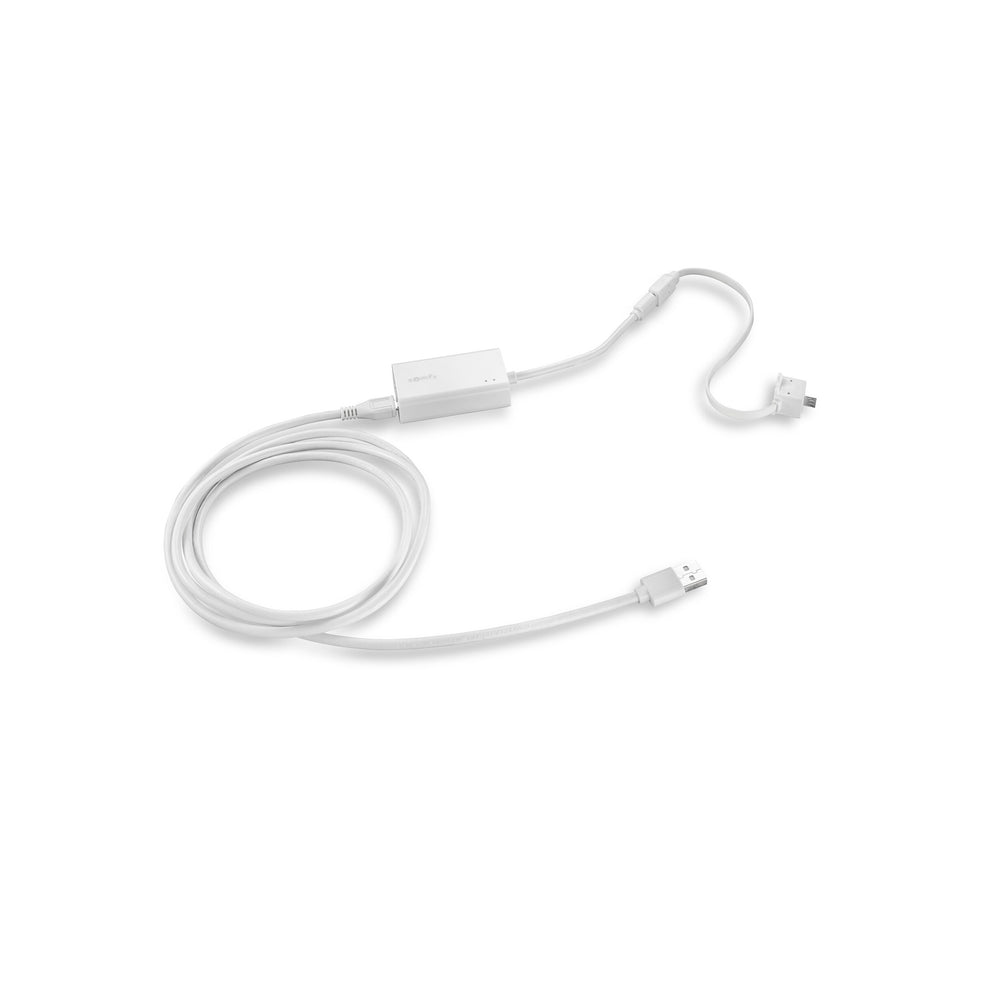
The TaHoma Ethernet Adaptor 9028054 adds a wired 10/100 Mbps port. Somfy also sells the hub with the adaptor as 1871038.
ExampleA hub in a basement far from the router runs better on the adaptor than on weak Wi-Fi.
Check yourself
Hint: The phone talks to the hub before the hub joins Wi-Fi.
Accept Bluetooth, then choose the Wi-Fi network and enter its password.
Module 4 of 4
What the hub and app do once the shades are in. After this module you can show an owner scenes, schedules and voice control.
3 lessons, then a scenario check.
After setup
TaHoma switch carries two customizable scene buttons and a stop button. Scenes and schedules run from the hub or the app.
ExampleSet button 1 to close the bedroom shades at night and button 2 to open the living room.
After setup
TaHoma works with Amazon Alexa and Google Home. Somfy supports Apple Home only for select Zigbee motors.
Watch forDo not promise Apple Home control of RTS shades. Somfy limits it to select Zigbee motors.
After setup
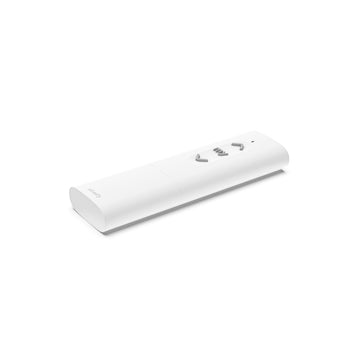
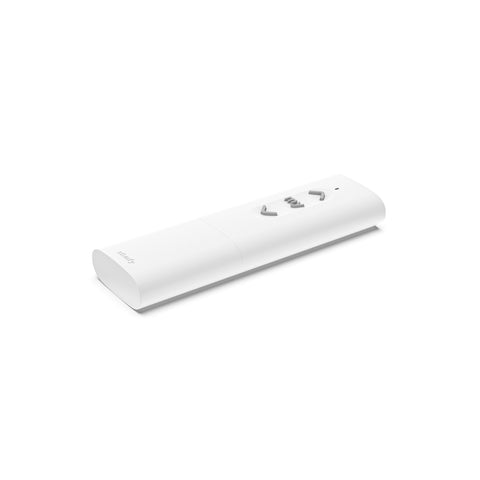
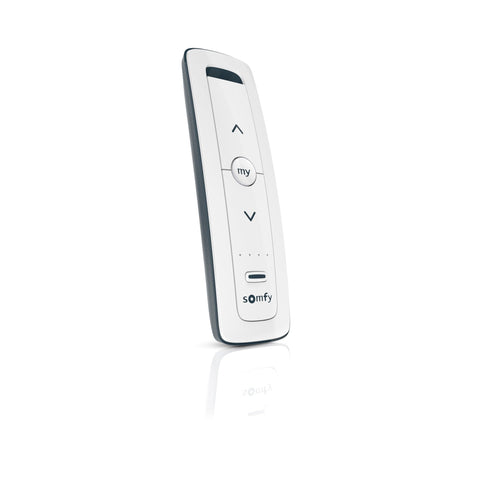
The Ysia 1 Zigbee remote adds a handheld for Zigbee shades in the same system.
On the jobLeave a remote in each room. Guests reach for a remote before an app.

Check yourself
Hint: Check which motors Apple Home covers.
Somfy supports Apple Home on TaHoma only for select Zigbee motors. Alexa and Google Home work.
Final quiz
Each question is a real job scenario, one per screen. Stuck? Tap the hint. You see the right answer and why right after you choose. Pass and you get a printable certificate, plus a 10% code for your first ShadeMotorsDirect order.
Question 1 of 10
On the job: A client has 35 RTS shade channels.
Hint: Check the RTS channel limit.
Somfy lists 40 RTS channels per hub.
Question 2 of 10
On the job: A large house needs RTS control in several zones.
Hint: Somfy gives a number.
Somfy lists up to 10 switches for RTS multi-zone.
Question 3 of 10
On the job: You arrive to install a hub. Two RTS shades still have no limits.
Hint: Somfy wants the motors ready first.
Somfy asks for remotes, limits and MY to be done before TaHoma.
Question 4 of 10
On the job: The router broadcasts only a 5 GHz network.
Hint: Read the band in the guide.
Somfy requires 2.4 GHz secured with a password.
Question 5 of 10
On the job: Bluetooth setup keeps failing.
Hint: Somfy gives a distance.
Somfy says to keep the phone within 2 m of the hub.
Question 6 of 10
On the job: A job mixes plug-in Zigbee shades and battery Zigbee shades.
Hint: Somfy names an order.
Somfy says to pair plugs and wired Zigbee motors first.
Question 7 of 10
On the job: You plug in the hub.
Hint: One colour is named in the guide.
The installation guide says the LED lights blue.
Question 8 of 10
On the job: The hub sits far from the router and Wi-Fi is weak.
Hint: Think wired.
The adaptor adds a 10/100 Mbps wired port.
Question 9 of 10
On the job: An owner wants one press to close the bedroom shades at night.
Hint: Look at the hub buttons.
TaHoma switch has two customizable scene buttons and a stop button.
Question 10 of 10
On the job: A client wants Apple Home control of RTS shades.
Hint: Somfy footnotes Apple Home.
Somfy supports Apple Home only for select Zigbee motors.
Almost done
Your score shows on the next screen. The certificate goes to your inbox so you can download it again later.
Parts used in this course
Parts used in this course
Your cart is currently empty.
Not sure where to start? Try these collections: