Module 1 of 4
Pick the model
The DecoFlex range and what each version gives you. After this module you can order the right switch for a room.
2 lessons, then a scenario check.

Shade Motors School · Program It · 101
A DecoFlex WireFree RTS switch puts shade control on the wall with no wiring. Learn the models, how the channel buttons and lights work, how to add the switch to a motor, and what range to plan for.
You will be able to: Choose a DecoFlex RTS switch, select its channels and pair it to the shades it should run.
Inside this course
Module 1 of 4
The DecoFlex range and what each version gives you. After this module you can order the right switch for a room.
2 lessons, then a scenario check.
Pick the model
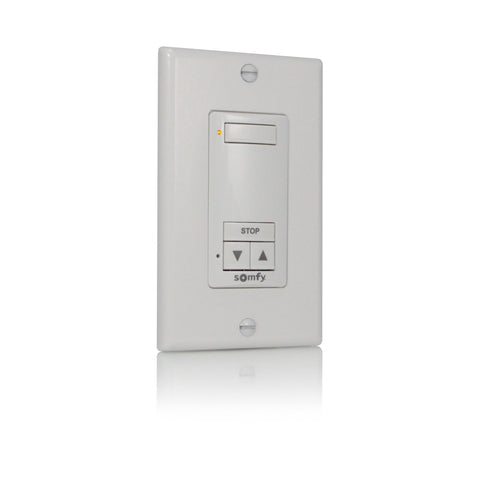
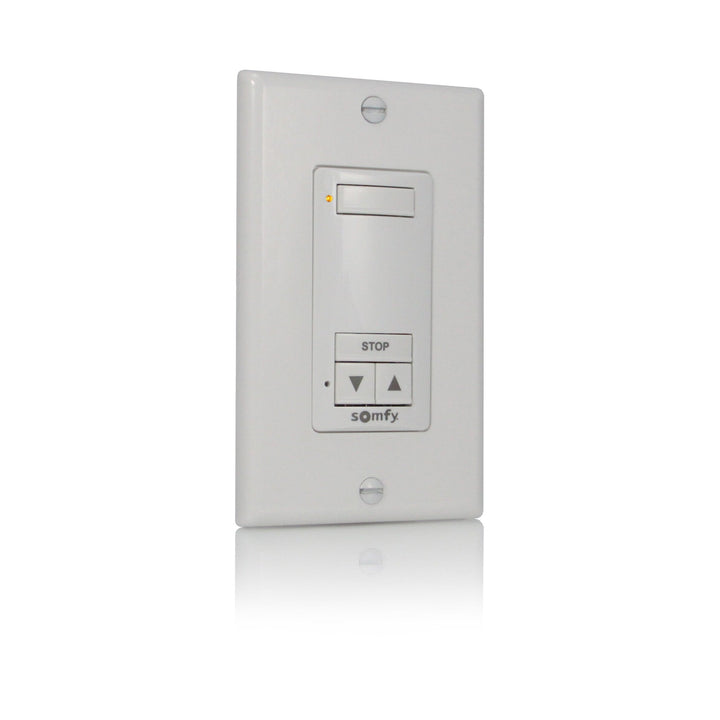
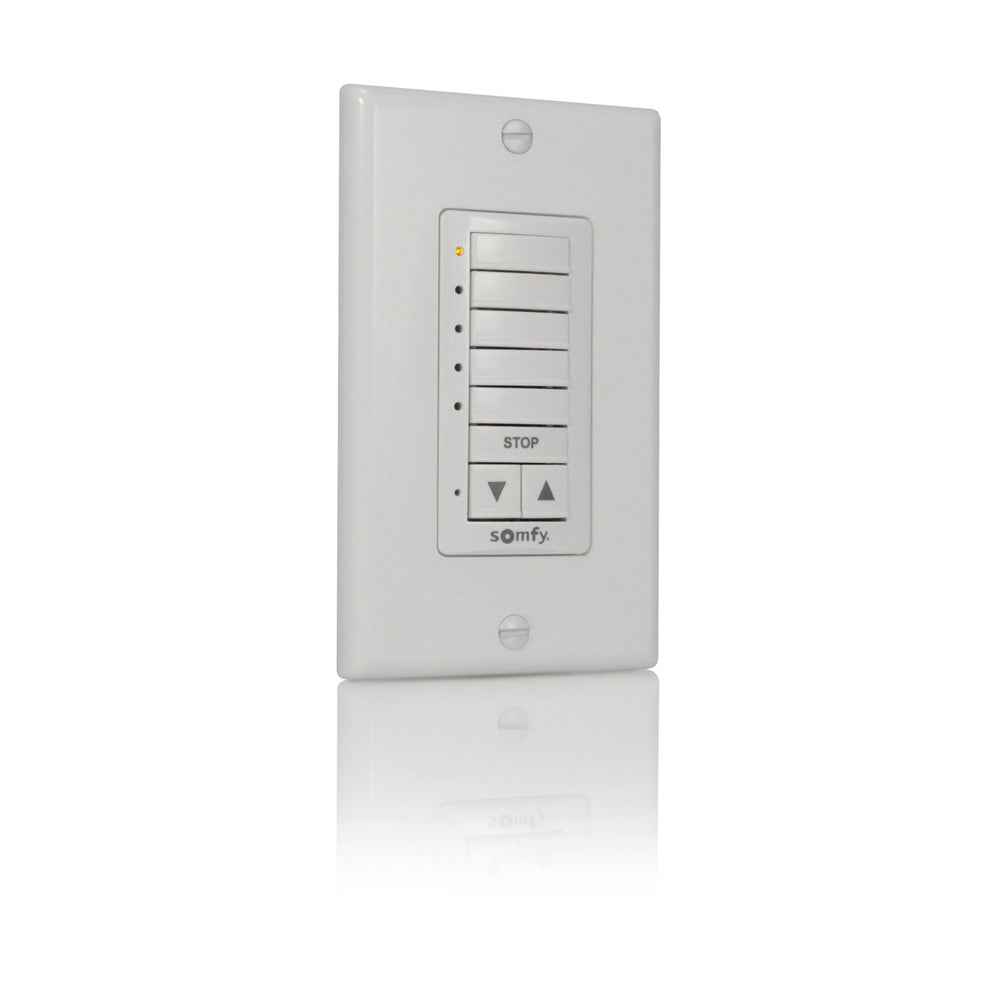
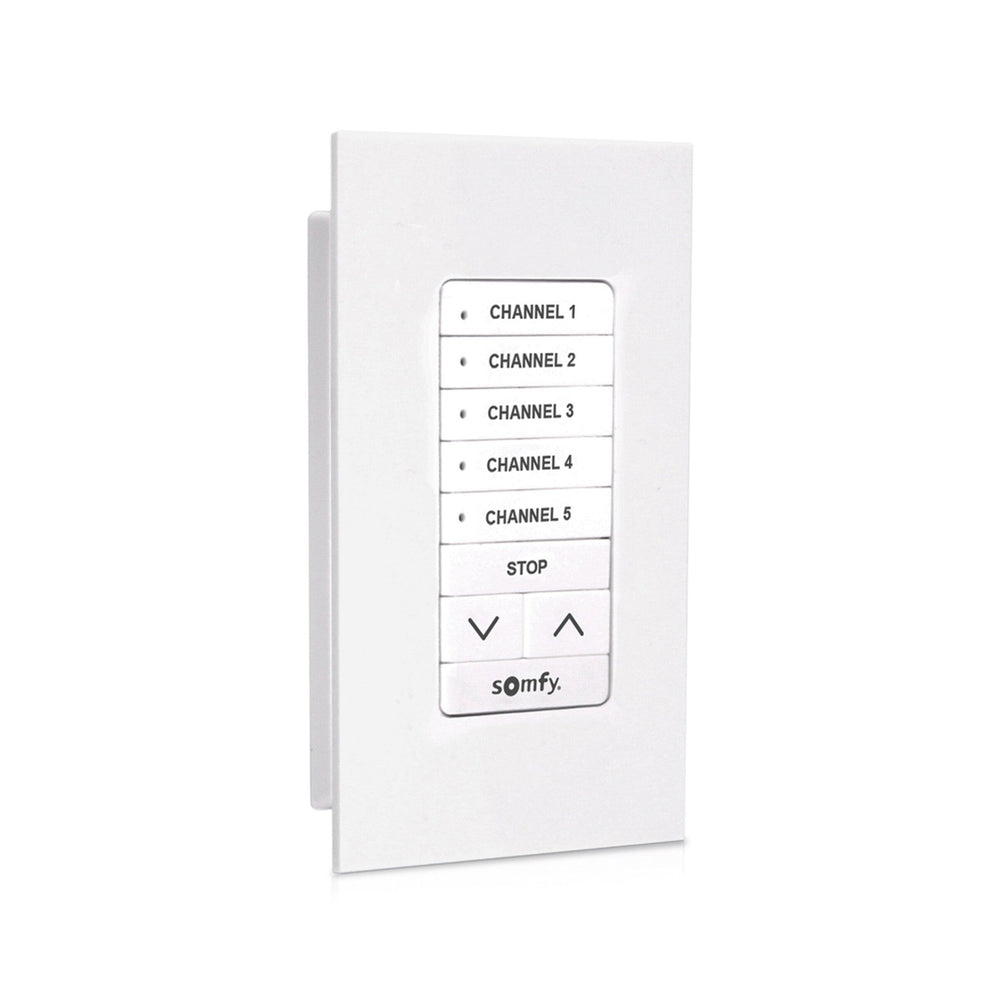
Somfy makes the DecoFlex WireFree RTS switch with 1 to 5 channels, in white, ivory and black. The 1-channel white is 1810897.
ExampleA bedroom with one shade takes a 1-channel. A living room with four shades takes a 5-channel.

Pick the model
The DecoFlex WireFree runs on RTS at 433.42 MHz with no wires. Somfy suggests placing it beside the light switch at the door.
On the jobMount it where people reach for the lights. That is where they look for shade control.
Check yourself
Hint: Count the shades.
A 5-channel DecoFlex, so each shade gets a channel and the lights can select them together.
Module 2 of 4
How a DecoFlex selects channels before it sends a command. After this module you can run one shade or all of them from the same switch.
3 lessons, then a scenario check.
Channels and lights
Each channel has its own button and LED. Press the channel buttons you want, so their LEDs light, then press UP, DOWN or STOP.
ExampleLight channels 1 and 3, press DOWN, and both shades lower.
Channels and lights
Somfy notes that all selected channels run in a cascading fashion, so you can control all of them without creating an all channel.
On the jobSkip programming a group channel. Lighting every channel does the same job.
Channels and lights
STOP halts a moving shade. Pressed when the shade is still, it sends the shade to its favorite position.
Watch forA shade that moves on STOP is going to its favorite position. That is normal.

Check yourself
Hint: The lights come first.
Selecting a channel. Light the channel buttons first, then press DOWN.
Module 3 of 4
How to add a DecoFlex to a motor that already has a remote. After this module you can put the switch on every shade in a room.
2 lessons, then a scenario check.
Pair it to a shade
On a control already paired to the shade, hold PROG until the shade jogs. Then, on the DecoFlex, select the channel and briefly press PROG. The shade jogs.
On the jobDo one shade at a time and test each channel before moving on.
Pair it to a shade
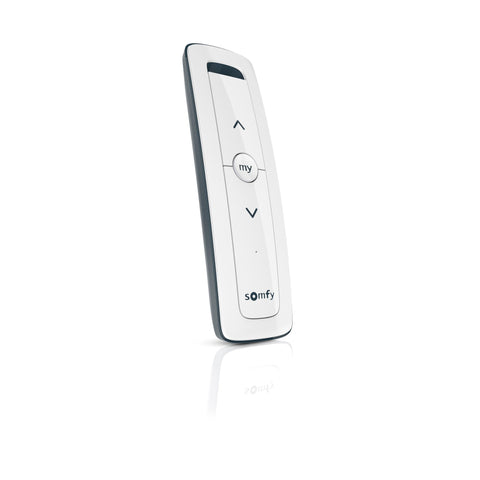
Somfy uses the same procedure to add or delete a control. A handheld such as a Situo 1 RTS makes step 1 easy later.
Watch forSomfy warns: do not start step 1 with the control you plan to delete.

Check yourself
Hint: Open the motor first.
Hold PROG on a control already paired to that shade until it jogs, then select channel 2 on the DecoFlex and tap PROG.
Module 4 of 4
What range to expect from a wall switch and how to stretch it. After this module you can place switches that work the first time.
2 lessons, then a scenario check.
Plan the range
Somfy says RTS controls reach up to 25 ft in optimal conditions on a job site. The RTS Repeater takes signals from a DecoFlex and reaches up to 60 ft.
Watch forTest the switch at its mounting spot before you fix it to the wall.
Plan the range
The DecoFlex Surface 5-channel RTS (1871025) gives the same five channels on a surface-mount body.
ExampleA glass or tile wall with no room for a flush plate suits the surface model.
Check yourself
Hint: Somfy makes a part for this.
An RTS Repeater, which Somfy rates up to 60 ft, or moving the switch closer.
Final quiz
Each question is a real job scenario, one per screen. Stuck? Tap the hint. You see the right answer and why right after you choose. Pass and you get a printable certificate, plus a 10% code for your first ShadeMotorsDirect order.
Question 1 of 10
On the job: A room has one shade.
Hint: Match channels to shades.
One shade needs one channel.
Question 2 of 10
On the job: A client asks about colours.
Hint: Three finishes.
Somfy lists white, ivory and black.
Question 3 of 10
On the job: You press UP on a DecoFlex and nothing happens.
Hint: The LEDs matter.
Select channels before UP, DOWN or STOP.
Question 4 of 10
On the job: All five channels are lit.
Hint: Lit means selected.
Selected channels run in a cascading fashion.
Question 5 of 10
On the job: A still shade moves when you press STOP.
Hint: STOP has two jobs.
Pressed while still, STOP goes to the favorite position.
Question 6 of 10
On the job: You add a DecoFlex to a working shade.
Hint: Open the motor with a known control.
Step 1 uses an existing control.
Question 7 of 10
On the job: The shade jogged after step 1.
Hint: Add the new control.
A brief PROG press on the selected channel adds it.
Question 8 of 10
On the job: You want to remove a DecoFlex channel from one shade.
Hint: Somfy uses one procedure both ways.
Adding and deleting use the same steps.
Question 9 of 10
On the job: You plan where to mount the switch.
Hint: Job site, not open field.
Somfy quotes up to 25 ft in optimal conditions.
Question 10 of 10
On the job: The switch must reach a shade 50 ft away.
Hint: It retransmits RTS.
The RTS Repeater reaches up to 60 ft in optimal conditions.
Almost done
Your score shows on the next screen. The certificate goes to your inbox so you can download it again later.
Parts used in this course
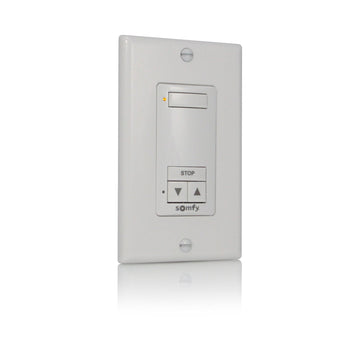 Somfy DecoFlex 1 Channel RTS Wireless Wall Switch White (1810897)
 Somfy DecoFlex 5 Channel RTS WireFree Wall Switch White (1810813)
 Somfy DecoFlex 2 Channel RTS WireFree Wall Switch, White (1811068)
 Somfy DecoFlex Surface 5-Channel RTS WireFree Wall Switch, White (1871025)
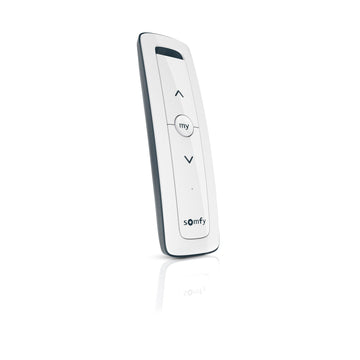 Somfy Situo 1 Channel RTS Pure Remote (1870571)
Parts used in this course
Your cart is currently empty.
Not sure where to start? Try these collections: