Finish every module, pass the quiz, unlock 10% off
Module 1 of 5
The tool and the motors that take it
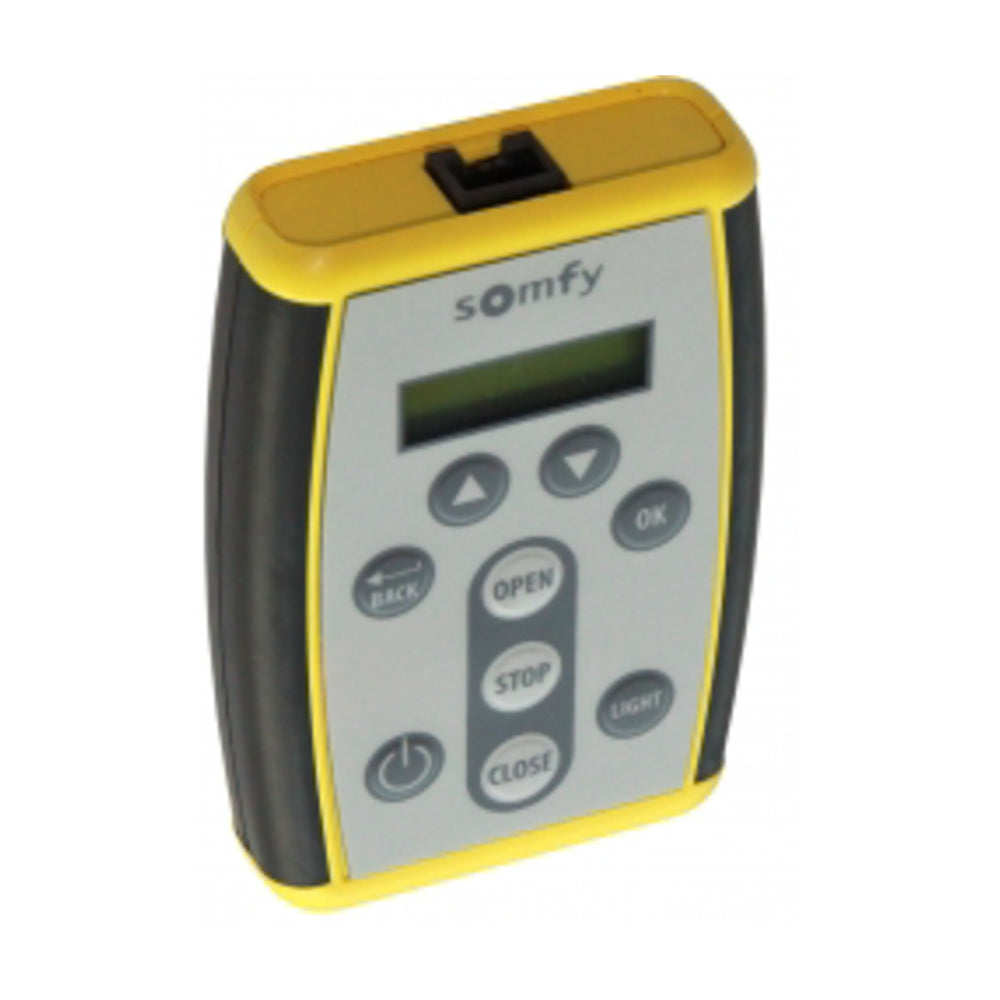
Identify the Limit Setting Tool (9014599) and check a motor ref against Somfy's list before you drive to the job.
3 lessons, then a scenario check.

Shade Motors School · Wired and Networked · 201
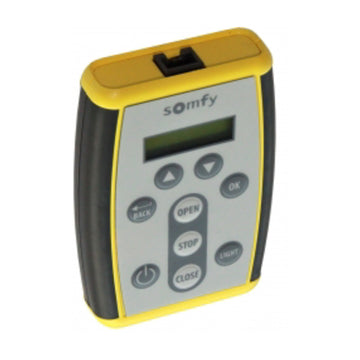
Somfy's Limit Setting Tool (9014599) sets the end limits on Sonesse 30 DCT motors, and Somfy says the DCT motor needs it. Learn which motors take the tool, how to wire it and set or readjust the limits with Somfy's own steps.
Pass the quiz to unlock 10% off your first ShadeMotorsDirect order. Your code and certificate arrive by email from Shade Motors School.
You will be able to: Set and readjust the end limits on a Sonesse 30 DCT motor with the Somfy Limit Setting Tool.
Inside this course
Finish every module, pass the quiz, unlock 10% off
Module 1 of 5
Identify the Limit Setting Tool (9014599) and check a motor ref against Somfy's list before you drive to the job.
3 lessons, then a scenario check.
The tool and the motors that take it
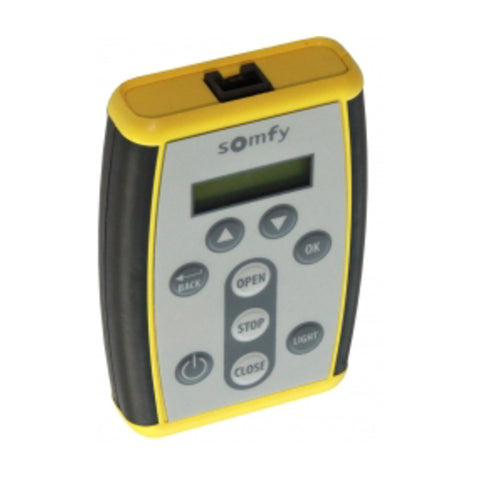
Somfy lists part 9014599 as the Limit Setting Tool for Sonesse 30 Dry Contact/RS485, Glydea ULTRA and Irismo DCT motors. It has three buttons: Up, Stop and Down.
On the jobKeep one tool in the van for every DCT job. You plug it into each motor in turn while you set limits.
The tool and the motors that take it
Somfy's Low Voltage Databook states that Limit Setting Tool #9014599 is required for setting limits on the Sonesse 30 DCT 24V DC (1241146), and it is sold separately.
Watch forA DCT motor arrives without the tool in the box. Order the tool on the same purchase so the install is not held up.
The tool and the motors that take it
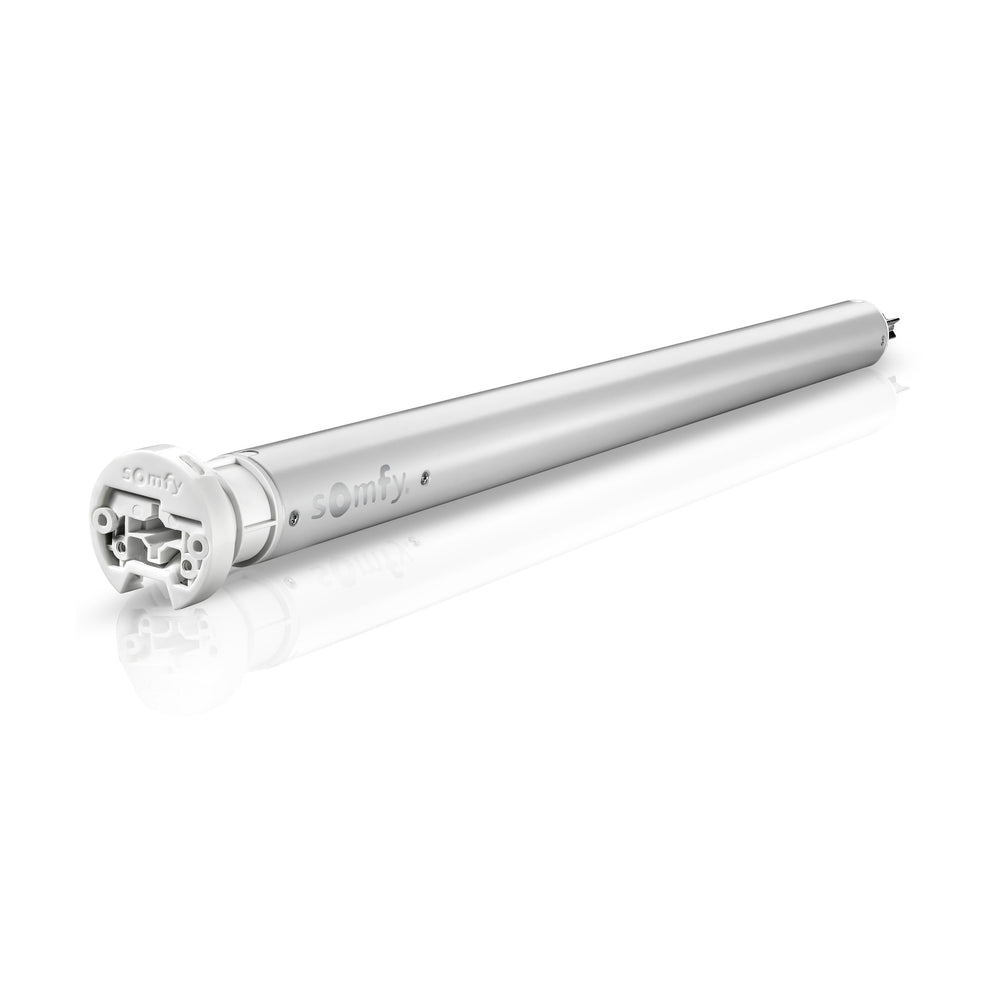
Somfy's list for the tool covers the Sonesse 30 DCT 24V DC (1241146), the earlier Sonesse 30 DCT (1000668) and RS485 (1000658), Glydea ULTRA DCT motors and Irismo 35 (Mini DC) motors.
ExampleA Glydea ULTRA 35 DCT (1246115) drapery motor is on Somfy's list for the same tool, so one tool covers the shades and the drapery on a DCT job.
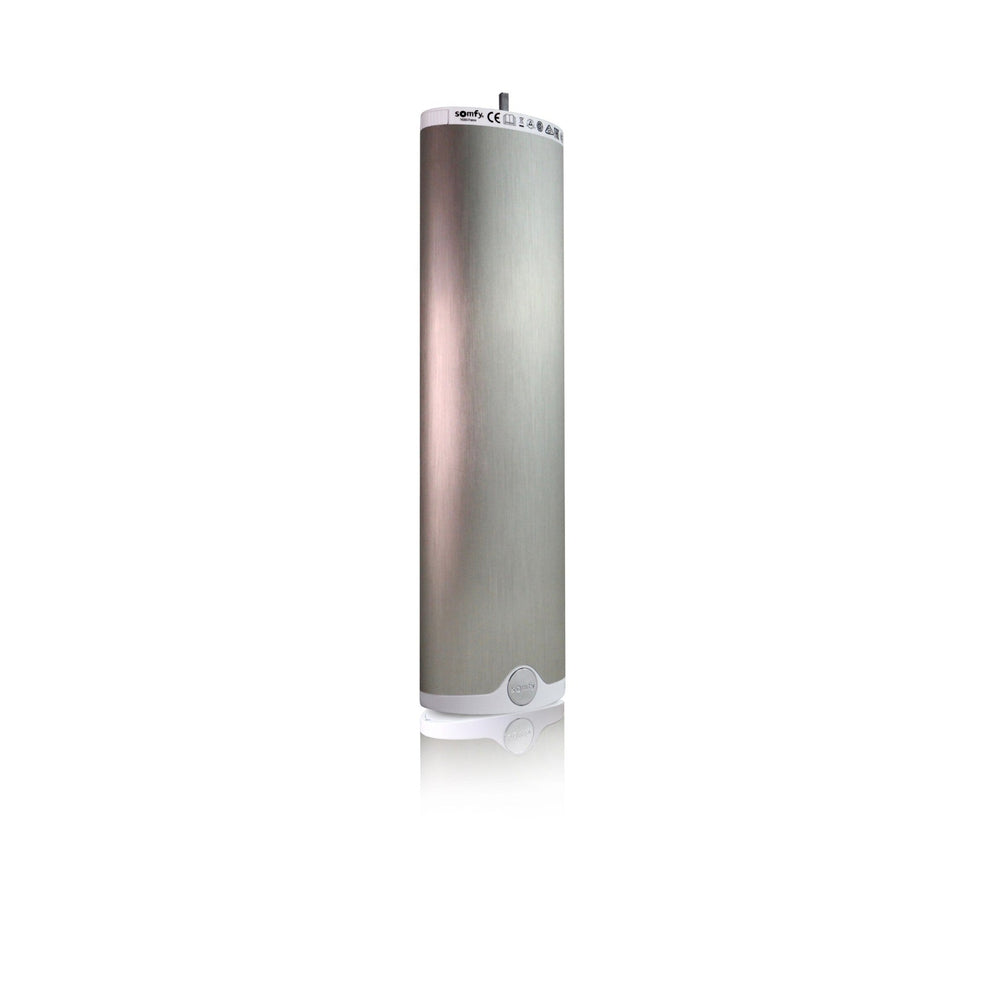
Check yourself
Hint: Check what Somfy's databook says ships separately.
The Limit Setting Tool (9014599). Somfy says it is required for setting limits on this motor and sold separately.
Finish every module, pass the quiz, unlock 10% off
Module 2 of 5
Wire 24V DC power to the red and black leads and land the tool on the four control wires by color.
4 lessons, then a scenario check.
Power the motor and connect the tool
Somfy's databook lists two non-removable 6 ft cables on the Sonesse 30 DCT 24V DC: 2 wires for power and 4 wires for communication.
On the jobTag the 4-wire cable before you feed it into the pocket so you can find it when you land the tool.
Power the motor and connect the tool
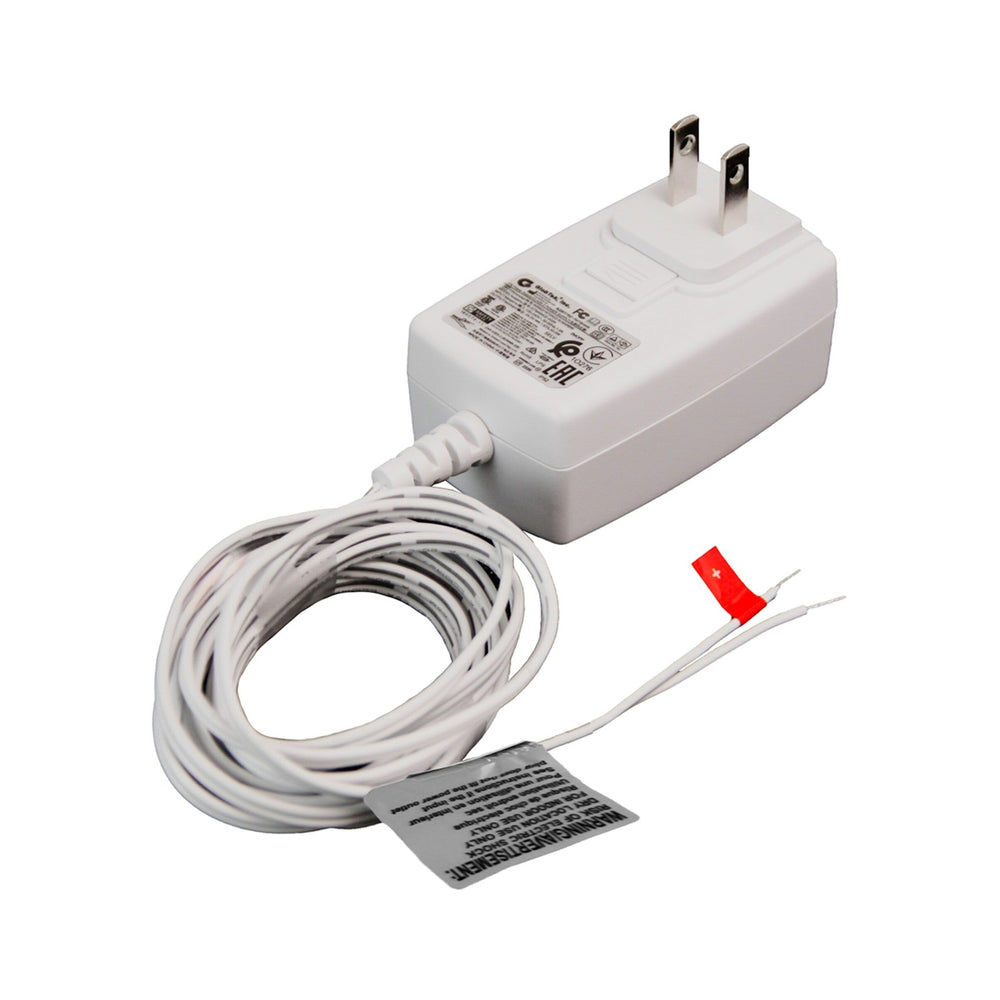
Connect black to negative and red to positive. Somfy says this Class III drive needs a class 2 source, and in the USA and Canada only a Somfy supply listed in the leaflet. Never use an extension cord.
ExampleFor a single shade on the bench, Somfy's product record lists the 24V DC 1.67A Wall Mount Power Supply (1822209) as an accessory for this motor.
Power the motor and connect the tool
| White/Blue | Up |
| Blue | Stop |
| White/Orange | Down |
| Orange | Common |
Watch forSwap white/blue and white/orange and the Up and Down buttons trade jobs. Match each color before you blame the motor.
Power the motor and connect the tool
Somfy writes that the Sonesse 30 DCT can't be controlled with power going through the setting tool cable. Power the red and black leads first, then use the tool.
On the jobIf the tool does nothing, check the 24V supply on the red and black leads before you suspect the tool.
Check yourself
Hint: Think about which cable carries power.
The motor has no power. Somfy says the DCT motor can't be controlled with power going through the setting tool cable, so the red and black leads need a 24V supply.
Finish every module, pass the quiz, unlock 10% off
Module 3 of 5
Confirm the shade rises on Up, then memorize the up and down limits with Somfy's two-button pairs.
4 lessons, then a scenario check.
Check direction, then set the end limits
Press Up on the setting tool. If the shade rises, the direction is correct. If it lowers, press Stop until the shade moves up and down, then press Up again to check.
On the jobOn a reverse-roll shade the first Up press may lower it. Fix the direction before you set any limit.
Check direction, then set the end limits
Stop and Down together memorize the up limit. Stop and Up together memorize the down limit. Release each pair once the shade begins to move.
ExampleShade at the top: press Stop and Down. Shade stopped at the sill: press Stop and Up.
Check direction, then set the end limits
Press and hold Stop until the shade briefly moves up and down. Somfy says the end limits are then recorded and the green LED blinks 5 times.
Watch forSkip this confirm step and the job is not finished. Wait for the brief up and down move and the 5 green blinks.
Check direction, then set the end limits
Press Up, Stop and Down together to cancel and exit the end limit setting mode. Somfy says the mode also cancels after 2 minutes of inactivity.
On the jobIf you stop to fix the fabric mid-setup, the 2 minute timeout can end the mode. Start the limit steps again.
Step by step
Power the motor from its own 24V supply, connect the setting tool to the 4-wire cable and confirm Up raises the shade. Then work through Somfy's five steps. Somfy says the limits can be set in any order; these steps go top first.
5 steps, one per screen.
Step 1 of 5
The shade stops at your chosen top position.
Step 2 of 5
The up limit is memorized and the green LED blinks 5 times.
Step 3 of 5
The shade holds at your chosen bottom position.
Step 4 of 5
The down limit is memorized, the green LED blinks 5 times, and the shade moves up and stops at its upper limit.
Step 5 of 5
The end limits are recorded and the green LED blinks 5 times.
Check yourself
Hint: Check which pair saved the top, then think about the opposite end.
Stop and Up together, releasing when the shade begins to move. That memorizes the down limit.
Finish every module, pass the quiz, unlock 10% off
Module 4 of 5
Move one limit without starting over, and read the motor LED to tell setting mode, a saved step and a fault apart.
3 lessons, then a scenario check.
Readjust a limit and read the LED
Run to the limit, hold Up and Down together until the shade briefly moves, hold Up or Down to the new spot, then hold Stop until it moves up and down.
ExampleThe customer wants the shade an inch lower. Briefly press Down to reach the lower limit, then follow the four readjust steps.
Readjust a limit and read the LED
Somfy uses 5 green LED blinks to confirm a recorded setting. The orange LED blinks while the drive is in setting mode.
On the jobWatch the motor head LED, not only the fabric, when you confirm each step.
Readjust a limit and read the LED
Red blinking 2 times, repeating, means the shade sits outside its end limits. Red fixed means an obstacle. Red on, then off, means thermal protection: let the drive cool.
Watch forA shade that quits after repeated test runs may be in thermal protection. Wait for it to cool before you reset anything.
Check yourself
Hint: Somfy publishes a shorter path for moving one limit.
No. Run the shade to its lower limit, hold Up and Down together until it moves, hold Up or Down to the new spot, then hold Stop to confirm.
Finish every module, pass the quiz, unlock 10% off
Module 5 of 5
Match each current Sonesse 30 version to the right limit method, and hand the DCT shade over on a dry contact switch.
3 lessons, then a scenario check.
When the ST30 tool is the wrong tool
Somfy sets limits on the current Sonesse 30 DCT with tool 9014599, on the Sonesse 30 RS485 24V DC with tool 9017142, and on the Sonesse 30 RTS 24V DC with an RTS radio transmitter.
On the jobRead the motor label before you load the van. The control type on the label decides which tool you bring.
When the ST30 tool is the wrong tool
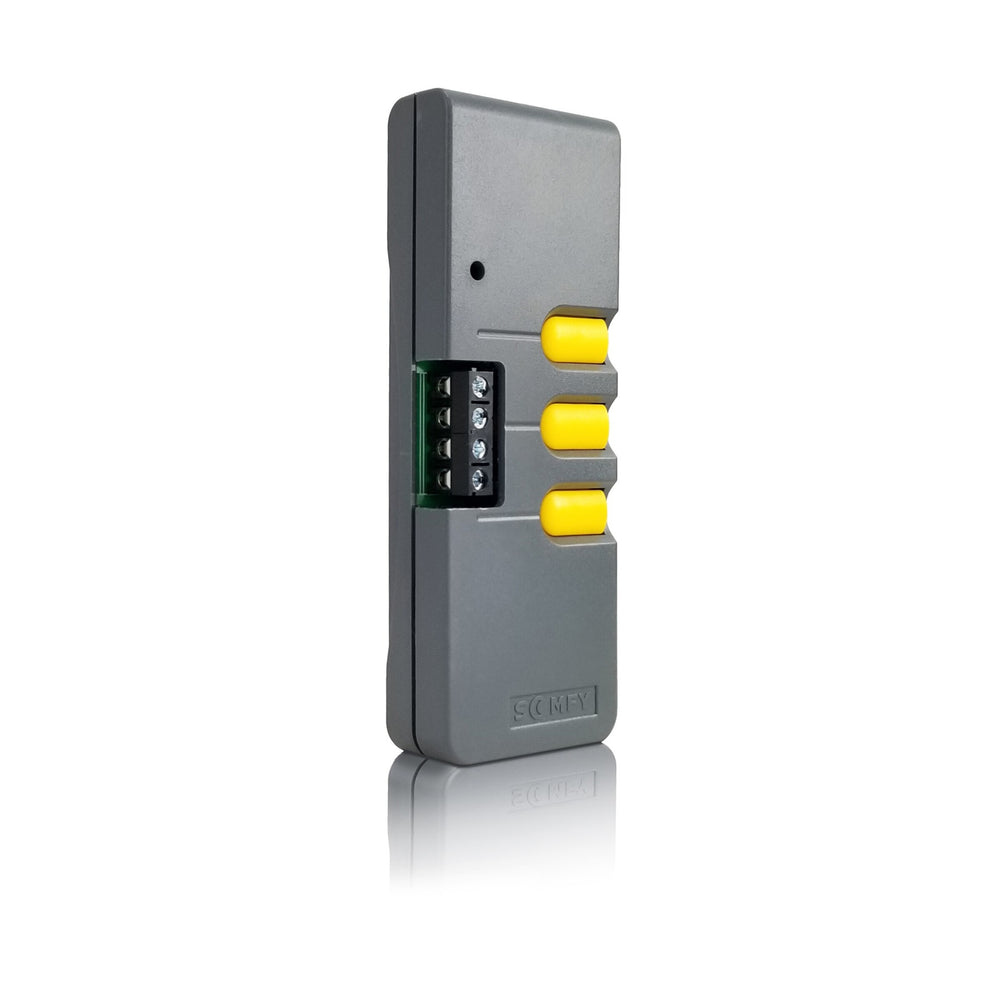
Somfy lists the Sonesse 30 RS485 24V DC (1241144) for the RS485 Motor Limit Setting & Address Reader Tool (9017142). That motor does not appear on the 9014599 list.
Watch forRead the ref on an RS485 motor before the visit. For 1241144, pack the 9017142.
When the ST30 tool is the wrong tool
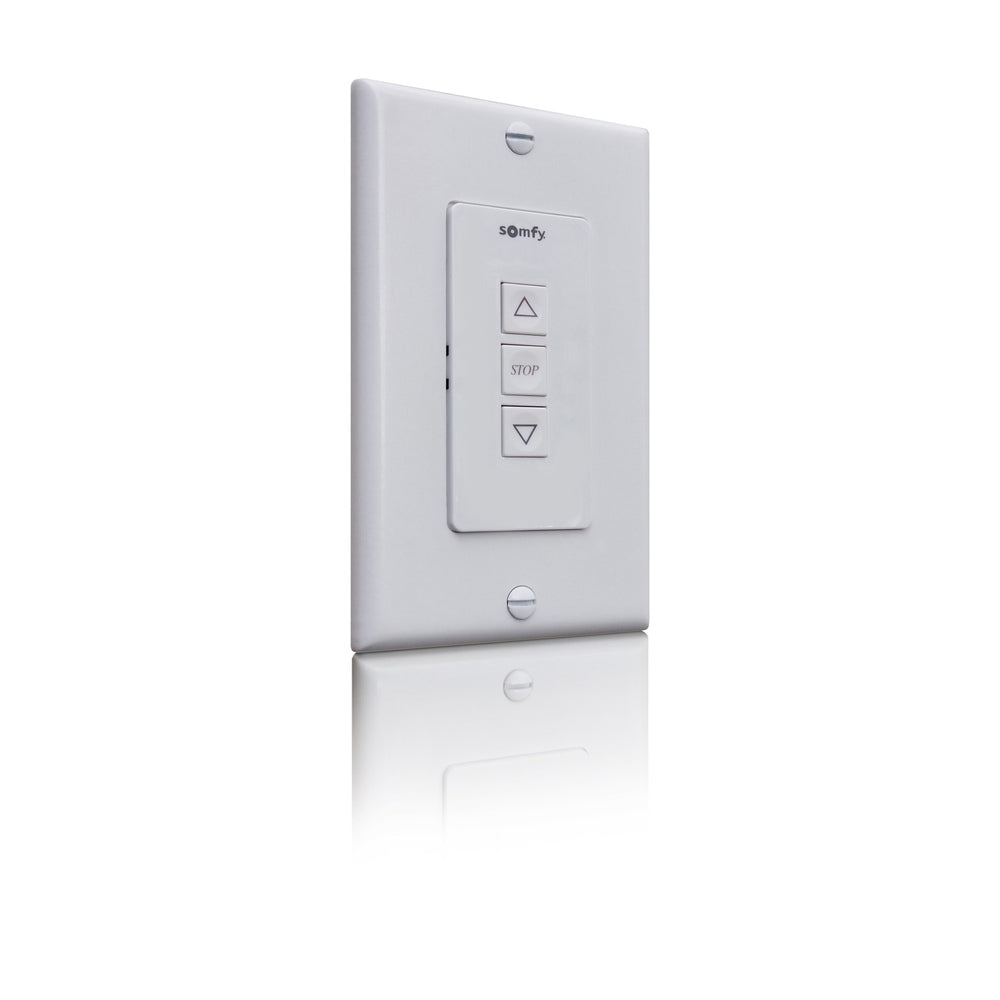
A wall switch lands on white/blue and white/orange for Up and Down, with orange as Common. Somfy's databook gives 23 ft maximum at AWG24 for the Sonesse 30 DCT Wall Switch (1800219).
ExampleAfter the limits are set, unplug the tool and land the Dry Contact Open, Close, Stop Wall Switch (1800219) on the same colors.
Check yourself
Hint: Look at the control letters in the motor name.
No. Somfy sets RTS limits via the radio transmitter and does not list 9014599 for this motor. Bring an RTS transmitter.
Final quiz
Each question is a real job scenario, one per screen. Stuck? Tap the hint. You see the right answer and why right after you choose. Pass and you get a printable certificate.
Score 80% to unlock 10% off your first ShadeMotorsDirect order.
Question 1 of 10
On the job: You are quoting a dry contact roller shade job with Sonesse 30 DCT 24V DC (1241146) motors.
Hint: Check the databook line under this motor.
Somfy's databook says Limit Setting Tool #9014599 is required for setting limits on the Sonesse 30 DCT 24V DC, sold separately.
Question 2 of 10
On the job: A dealer asks if the same tool covers a Glydea ULTRA 35 DCT (1246115) drapery motor on the same job.
Hint: Read Somfy's full name for part 9014599.
Somfy names the tool for Sonesse 30 Dry Contact/RS485, Glydea ULTRA and Irismo DCT and lists the Glydea ULTRA 35 DCT with 10' plug.
Question 3 of 10
On the job: On the bench you connect the setting tool to a Sonesse 30 DCT but leave the red and black leads loose.
Hint: Which cable carries power?
Somfy says the Sonesse 30 DCT can't be controlled with power going through the setting tool cable.
Question 4 of 10
On the job: You are landing the setting tool on the motor's 4-wire control cable.
Hint: Check the wire colour table for the tool cable.
Somfy's wiring is Up white/blue, Stop blue, Down white/orange, Common orange.
Question 5 of 10
On the job: A US homeowner offers a spare 24V adapter and an extension cord to power a Sonesse 30 DCT.
Hint: Check the power warnings in Module 2.
For the USA and Canada Somfy says to use only a Somfy power supply listed in the leaflet, and not to use an extension cord.
Question 6 of 10
On the job: You press Up on the setting tool for the first time and the shade lowers.
Hint: Somfy's direction check has its own fix.
Somfy says to press Stop until the shade moves up and down, which modifies the direction, then press Up to check.
Question 7 of 10
On the job: The shade sits at the top position you want during first setup.
Hint: Look at the two-button screen for the top position.
Somfy's step 2 is to press Stop and Down together and release once the shade begins to move.
Question 8 of 10
On the job: You stepped away mid-setup to adjust the fabric and came back several minutes later.
Hint: Reread how Module 3 says the setting mode ends.
Somfy says the end limit setting mode is also cancelled with 2 minutes of inactivity.
Question 9 of 10
On the job: A finished Sonesse 30 DCT shade blinks red 2 times, over and over, and will not run normally.
Hint: Count the blinks and check Somfy's LED table.
Somfy's troubleshooting lists red blinking 2 times repeatedly as the drive position being out of the end limits; the fix is to set the end limits.
Question 10 of 10
On the job: A job sheet lists Sonesse 30 RS485 24V DC (1241144) motors.
Hint: Find the tool whose compatibility list names 1241144.
Somfy lists the Sonesse 30 RS485 24V DC (1241144) for tool 9017142; it is not on the 9014599 list.
Almost done
Your score shows on the next screen. If you pass, your certificate and 10% code go to this email. They come from Shade Motors School (school@shademotorsdirect.com). Check Promotions, Updates or Spam if you don't see them.
Parts used in this course
Parts used in this course
Your cart is currently empty.
Not sure where to start? Try these collections: