Module 1 of 5
Spot a reversed motor
How to tell a reversed motor from a pairing or limit problem, and why the motor mode decides the fix. After this module you can name the right fix before you touch a button.
3 lessons, then a scenario check.

Shade Motors School · Program It · 201
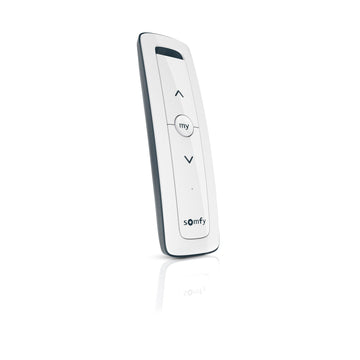
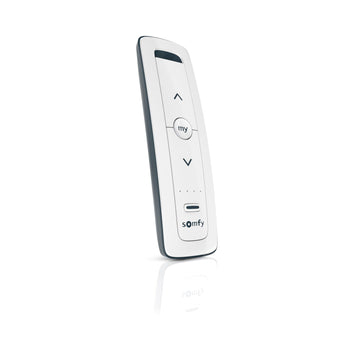
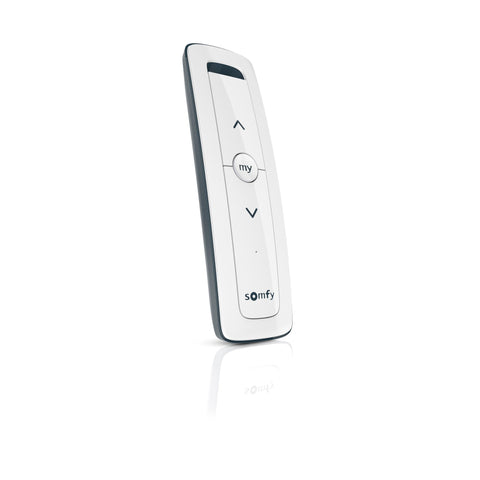
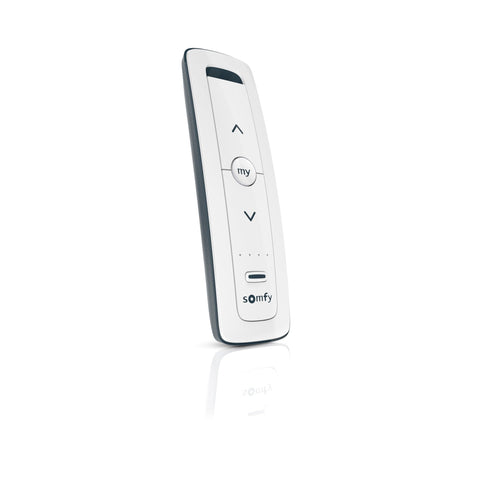
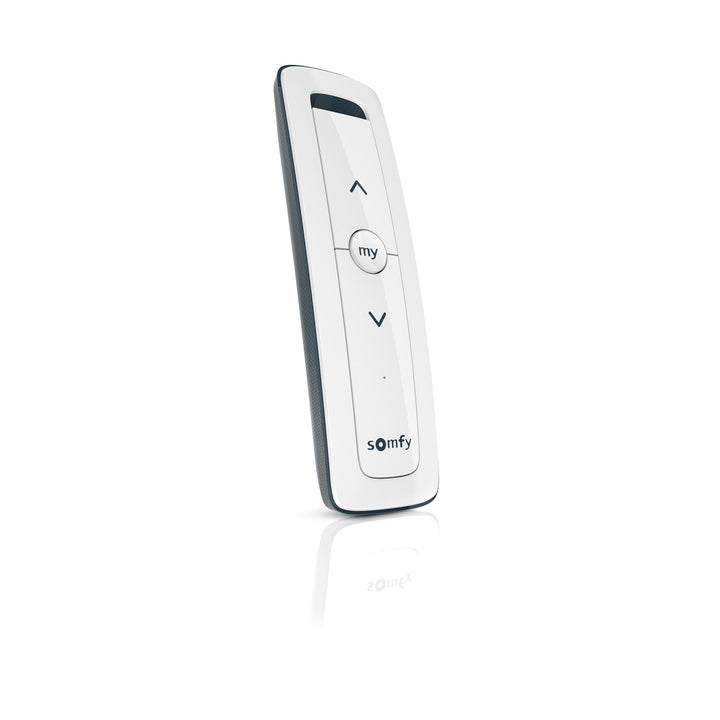
When UP lowers the shade, the motor direction is reversed, and Somfy fixes it with the MY button. Learn the fix during setup, the fix after limits are set on WireFree and drapery motors, and when a reset is the only route back.
You will be able to: Reverse the direction of a Somfy RTS shade or drapery motor with the right sequence for its mode.
Inside this course
Module 1 of 5
How to tell a reversed motor from a pairing or limit problem, and why the motor mode decides the fix. After this module you can name the right fix before you touch a button.
3 lessons, then a scenario check.
Spot a reversed motor
During setup, Somfy has you hold DOWN and watch the shade. It should travel down. If it goes up, the motor direction is reversed.
ExampleA new shade rises when you press DOWN on the first test. That is a direction problem, so fix it before the limits.
Spot a reversed motor
Somfy describes three modes. Factory mode has no limits or remotes. Programming mode moves the shade only while you hold a button. User mode is everyday use.
On the jobAsk first: is this shade in use with limits set, or brand new? The answer picks the sequence.
Spot a reversed motor
Somfy checks direction right after entering programming mode and before setting limits. Limits set on a reversed motor land on the wrong ends.
Watch forNever set limits until DOWN lowers the shade. Fixing direction later can mean starting over.
Check yourself
Hint: Which way should DOWN move the shade?
The motor direction is reversed. Somfy fixes it with the MY button, and the exact sequence depends on the motor mode.
Module 2 of 5
The sequence for standard RTS motors before limits are set. After this module you can flip a new motor in under a minute.
3 lessons, then a scenario check.
Reverse it during setup
Hold UP and DOWN together until the shade jogs. A jog is a brief up and down move that confirms the step.
On the jobSomfy notes radio reception drops in programming mode. Stand close to the motor head.
Reverse it during setup
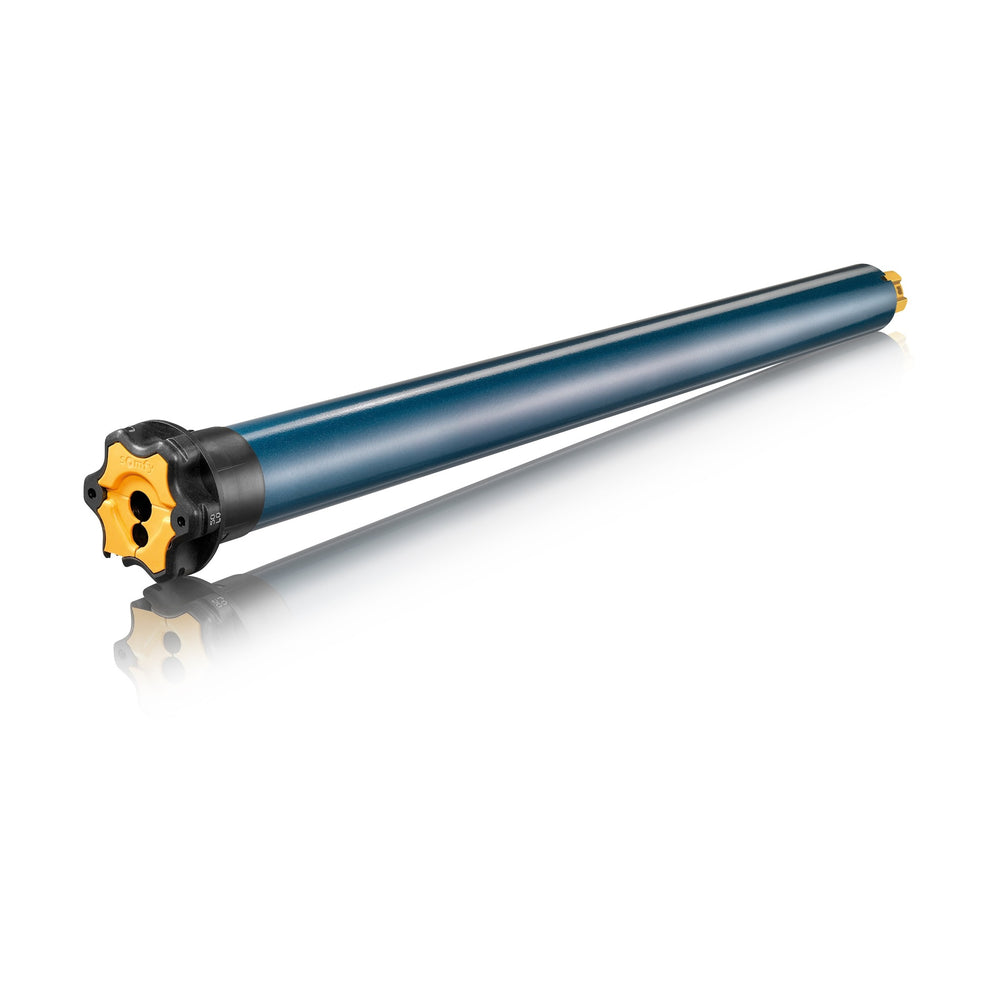
Hold DOWN. If the shade goes up, press and hold MY until the shade jogs. The direction is now reversed. Hold DOWN again to confirm.
ExampleAfter the MY jog, DOWN lowers the shade. Move on to the limits.
Reverse it during setup
Somfy groups the Sonesse 30, 40 and 50, the Sonesse ULTRA 50 and the Altus 40, 50 and 60 under standard RTS programming. The Sonesse 506S2 RTS is one of them.
Watch forPower only the motor you are setting. Other powered motors can pick up the same commands.
Check yourself
Hint: One button flips it during setup.
Hold MY until the shade jogs, then hold DOWN to confirm it now lowers.
Module 3 of 5
The user-mode sequence for WireFree Li-ion motors, which keeps the remotes and limits. After this module you can fix a battery shade without a reset.
2 lessons, then a scenario check.
Limits already set: WireFree
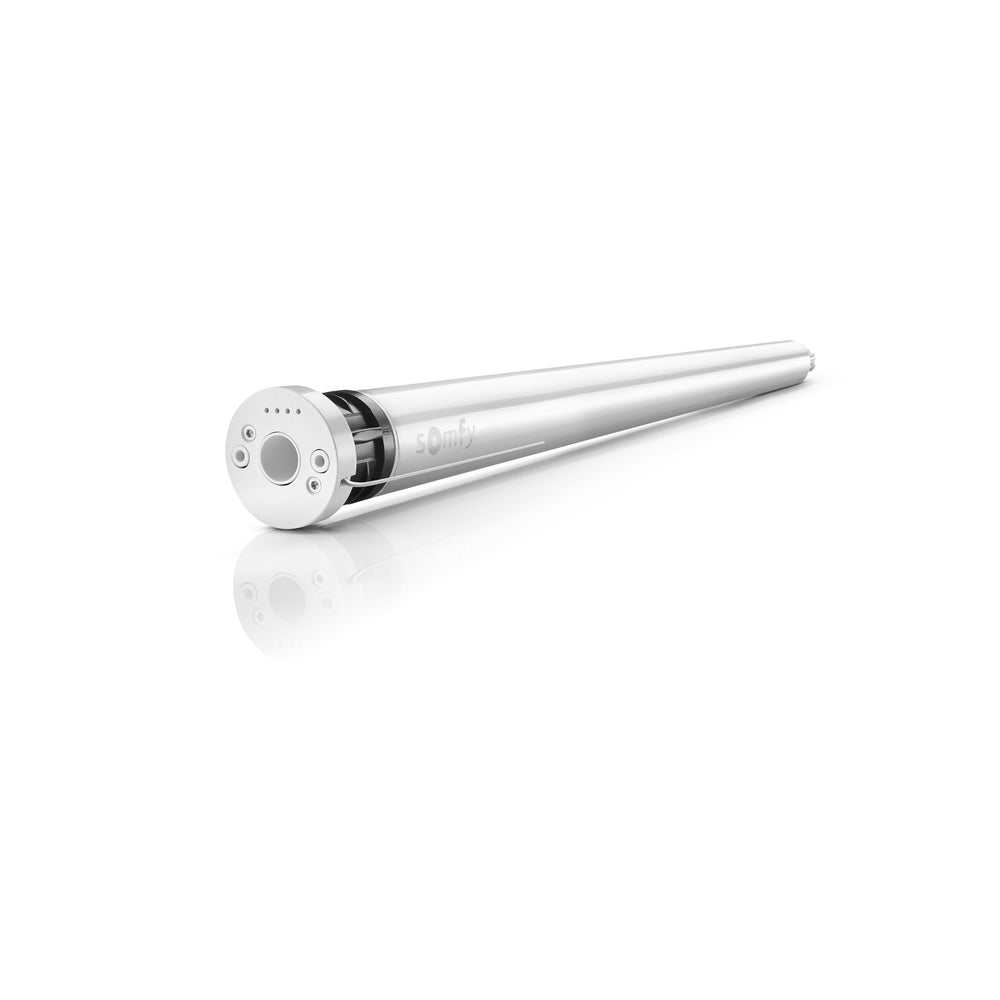
Move the shade off its limits. Hold UP and DOWN until it jogs once and the LED turns orange. Briefly press MY until it jogs once. The direction is reversed.
On the jobStop the shade mid-travel first. The sequence starts away from the limits.
Limits already set: WireFree
Somfy lists this for embedded Li-ion motors: Roll Up 24 and 28, Sonesse 28, Sonesse 30, Sonesse ULTRA 30 and Sonesse 40 WireFree.
ExampleA Sonesse 40 WireFree shade runs backward after a service visit. Use the user-mode sequence and keep its limits.
Check yourself
Hint: Start away from the limits.
Move it off its limits, hold UP and DOWN until one jog, then briefly press MY until one jog.
Module 4 of 5
What to do when a standard RTS motor in user mode runs backward. After this module you can plan the reset and set-up so nothing is lost.
2 lessons, then a scenario check.
Limits already set: standard motors
The Somfy RTS Pocket Guide sets standard motor direction during setup only. Holding the motor head button about 15 seconds until 3 jogs resets the motor.
Watch forA reset erases every paired remote and the limits. List the remotes and their channels first.
Limits already set: standard motors
After the reset, enter programming mode, test DOWN, fix direction with MY, set the limits and pair the remote again.
On the jobBook the time for a full set-up, not a quick fix, when a standard motor in use runs backward.
Check yourself
Hint: The standard section sets direction in one place.
A reset at the motor head, about 15 seconds until 3 jogs, then a full set-up with the direction check first.
Module 5 of 5
The direction fix for Glydea and Irismo drapery motors, both during setup and in user mode. After this module you can flip a drapery that opens on CLOSE.
2 lessons, then a scenario check.
Drapery motors
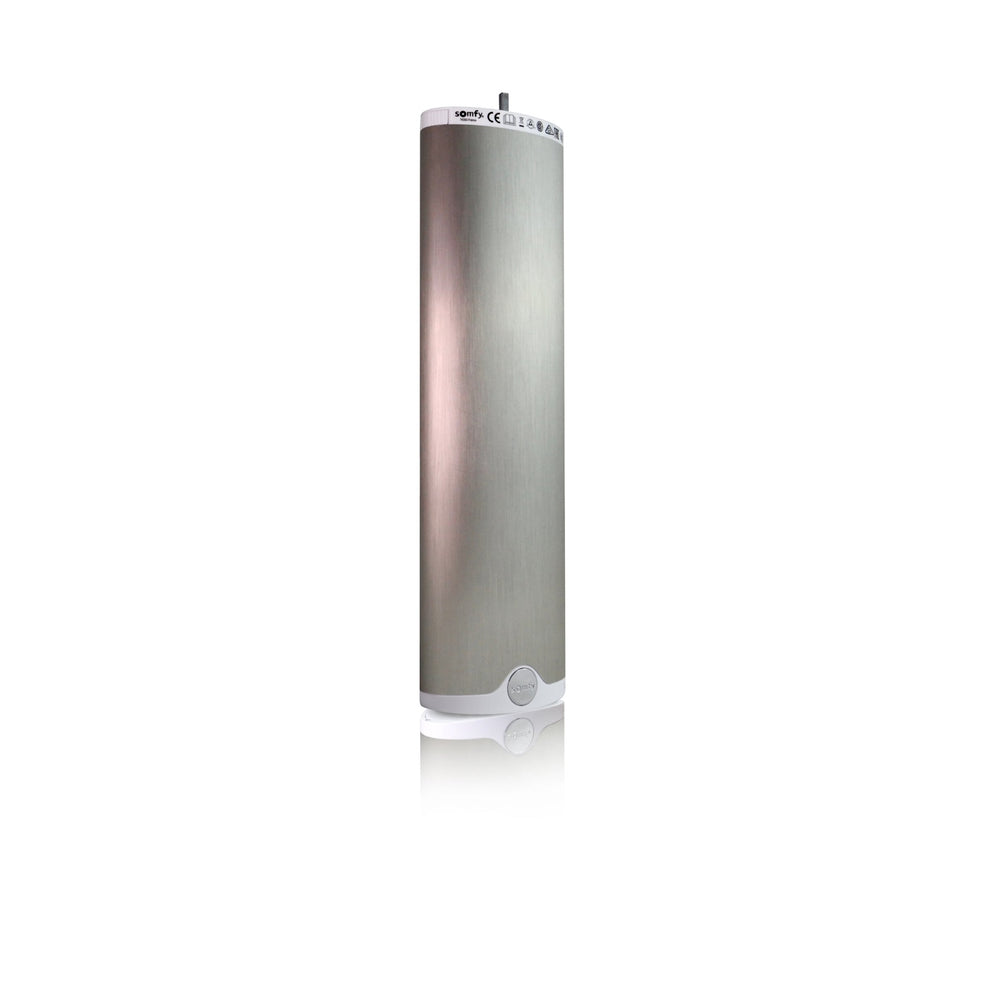
During setup, press OPEN. If the drapery closes, hold MY until it jogs. In user mode, move off the limit, hold OPEN and CLOSE until a jog, then hold MY until a jog.
ExampleA hotel drapery closes on OPEN after a motor swap. Use the user-mode sequence and keep the limits.
Drapery motors
The Glydea ULTRA 60 RTS follows Somfy's drapery RTS programming, along with the Glydea ULTRA 35, Irismo 35 Mini DC and Irismo 45 WireFree.
On the jobDrapery motors read OPEN and CLOSE where shades read UP and DOWN. The MY button does the same job.
Check yourself
Hint: Drapery motors have a user-mode fix.
Move it off the limit, hold OPEN and CLOSE until a jog, then hold MY until a jog.
Final quiz
Each question is a real job scenario, one per screen. Stuck? Tap the hint. You see the right answer and why right after you choose. Pass and you get a printable certificate, plus a 10% code for your first ShadeMotorsDirect order.
Question 1 of 10
On the job: During setup a new shade rises when you hold DOWN.
Hint: Which way should DOWN go?
DOWN must lower the shade. Rising means reversed direction.
Question 2 of 10
On the job: You are about to set limits on a new shade.
Hint: Somfy checks this before limits.
Somfy has you check direction before setting limits.
Question 3 of 10
On the job: A new Sonesse 50 RTS is in programming mode and runs backward.
Hint: The middle button.
Hold MY until the shade jogs to reverse direction during setup.
Question 4 of 10
On the job: You hold UP and DOWN on a new motor and the shade jogs.
Hint: This press starts setup.
Holding UP and DOWN until a jog enters programming mode.
Question 5 of 10
On the job: A Sonesse 40 WireFree shade with limits set runs backward.
Hint: Li-ion motors have a user-mode route.
Somfy starts the Li-ion user-mode fix away from the limits with UP and DOWN.
Question 6 of 10
On the job: After holding UP and DOWN on a WireFree Li-ion motor, the LED turns orange.
Hint: The same button that flips it in setup.
A brief MY press until one jog reverses the direction.
Question 7 of 10
On the job: A standard Sonesse 50 RTS with limits set runs backward.
Hint: The standard section sets direction in one place.
The guide sets standard-motor direction during setup, after a reset.
Question 8 of 10
On the job: You plan a reset on a standard motor that runs backward.
Hint: A reset erases more than limits.
A reset erases paired remotes and limits.
Question 9 of 10
On the job: A Glydea drapery opens on CLOSE during setup.
Hint: Same button as shades.
Hold MY until a jog to reverse a drapery motor during setup.
Question 10 of 10
On the job: A Glydea in daily use runs backward and you want to keep its limits.
Hint: Drapery motors have a user-mode fix.
Somfy lists this user-mode sequence for drapery RTS motors.
Almost done
Your score shows on the next screen. The certificate goes to your inbox so you can download it again later.
Parts used in this course
Parts used in this course
Your cart is currently empty.
Not sure where to start? Try these collections: