Skip to content
Genuine Somfy Motors & Parts for Roller Shades

Shade Motors School · Fix It · 201

How to Reset a Somfy RTS Motor to Factory Mode

Somfy RTS motors reset at the motor head, through a dual power cut, or at the Glydea motor button, and each method erases a different set of settings. Learn the reset for your motor, count the jogs, and rebuild limits and remotes in the right order.

  • 5 modules
  • 15 min
  • 10-question quiz
  • Free certificate
  • Unlocks 10% off
10% OFF

Pass the quiz to unlock 10% off your first ShadeMotorsDirect order. Your code and certificate arrive by email from Shade Motors School.

You will be able to: Reset any Somfy RTS motor to the right level, then bring it back into service.

Start the course

Inside this course

5 modules, one idea at a time

  1. Know what a reset erasesTell an erase-controls reset from a full factory reset by what each one wipes and by the jogs the motor gives you, so you never wipe more than the job needs.3 lessons · scenario check
  2. Reset at the motor headReset low-voltage and Li-ion WireFree RTS motors with the programming button on the motor head, and pick the right hold for the result you want.3 lessons · scenario check
  3. Reset with a dual power cutRun Somfy's dual power cut on Altus RTS and LT RTS CMO motors, hold the right transmitter button, and know which settings each motor erases.5 lessons · 5-step walkthrough · scenario check
  4. Reset a Glydea drapery motorUse the PROG button on a Glydea motor to clear its controls while keeping the drapery limits, or to wipe it back to factory mode.2 lessons · scenario check
  5. Rebuild after the resetBring a reset motor back into service in the right order: set the limits if the reset erased them, then pair the first remote, then add the rest.3 lessons · scenario check
  6. Final quiz10 real job scenarios, one per screen, each with a hint if you need it. Score 80% to pass and get your certificate.

Pass = 10% off

Finish every module, pass the quiz, unlock 10% off

Module 1 of 5

Know what a reset erases

Tell an erase-controls reset from a full factory reset by what each one wipes and by the jogs the motor gives you, so you never wipe more than the job needs.

3 lessons, then a scenario check.

Know what a reset erases

Two levels of reset

An erase-controls reset deletes every remote and sensor and keeps the limits. A factory reset deletes the controls and the limits too, so the motor acts like a new one.

On the jobA shade that stops in the right places only needs its remotes cleared. Keep the limits you already have.

TWO LEVELS OF RESETErase controlsRemotes and sensors: erasedLimits: keptRe-pair your remotesand carry onFactory resetRemotes and sensors: erasedLimits: erasedSet limits, then pairlike a new motor

Know what a reset erases

Count the jogs

On Li-ion WireFree and Glydea motor-head resets, the jog count tells you the result. Two jogs: controls erased. Three jogs: all settings erased, and you set the limits again.

Watch forStop at two jogs when you only need the remotes gone. Holding to three means setting the limits again.

COUNT THE JOGS2 jogsAll programmed controls erased.3 jogsAll settings erased. Set the limits again.Applies to Li-ion WireFree and Glydea motor-head resets

Know what a reset erases

Reset comes last

A reset wipes settings you then have to rebuild. Check remote batteries, power and charge first, and save the reset for a motor that still will not take commands.

ExampleA dead remote battery looks like a dead motor. Swap the battery before you erase the motor's memory.

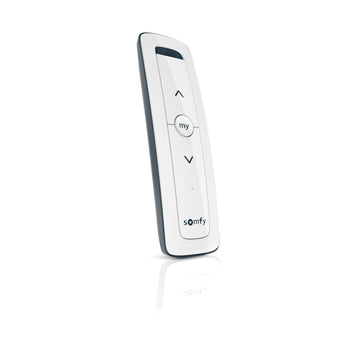
Somfy Situo 1 Channel RTS Pure Remote (1870571)
Situo 1 RTS remote (1870571)

Check yourself

A client lost their only remote, but the shade still stops at the right top and bottom positions. Which reset do you want?

Finish every module, pass the quiz, unlock 10% off

Module 2 of 5

Reset at the motor head

Reset low-voltage and Li-ion WireFree RTS motors with the programming button on the motor head, and pick the right hold for the result you want.

3 lessons, then a scenario check.

Reset at the motor head

Paper clip, 15 seconds

On low-voltage RTS motors like the ST30 Sonesse 30 24V DC, press and hold the motor head PROG button with a paper clip for about 15 seconds, until the shade jogs 3 times.

On the jobSomfy calls for a paper clip or a similar tool to press the motor head button. Keep one in your kit.

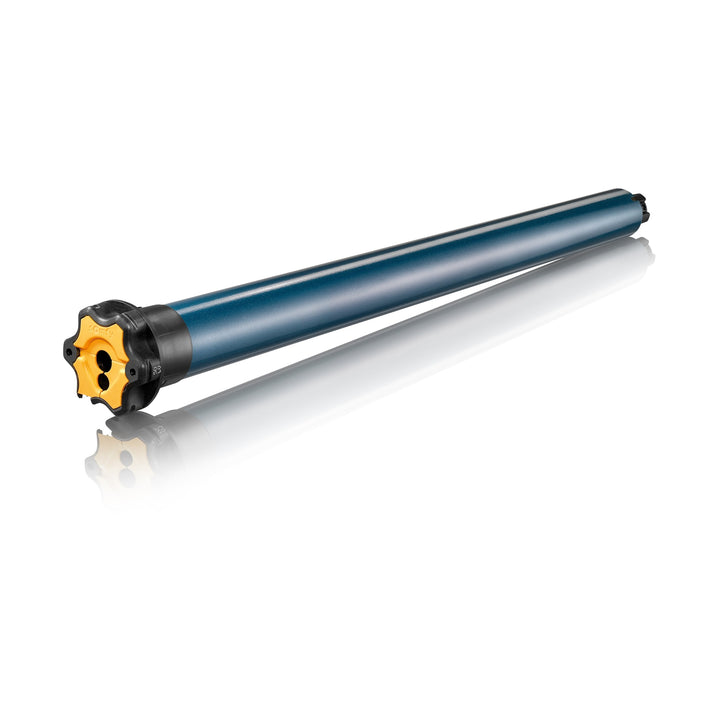
Somfy Sonesse 30 RTS 24V DC Motor (1241142)
Sonesse 30 RTS 24V DC (1241142)

Reset at the motor head

What 15 seconds erases

That hold erases all transmitters and limits. The motor goes back to factory mode, and you must set the limits again.

Watch forPlan time on site to set the limits and pair a remote once the 3 jogs finish.

MOTOR HEAD BUTTONMotor head PROG buttonHold about15 secondsuntil 3 jogsR28 and Roll-Up 28 WireFree RTS, LT-30 RTS 12V DC, ST30 Sonesse 30, CL32

Reset at the motor head

Li-ion WireFree: two levels

On RTS motors with an embedded Li-ion battery, hold the motor head PROG button. Release at two jogs to delete the transmitters. Hold until 3 jogs to erase all settings.

ExampleOn a Sonesse 28 WireFree RTS with a lost remote, release at two jogs. Only the 3-jog hold calls for setting the limits again.

Somfy Sonesse Ultra R28 12V Rechargeable Li-ion Motor (1003297)
Sonesse 28 WireFree RTS Li-ion (1003297)

Check yourself

You are resetting a Sonesse 30 RTS 24V DC motor at the head. The shade jogs once and you are about 8 seconds in. What do you do?

Finish every module, pass the quiz, unlock 10% off

Module 3 of 5

Reset with a dual power cut

Run Somfy's dual power cut on Altus RTS and LT RTS CMO motors, hold the right transmitter button, and know which settings each motor erases.

5 lessons, then a scenario check.

Reset with a dual power cut

The dual power cut

Somfy's LT RTS CMO sequence: power off 2 seconds, on 10 seconds, off 2 seconds, then back on. Altus RTS 110V AC motors also reset through a dual power cut.

On the jobCount each step against a watch so every off and on period matches Somfy's times.

DUAL POWER CUTSTEP 1OFF2 secondsSTEP 2ON10 secondsSTEP 3OFF2 secondsSTEP 4ONstay onSequence from Somfy's LT RTS CMO reset instructions

Reset with a dual power cut

Altus RTS: hold through two jogs

On an Altus RTS 110V AC motor, hold PROG on any transmitter for about 7 seconds. It jogs at about 2 seconds. Keep holding until it jogs again.

Watch forLetting go after the first jog sends you back to the start of the dual power cut.

ALTUS RTS: HOLD THROUGH TWO JOGSHold PROG on any transmitter, about 7 secondsabout 2 s: first jogkeep holdingsecond jogreset validatedLet go early and you start the dual power cut againResult: all previous settings deleted, motor in factory mode

Reset with a dual power cut

Altus RTS result

The Altus RTS reset deletes all previous settings and returns the motor to factory mode. Plan to set limits and pair a remote afterward.

ExampleOn a shutter with an Altus RTS 550R2, you leave with new limits and a paired remote.

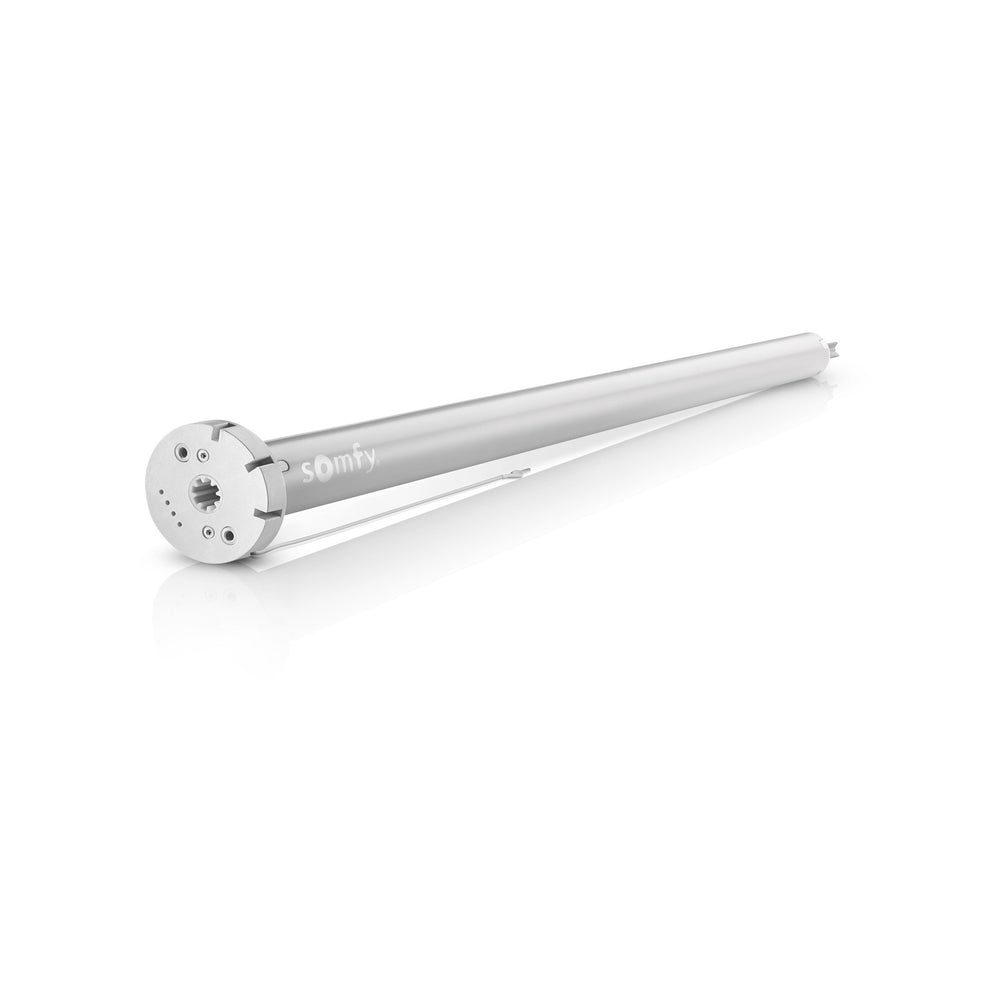
Somfy Altus RTS 550R2 (1038170)
Altus RTS 550R2 (1038170)

Reset with a dual power cut

LT RTS CMO: controls only

On an LT RTS CMO motor, the reset erases all controls and leaves the limits alone. The motor stays in programming mode for 2 minutes after the cut.

On the jobAn awning that still stops at the right spots keeps those stops. You only re-pair the remotes.

Somfy 525A2 RTS CMO 120V 3-Wire Motor (1043426)
525A2 RTS CMO, an LT50 RTS CMO (1043426)

Reset with a dual power cut

Lost the original remote

If the original transmitter is missing on an LT RTS CMO, hold PROG on any RTS transmitter after the cut. It becomes the programmed control and all previous controls are deleted.

ExampleBring a Situo 1 RTS to the job. It can stand in for the lost remote.

LOST THE ORIGINAL REMOTEOriginal remotemissingDual power cuton the LT RTS CMOAny RTS transmitterhold its PROGbecomes the programmedcontrol; old ones deleted

Step by step

Reset an LT RTS CMO motor, step by step

From Somfy's LT RTS CMO instructions. This erases the controls and keeps the limits.

5 steps, one per screen.

DUAL POWER CUTSTEP 1OFF2 secondsSTEP 2ON10 secondsSTEP 3OFF2 secondsSTEP 4ONstay onSequence from Somfy's LT RTS CMO reset instructions

Step 1 of 5

Turn the power off for 2 seconds.

The motor has no power.

Step 2 of 5

Turn the power on for 10 seconds.

Wait out the full 10 seconds.

Step 3 of 5

Turn the power off for 2 seconds.

This is the second cut.

Step 4 of 5

Turn the power back on.

The shutter or awning moves for about 5 seconds in one direction. The motor is in programming mode for 2 minutes.

Step 5 of 5

Press and hold PROG on the previously programmed transmitter.

All controls are erased. The limits are not affected. If the original is missing, any RTS transmitter becomes the programmed control.

Check yourself

An awning on a 525A2 RTS CMO, an LT50 RTS CMO motor, lost its only remote. After the dual power cut, what do you press?

Finish every module, pass the quiz, unlock 10% off

Module 4 of 5

Reset a Glydea drapery motor

Use the PROG button on a Glydea motor to clear its controls while keeping the drapery limits, or to wipe it back to factory mode.

2 lessons, then a scenario check.

Reset a Glydea drapery motor

PROG on the motor

On a Glydea drapery motor, the reset button sits on the motor. Locate the PROG button, then press and hold it while you watch the drapery.

On the jobStand where you can see the panel move. The drapery does the jogging.

Somfy Glydea Ultra 35 RTS Drapery Motor (1246116)
Glydea ULTRA 35 RTS (1246116)

Reset a Glydea drapery motor

Two jogs or three

Release at 2 jogs and all controls are erased with the limits retained. Hold until 3 jogs and all settings are erased, so you set the limits again.

Watch forMost drapery jobs need the 2-jog reset. Go to 3 jogs only when the open and close positions are wrong.

GLYDEA: HOLD THE MOTOR BUTTONPROG button on the motor: press and holdRelease at 2 jogsControls erasedLimits retainedRelease at 3 jogsAll settings erasedSet limits again

Check yourself

A hotel drapery on a Glydea ULTRA 35 RTS opens and closes to the right positions, but a guest left with the remote. How long do you hold PROG?

Finish every module, pass the quiz, unlock 10% off

Module 5 of 5

Rebuild after the reset

Bring a reset motor back into service in the right order: set the limits if the reset erased them, then pair the first remote, then add the rest.

3 lessons, then a scenario check.
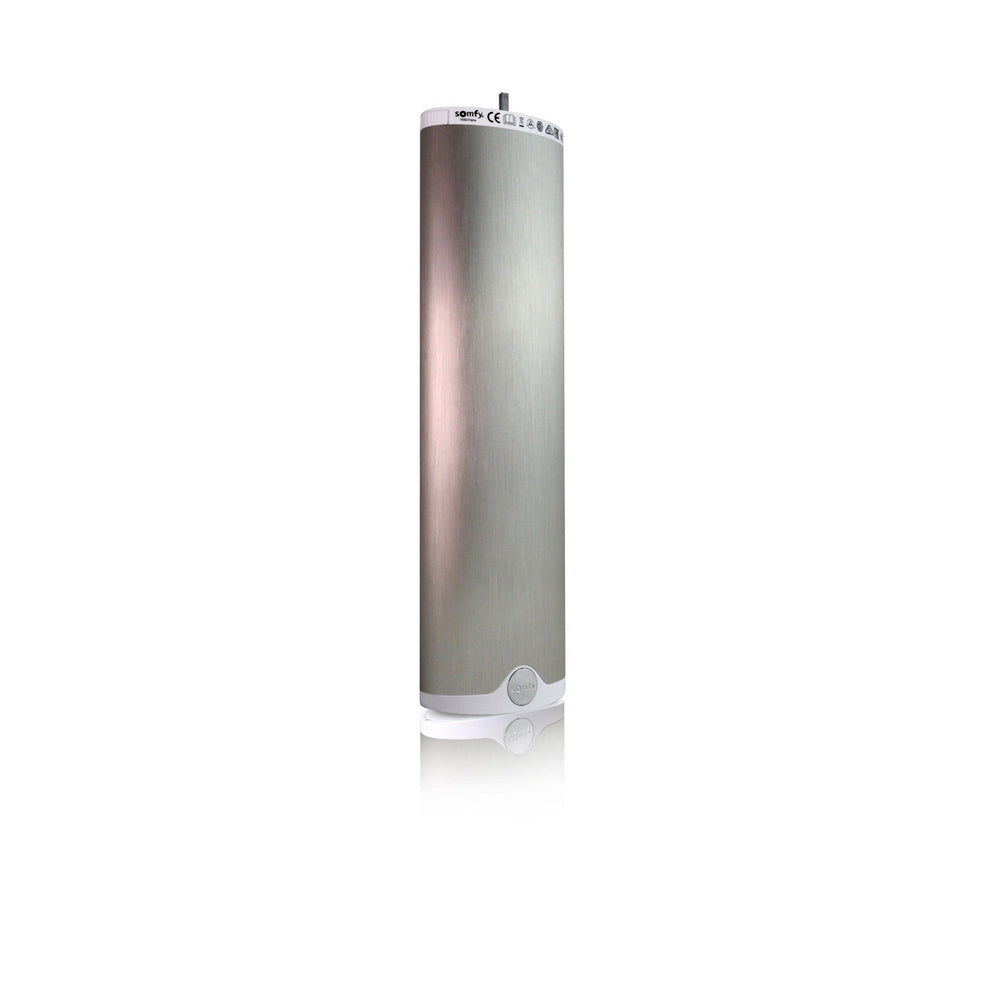
Rebuild after the reset

Back to factory mode

Somfy ships motors in factory mode, without set limits or programmed transmitters. A factory reset puts the motor back in that state.

ExampleTreat a reset Altus RTS 550R2 like one you just pulled from the box.

Somfy Altus RTS 550R2 (1038170)
Altus RTS 550R2 (1038170)

Rebuild after the reset

Limits, then a remote

When the reset erased the limits, set them first, then pair the first remote. Add the other remotes and sensors once that remote runs the shade.

On the jobFollow the limits course on site, then pair the first remote.

AFTER A FACTORY RESET1Set the limitstop and bottom2Pair a remotethe first control3Add the restremotes, sensorsA reset motor behaves like one fresh from the box

Rebuild after the reset

Test every control

Run the shade end to end and confirm it stops at both limits. Then press UP, DOWN and MY from each remote and sensor you paired.

Watch forA remote you forgot to add looks dead to the client. Test them all before you leave.

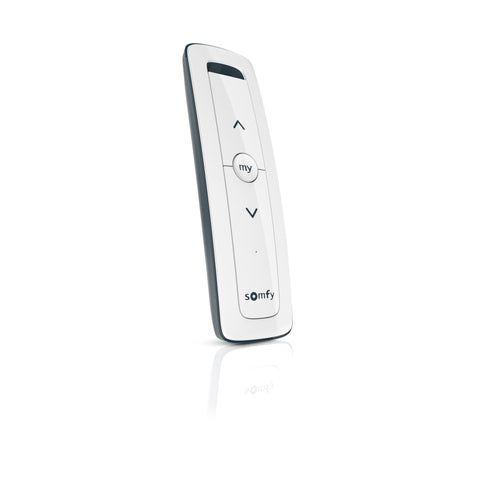
Somfy Situo 1 Channel RTS Pure Remote (1870571)
Situo 1 RTS remote (1870571)

Check yourself

You just ran a 3-jog reset on a Sonesse 28 WireFree RTS. The client wants their two remotes back. What do you do first?

Final quiz

10 questions. Score 80% to pass.

Each question is a real job scenario, one per screen. Stuck? Tap the hint. You see the right answer and why right after you choose. Pass and you get a printable certificate.

10% OFF

Score 80% to unlock 10% off your first ShadeMotorsDirect order.

Question 1 of 10

On the job: A homeowner's shade stops at the right top and bottom, but their only remote went out with the trash.

Which reset fits the job?

Question 2 of 10

On the job: You hold the head button on a Li-ion WireFree motor and count the jogs.

The shade jogs 3 times. What happened?

Question 3 of 10

On the job: A shade on a Sonesse 30 RTS 24V DC motor needs a full reset at the head.

How long does Somfy say to hold the motor head PROG button?

Question 4 of 10

On the job: You reset a Sonesse 28 WireFree RTS (Li-ion) at the head and let go when the shade jogged twice.

What did you erase?

Question 5 of 10

On the job: You run a dual power cut on an Altus RTS 110V AC shutter and hold PROG on a transmitter.

The motor jogs once at about 2 seconds. What next?

Question 6 of 10

On the job: Your helper let go of PROG after the first jog during an Altus RTS reset.

What does Somfy say happens?

Question 7 of 10

On the job: You are about to reset a 525A2 RTS CMO awning motor.

What is the dual power cut sequence?

Question 8 of 10

On the job: An LT RTS CMO awning lost its original remote. You finished the dual power cut.

What do you use to complete the reset?

Question 9 of 10

On the job: A Glydea drapery opens and closes to the right spots, but the property wants every old remote cleared.

When do you release the motor's PROG button?

Question 10 of 10

On the job: You finished a factory reset on an Altus RTS motor and have the client's remote in hand.

What do you do first?

Almost done

Where should we send your certificate?

Your score shows on the next screen. If you pass, your certificate and 10% code go to this email. They come from Shade Motors School (school@shademotorsdirect.com). Check Promotions, Updates or Spam if you don't see them.

Your name prints on the certificate. You'll also get new course alerts and Somfy tips from ShadeMotorsDirect. Unsubscribe any time.

Parts used in this course

Genuine Somfy parts, 5-year warranty