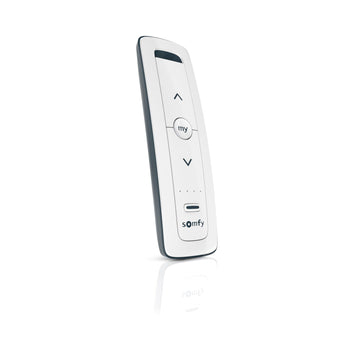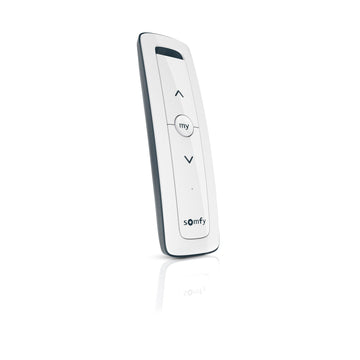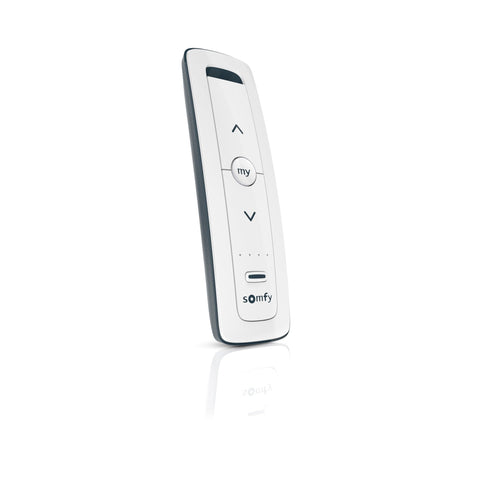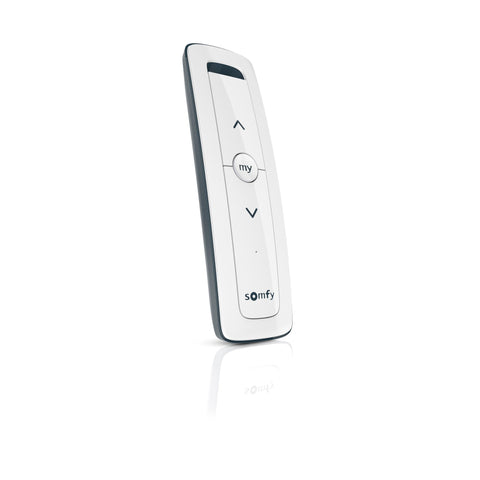
Module 1 of 5
What limits are, and which motors set them from the remote
What limits are and why getting them right protects the shade. You will also learn how to tell whether a motor sets limits from the remote.
3 lessons, then a scenario check.

Shade Motors School · Program It · 201
Set the top and bottom stop points on an electronic-limit Somfy RTS motor with nothing but the remote. Includes the direction check, fixing a reversed motor, and the My favorite position.
You will be able to: Set upper and lower limits, reverse a backward motor, and save a My position.
Inside this course
Module 1 of 5
What limits are and why getting them right protects the shade. You will also learn how to tell whether a motor sets limits from the remote.
3 lessons, then a scenario check.
What limits are, and which motors set them from the remote
Limits are the two points where the motor stops on its own: fully up and fully down.
ExampleFully up should stop with the hem bar just clear of the headrail. Fully down should cover the window with the hem bar where it looks right.
What limits are, and which motors set them from the remote
Set them too far and the shade wraps over the roller or pulls the hem bar into the headrail. Set them too short and the window never fully covers.
ExampleA shade that wraps over the roller on the way up has an upper limit set too high.
What limits are, and which motors set them from the remote
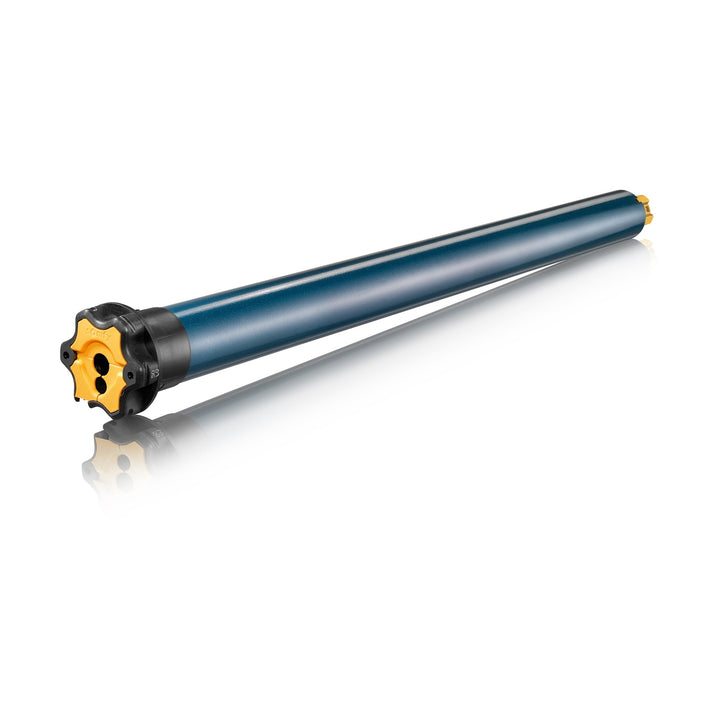
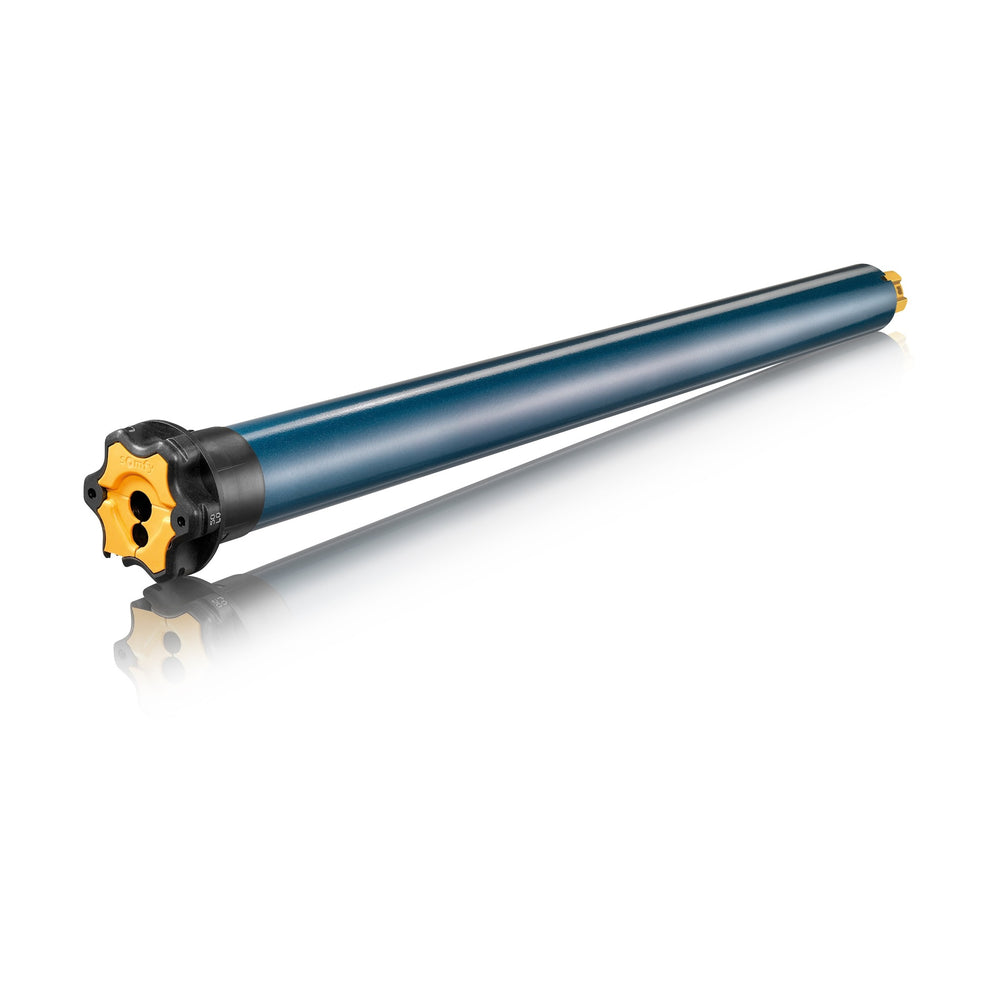
Most Somfy RTS motors store electronic limits, set from the remote. A few heavy-duty motors use mechanical limits, set on the motor head. Check the spec sheet under limit type. This course covers electronic limits.
On the jobLook up the part number before the visit. The spec sheet tells you whether you need a remote or a tool for limits.
Check yourself
Hint: Somfy publishes it for every part number.
The motor's Somfy spec sheet, under limit type.
Module 2 of 5
One rule that prevents the most common limit-setting mess: only the motor you are working on gets power.
2 lessons, then a scenario check.
Power one motor at a time
Somfy's guide opens limit setting with this rule. RTS motors in setting mode respond to the remote, and a second powered motor nearby can pick up the same commands.
ExampleThree shades on one circuit, all powered. The second shade can pick up the same commands while you set the first. Now you have two shades to redo.
Power one motor at a time
Unplug the others, or leave their pigtails disconnected, until each one is done. Set battery motors one by one before you mount the next.
On the jobLeave the pigtails of the other motors unplugged until the first one is done, then move down the line.
Check yourself
Hint: Think about what other powered motors can hear.
Other powered motors in setting mode can respond to the same remote commands.
Module 3 of 5
Getting the motor ready: enter setting mode, then make sure DOWN really means down before you store anything.
3 lessons, then a scenario check.
Enter setting mode and check direction
Press and hold UP and DOWN together until the motor jogs. A fresh or reset motor is now in setting mode with the remote you are holding.
ExampleA fresh motor out of the box. Hold UP and DOWN together, the shade jogs, and you are in setting mode.
Enter setting mode and check direction
Press and hold DOWN. The shade must travel down. If it goes up, the motor is reversed, which depends on which end of the roller it sits.
Watch forDirection depends on which end of the roller the motor sits. A shade can be installed correctly and still run backward at first.
Enter setting mode and check direction
Press and hold MY until the motor jogs, and the direction flips. On WireFree Li-ion motors Somfy notes this hold is about 2 seconds.
On the jobFix direction before you store any limit. A limit set with reversed buttons is a limit you will set again.
Check yourself
Hint: One button reverses direction in setting mode.
Press and hold MY until the motor jogs. That reverses the direction.
Module 4 of 5
Store the top stop, store the bottom stop, confirm both. Three button combinations and you are done.
4 lessons, then a scenario check.
Set the upper and lower limits
Run the shade to where you want the top stop. Press and hold MY and DOWN together until the shade starts moving, then let go. The upper limit is stored and the shade heads down.
On the jobSet the top first. The shade starts down on its own once the upper limit is stored, which is your sign it worked.
Set the upper and lower limits
Stop the shade at the bottom you want and fine-tune with UP and DOWN. Press and hold MY and UP together until it moves, then let go. It returns to the upper limit by itself.
On the jobTake your time at the bottom. Nudge with UP and DOWN until the hem bar sits exactly where the customer wants it.
Set the upper and lower limits
Press and hold MY until the motor jogs. That confirms both limits.
Watch forIf the shade does not jog when you hold MY at the end, the limits are not confirmed. Hold MY again.
Set the upper and lower limits
On a new motor, briefly press PROG on the remote afterward. The shade jogs, the remote is paired, and the motor moves into normal user mode.
ExampleBrand new motor, limits set and confirmed. Tap PROG on the remote, the shade jogs, and the customer's remote is paired.
Step by step
For electronic-limit RTS motors. Power only the motor you are setting.
7 steps, one per screen.
Step 1 of 7
Release when the shade jogs. The motor is in setting mode.
Step 2 of 7
The shade should go down. If it goes up, hold MY until it jogs to reverse it.
Step 3 of 7
Release when the shade starts down. The upper limit is stored.
Step 4 of 7
Leave the hem bar where it should finish.
Step 5 of 7
Release when it starts up. It stops at the upper limit by itself.
Step 6 of 7
The shade jogs. Both limits are confirmed.
Step 7 of 7
The shade jogs. The remote is paired and the motor is in normal use.
Check yourself
Hint: The upper limit is stored from the top position.
MY and DOWN together, held until the shade starts moving down.
Module 5 of 5
The favorite position most customers end up using every day: set it, use it, change it.
4 lessons, then a scenario check.
Save a favorite position with MY
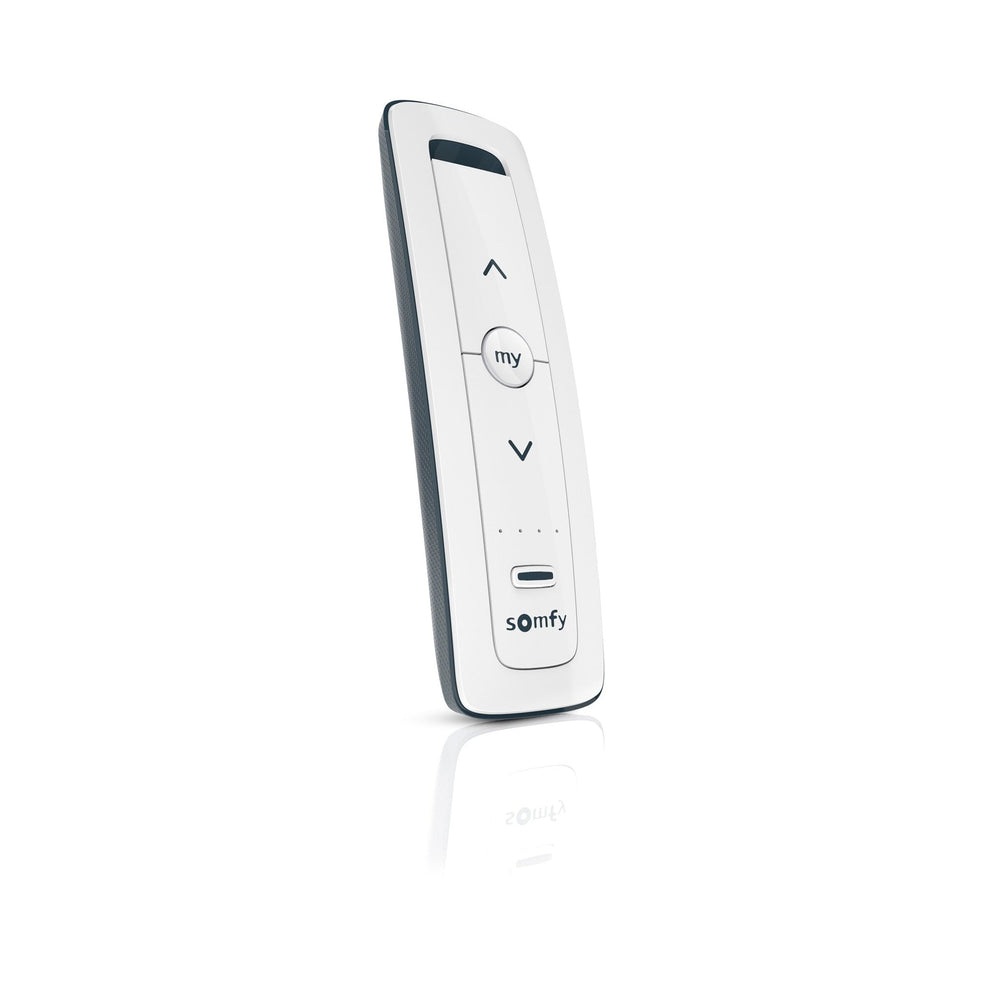
The MY button saves one position between the limits, handy for glare control or a half-open privacy height.
ExampleA west-facing office lowers shades halfway every afternoon. A saved MY position does it with one press.
Save a favorite position with MY
Move the shade to the height you want. Briefly press MY to stop it, then press and hold MY until the shade jogs.
On the jobAsk the customer where they want it before you leave. Setting MY takes seconds while you are there.
Save a favorite position with MY
Press MY while the shade is stopped. If it is moving, press MY twice: the first press stops it and the second sends it to your spot.
Watch forIf the shade is moving, one press of MY only stops it. The second press sends it to the saved spot.
Save a favorite position with MY
Press MY briefly to go to the saved spot. Then press and hold MY for about 5 seconds, until the shade jogs.
ExampleThe customer wants a new MY height. Delete the old one, then set the new one the same way you set the first.
Check yourself
Hint: The first press of MY on a moving shade only stops it.
Press MY twice. The first press stops it, the second sends it to My.
Final quiz
Each question is a real job scenario, one per screen. Stuck? Tap the hint. You see the right answer and why right after you choose. Pass and you get a printable certificate, plus a 10% code for your first ShadeMotorsDirect order.
Question 1 of 10
On the job: A new install: when the shade rolls up, the fabric wraps over the top of the roller.
Hint: Which stop point controls how far up it goes?
An upper limit set past the right point lets the motor keep rolling.
Question 2 of 10
On the job: You are quoting a heavy-duty shade and need to know if the limits are set from the remote.
Hint: It is a published spec for the part number.
Limit type is a published spec for each part number.
Question 3 of 10
On the job: A conference room has three shades wired to one circuit and none are programmed yet.
Hint: Somfy's guide opens with a rule about power.
Somfy's guide says to power only the motor being programmed.
Question 4 of 10
On the job: A brand new RTS motor is mounted and powered.
Hint: Two buttons, held together, until a jog.
UP and DOWN held together, released on the jog.
Question 5 of 10
On the job: Setting mode is on. You press DOWN and the shade rises.
Hint: One button reverses direction in setting mode.
Holding MY in setting mode reverses the direction.
Question 6 of 10
On the job: The shade is at the top stop you want.
Hint: Think about which way the shade goes next.
From the top position, MY and DOWN store the upper limit and start the shade down.
Question 7 of 10
On the job: The hem bar is right where the customer wants the bottom.
Hint: Think about which way the shade goes next.
From the bottom position, MY and UP store the lower limit and send the shade up.
Question 8 of 10
On the job: Both limits are set and you are about to leave.
Hint: The confirmation always ends with a jog.
A hold on MY until the jog confirms and saves the limits.
Question 9 of 10
On the job: The customer wants the shade to stop halfway with one press.
Hint: Stop first, then hold.
Stop where you want it, then hold MY until the jog.
Question 10 of 10
On the job: The shade is running down and the customer wants it at their favorite height.
Hint: The first press only stops it.
The first press stops the shade, the second sends it to My. Holding MY at My for about 5 seconds deletes it.
Almost done
Your score shows on the next screen. The certificate goes to your inbox so you can download it again later.
Parts used in this course
Parts used in this course
Your cart is currently empty.
Not sure where to start? Try these collections: