Finish every module, pass the quiz, unlock 10% off
Module 1 of 5
The Ysia family
The three Ysia remotes and how they run Zigbee shades. After this module you can pick the right one for the room.
3 lessons, then a scenario check.

Shade Motors School · Program It · 201
A Ysia remote runs Somfy Zigbee shades directly, with or without a TaHoma hub. Learn the Ysia models, how to prepare a standalone pairing, the pair and limit sequence, groups and favorites, and how to reset and read the lights.
Pass the quiz to unlock 10% off your first ShadeMotorsDirect order. Your code and certificate arrive by email from Shade Motors School.
You will be able to: Pair a Somfy Ysia remote to a Zigbee motor standalone, set limits, build groups and reset it.
Inside this course
Finish every module, pass the quiz, unlock 10% off
Module 1 of 5
The three Ysia remotes and how they run Zigbee shades. After this module you can pick the right one for the room.
3 lessons, then a scenario check.
The Ysia family
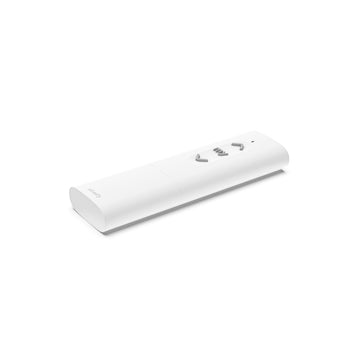
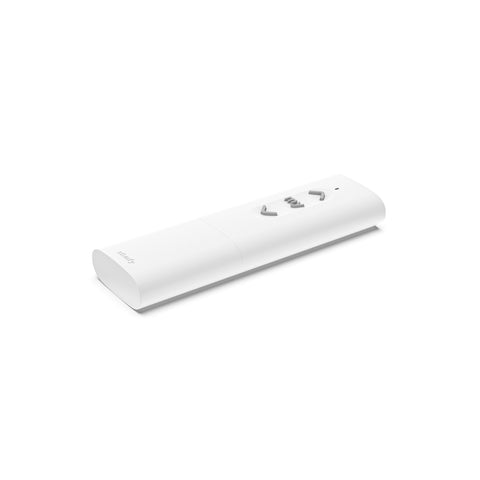
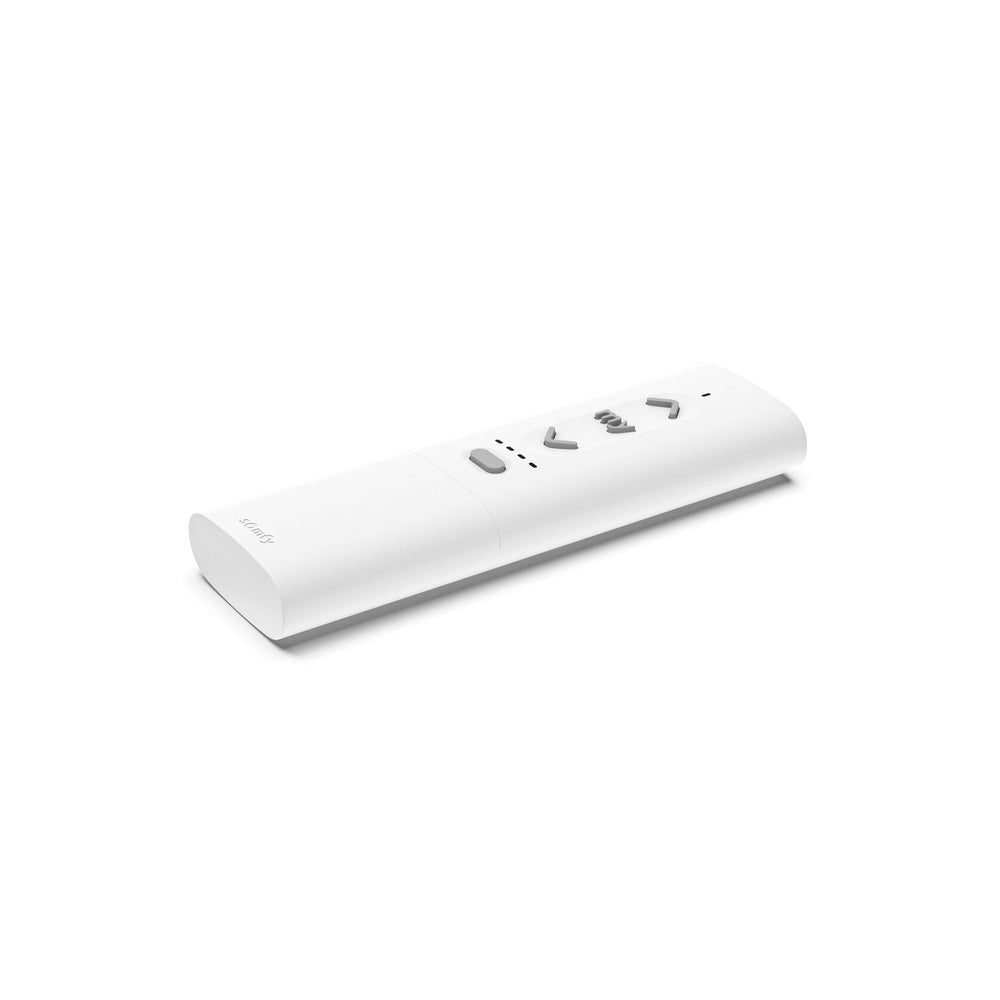
Somfy makes the Ysia 1 (1871153) and Ysia 5 (1871154). Each channel runs one Zigbee product or one group, and both run on two AAA batteries.
ExampleA bedroom with one shade takes the Ysia 1. A living room with four takes the Ysia 5.
The Ysia family
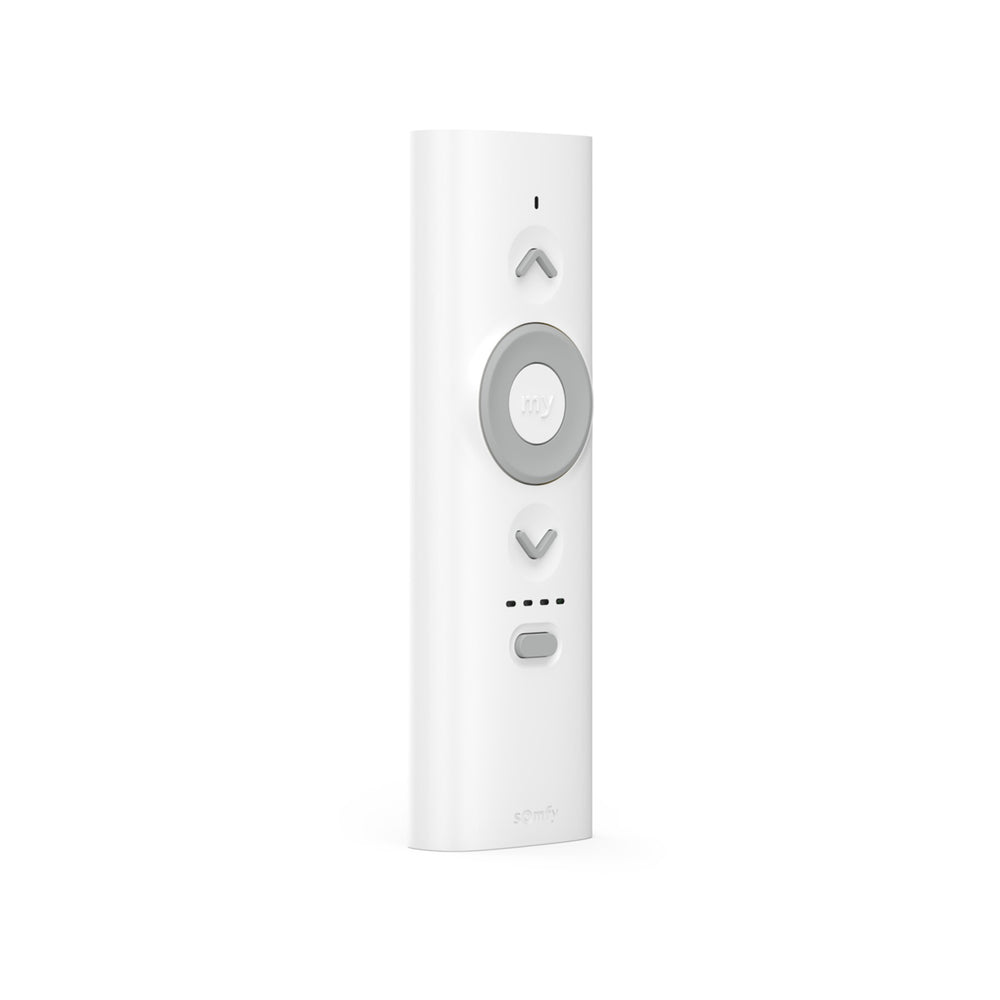
The Ysia 5 Variation (1871281) adds a scroll wheel for precise tilt and layered shade control.
On the jobPick the Variation for Zigbee tilting blinds or layered shades.
The Ysia family
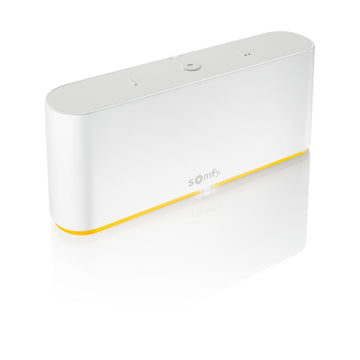
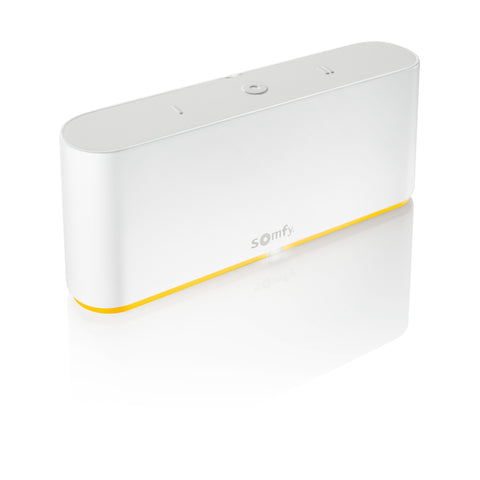
Somfy says Ysia can control Zigbee devices directly or join a TaHoma switch system. Standalone, each motor and Ysia link directly, with no mesh.
Watch forStandalone has no repeaters. Keep shades within reach of the remote.
Check yourself
Hint: Look for the scroll wheel.
The Ysia 5 Variation 1871281, with its scroll wheel for tilt and layered shades.
Finish every module, pass the quiz, unlock 10% off
Module 2 of 5
What Somfy asks you to do before a standalone pairing. After this module your first pairing works the first time.
2 lessons, then a scenario check.
Prepare to pair
Somfy's standalone guide asks you to keep the Ysia within 60 cm of the motor head, factory reset the motor and the Ysia, and select the channel on a multichannel Ysia.
On the jobDo the pairing at the headrail, then walk away to test range.
Prepare to pair
Somfy's standalone guide states about 7 m of Zigbee range in a room. The Ysia 5 product record lists 164 ft in open field.
Watch forWalls cut range. Plan from the in-room figure.
Check yourself
Hint: Get close.
Hold the Ysia within 60 cm of the motor head, after resetting both.
Finish every module, pass the quiz, unlock 10% off
Module 3 of 5
The standalone sequence from a blank motor to a bound remote. After this module you can bring a Zigbee shade online with only a Ysia.
3 lessons, then a scenario check.
Pair and set limits
Hold the motor PROG button 3 to 5 seconds until it jogs and its LED flashes orange. Briefly press UP and DOWN on the Ysia. Its LED flashes orange, then turns solid green, and the motor jogs.
Watch forPairing can take up to 30 seconds. Do not press anything while the LED flashes.
Pair and set limits
Hold UP or DOWN to check direction; hold MY until a jog to reverse it. Hold UP to the top and press MY and DOWN. Hold DOWN to the bottom and press MY and UP.
On the jobLeave a little fabric on the tube at the bottom limit.
Pair and set limits
Briefly press PROG on the back of the Ysia. The motor jogs once and both LEDs turn off. The remote is now bound.
ExampleIf the motor never jogs, start again from the motor wake step.
Check yourself
Hint: Do not interrupt.
Wait. Pairing can take up to 30 seconds; the LED turns solid green and the motor jogs.
Finish every module, pass the quiz, unlock 10% off
Module 4 of 5
How to put several shades on one channel and save a MY position. After this module you can set up a room the way the owner lives in it.
2 lessons, then a scenario check.
Groups and favorites
Wake the next motor with its PROG button for 3 to 5 seconds. Within 60 cm, briefly press PROG on the Ysia. The LED flashes orange, then green, and the motor jogs.
Watch forOnly shades of the same family share one Ysia channel.
Groups and favorites
Hold MY about 5 seconds until the LED blinks green. Move the shade with UP or DOWN, then release MY when the LED is solid green. The motor jogs.
ExampleA favorite at half height is handy for afternoon glare.
Check yourself
Hint: Standalone has a limit here.
It cannot be deleted with a standalone Ysia. It takes a motor factory reset or the TaHoma pro app.
Finish every module, pass the quiz, unlock 10% off
Module 5 of 5
How to clear a Ysia and read what the LEDs are telling you. After this module you can sort out a confused setup.
3 lessons, then a scenario check.
Reset and read the lights
Hold the PROG button on the back for about 15 seconds until the LED runs green, red, green, red, green, red, then off.
On the jobReset a second-hand Ysia before you pair it to anything.
Reset and read the lights
Three blinks on a movement order mean the battery is low. Three slow blinks mean the motor cannot move, for example on thermal protection or an obstacle.
Watch forCharge a WireFree motor that flashes three times before you blame the remote.
Reset and read the lights
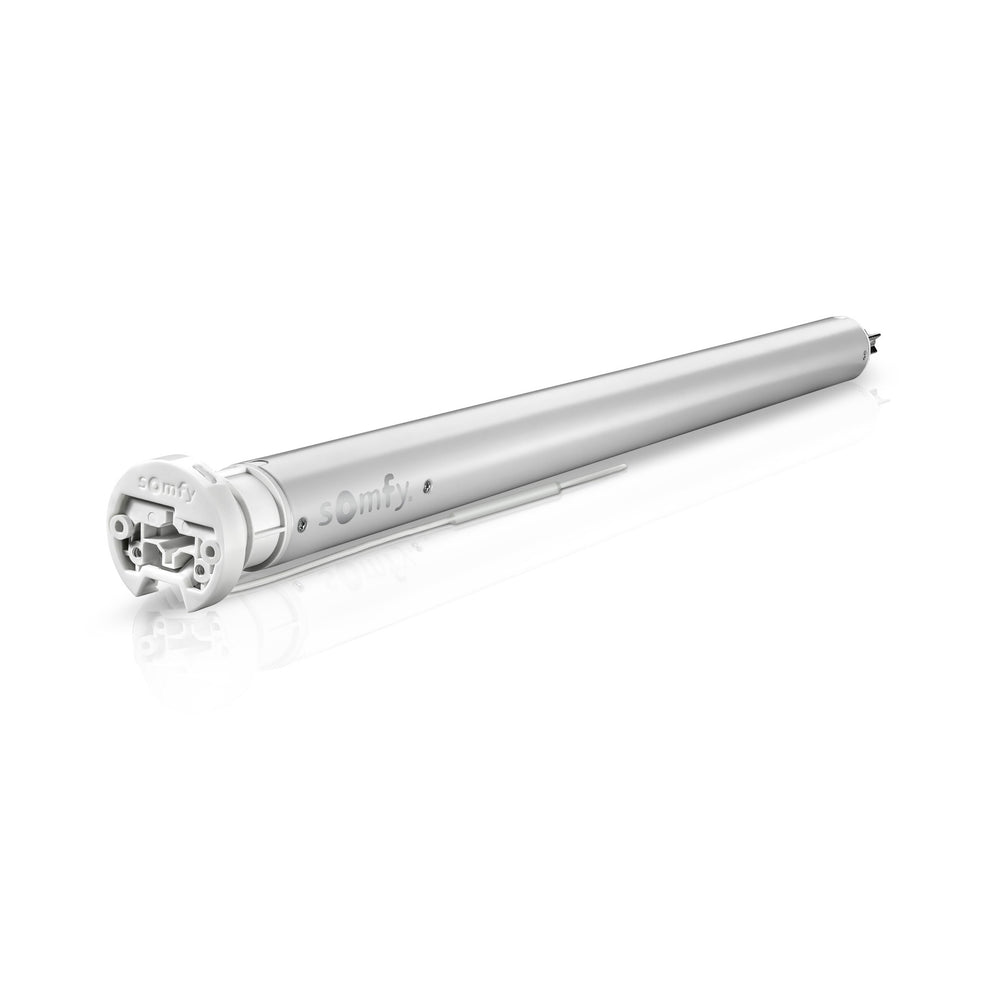
Hold the motor PROG button until it jogs twice to detach it from the network. Somfy says it keeps its programmed limits.
ExampleMoving a shade to another room starts with a detach, not a full reset.
Check yourself
Hint: Count the flashes.
The battery. Three flashes on a movement order mean the battery is low.
Final quiz
Each question is a real job scenario, one per screen. Stuck? Tap the hint. You see the right answer and why right after you choose. Pass and you get a printable certificate.
Score 80% to unlock 10% off your first ShadeMotorsDirect order.
Question 1 of 10
On the job: A room has one Zigbee shade.
Hint: One channel.
The Ysia 1 runs one product or group.
Question 2 of 10
On the job: A client asks if Ysia needs a hub.
Hint: Two ways to run.
Ysia controls Zigbee devices directly or joins TaHoma.
Question 3 of 10
On the job: You start a standalone pairing.
Hint: Very close.
Somfy says within 60 cm.
Question 4 of 10
On the job: You plan coverage for a standalone room.
Hint: In a room, not open field.
The guide states about 7 m in a room.
Question 5 of 10
On the job: You wake a motor for pairing.
Hint: At the motor.
The motor PROG wakes it.
Question 6 of 10
On the job: After pairing, the shade runs the wrong way.
Hint: MY reverses here.
Somfy uses MY to reverse.
Question 7 of 10
On the job: Limits are set.
Hint: A short press on the back.
The motor jogs and the LEDs turn off.
Question 8 of 10
On the job: A drapery and a roller shade need one channel.
Hint: Families.
Same-family actuators only.
Question 9 of 10
On the job: You want to remove a MY position standalone.
Hint: A standalone limit.
It needs a motor reset or TaHoma pro.
Question 10 of 10
On the job: A shade flashes three times on DOWN.
Hint: Count the flashes.
Three flashes on a command mean low battery.
Almost done
Your score shows on the next screen. If you pass, your certificate and 10% code go to this email. They come from Shade Motors School (school@shademotorsdirect.com). Check Promotions, Updates or Spam if you don't see them.
Parts used in this course
Parts used in this course
Your cart is currently empty.
Not sure where to start? Try these collections: