Module 1 of 5
RTS is one-way radio, and that explains every step
Why every step ends with the shade moving. Once you know the motor can only answer with a jog, you can tell a step that worked from one that did not.
3 lessons, then a scenario check.

Shade Motors School · Program It · 101
Add a second remote, or replace a broken one, in about two minutes using the remote you already have. Covers single and multi-channel remotes and how to remove a remote you no longer want.
You will be able to: Pair any Somfy RTS remote or wireless wall switch to an RTS motor, and remove one.
Inside this course
Module 1 of 5
Why every step ends with the shade moving. Once you know the motor can only answer with a jog, you can tell a step that worked from one that did not.
3 lessons, then a scenario check.
RTS is one-way radio, and that explains every step
RTS stands for Radio Technology Somfy. Your remote sends a coded signal on 433.42 MHz. The motor keeps a list of every remote it trusts, and pairing adds a remote to that list.
ExampleYou press a button and nothing moves. With RTS, that means the motor did not take the step, so you repeat it rather than moving on.
RTS is one-way radio, and that explains every step
The radio runs one way, so the motor cannot reply in words. It answers the only way it can: a jog, a short up-and-down move of an inch or two.
On the jobStand where you can see the shade before you start. You are reading the motor's replies with your eyes.
RTS is one-way radio, and that explains every step
Every step in this course ends with a jog. If you do not see one, stop and repeat that step before you move on.
Watch forA jog can be small on a heavy shade. Watch the hem bar, since it shows the move more clearly than the fabric.
Check yourself
Hint: Think about what the motor does when a step works.
It jogs: a short up-and-down move. No jog means the step did not register.
Module 2 of 5
How to confirm the new remote can talk to this motor before you start, so you never spend 20 minutes on a remote that was never going to work.
4 lessons, then a scenario check.
Check that the new remote is RTS
Somfy builds remotes for two radio systems: RTS and Zigbee. A Zigbee remote will never make an RTS motor jog, no matter how long you hold the button.
ExampleA customer orders a Zigbee remote for a shade with an RTS motor. It will never pair. The fix is an RTS remote, not more button presses.
Check that the new remote is RTS
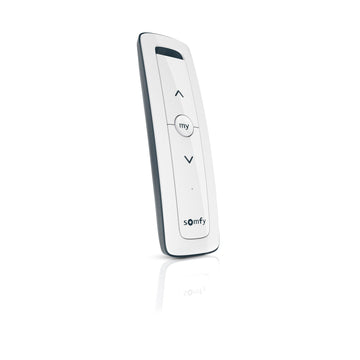
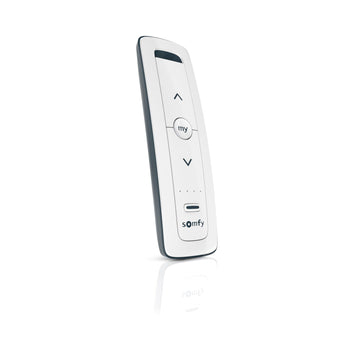
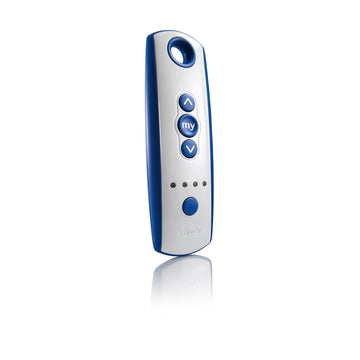
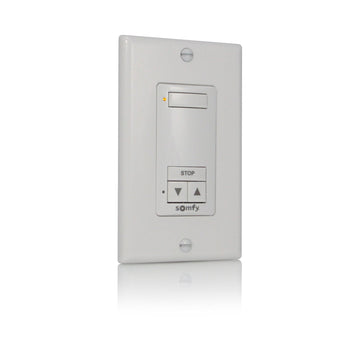
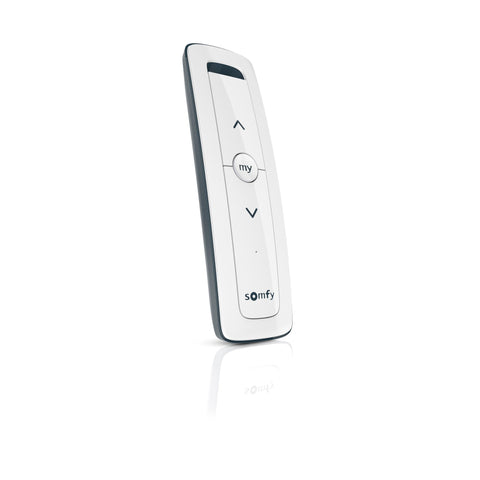
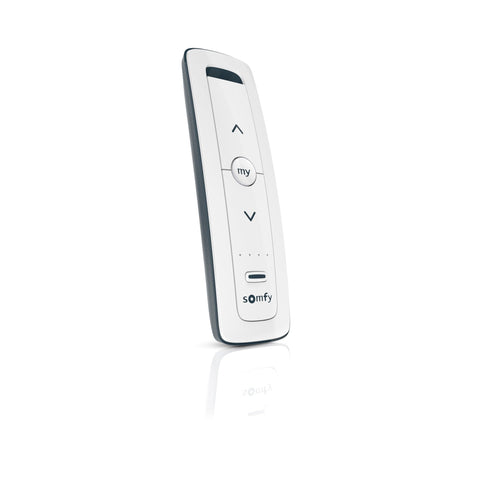
Check the model name or the back label for "RTS". The Situo RTS, Telis RTS and DecoFlex RTS lines all work with RTS motors.
On the jobCheck the back label on the old remote too. If it says RTS, any RTS remote from Somfy can join it on that motor.

Check that the new remote is RTS
If the shade runs from a wired wall switch and nothing else, the motor may be a wired model with no radio. No remote will pair to it.
Watch forA shade with only a wall switch and no remote may be a wired motor. Check the motor model before you sell or buy a remote.
Check that the new remote is RTS
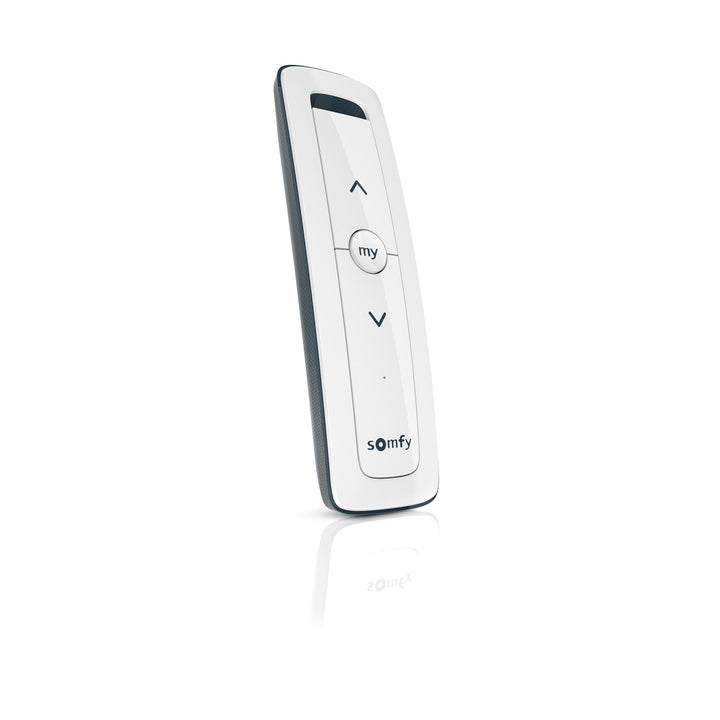
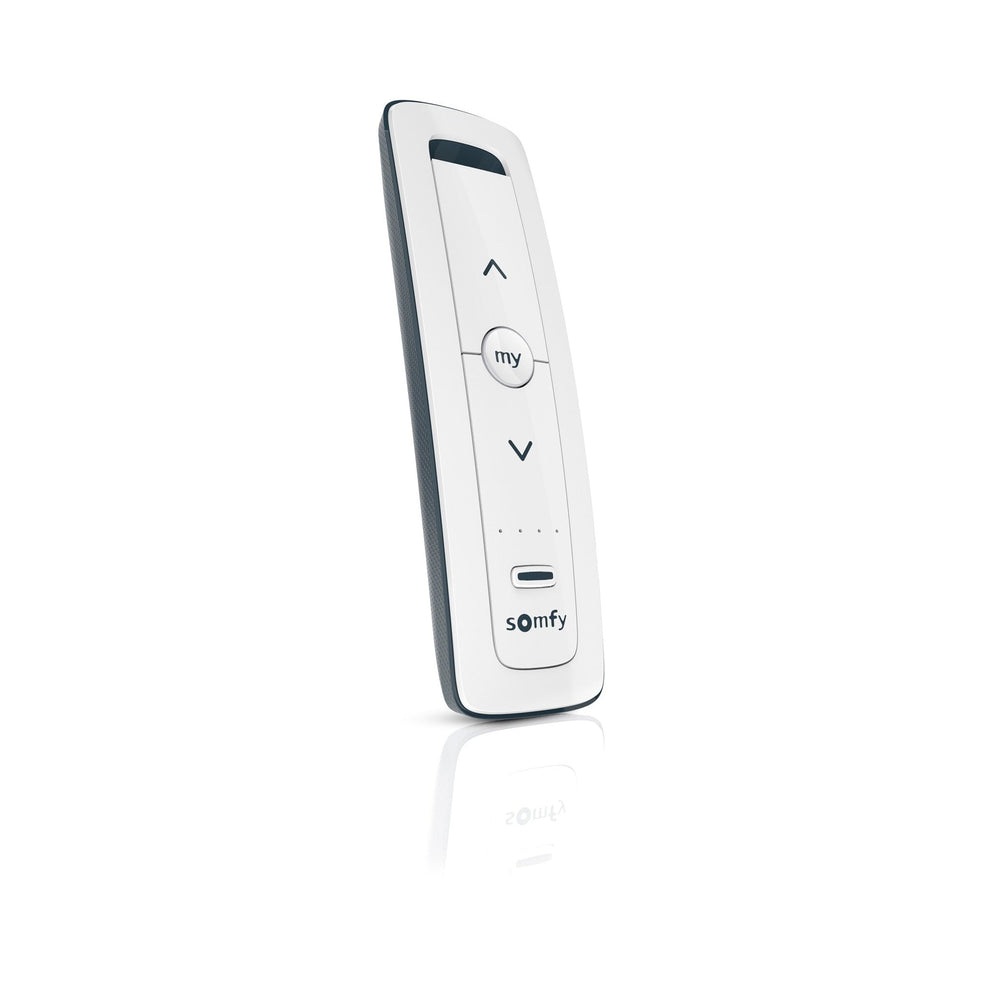
The Situo 1 and Situo 5 run on one CR2032 coin cell. A weak cell can send a signal the motor ignores, so start with a new one.
On the jobKeep a spare CR2032 in the truck. A weak cell can make a good remote look dead.
Check yourself
Hint: Zigbee and RTS are different radios.
No. They use different radio systems. Buy an RTS remote for an RTS motor.
Module 3 of 5
Multi-channel remotes store each channel as its own remote. Pick the channel first and you control exactly which shades it runs.
4 lessons, then a scenario check.
On a multi-channel remote, pick the channel first
A multi-channel remote stores each channel as a separate remote. Pairing happens on whichever channel is selected when you press PROG, so pick the channel first.
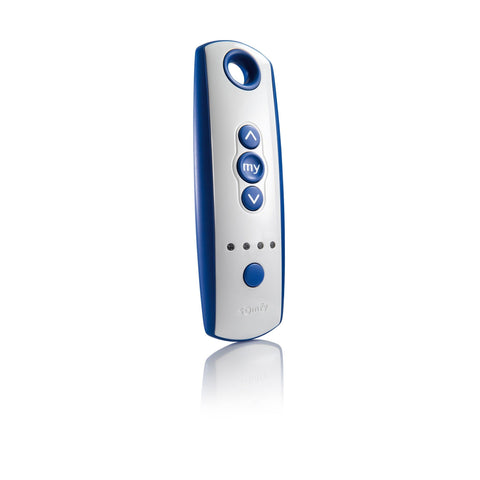
ExampleA Telis 4 runs the living room on channel 1 and the kitchen on channel 2. Pairing on the wrong channel puts the kitchen shade on the living room button.
On a multi-channel remote, pick the channel first
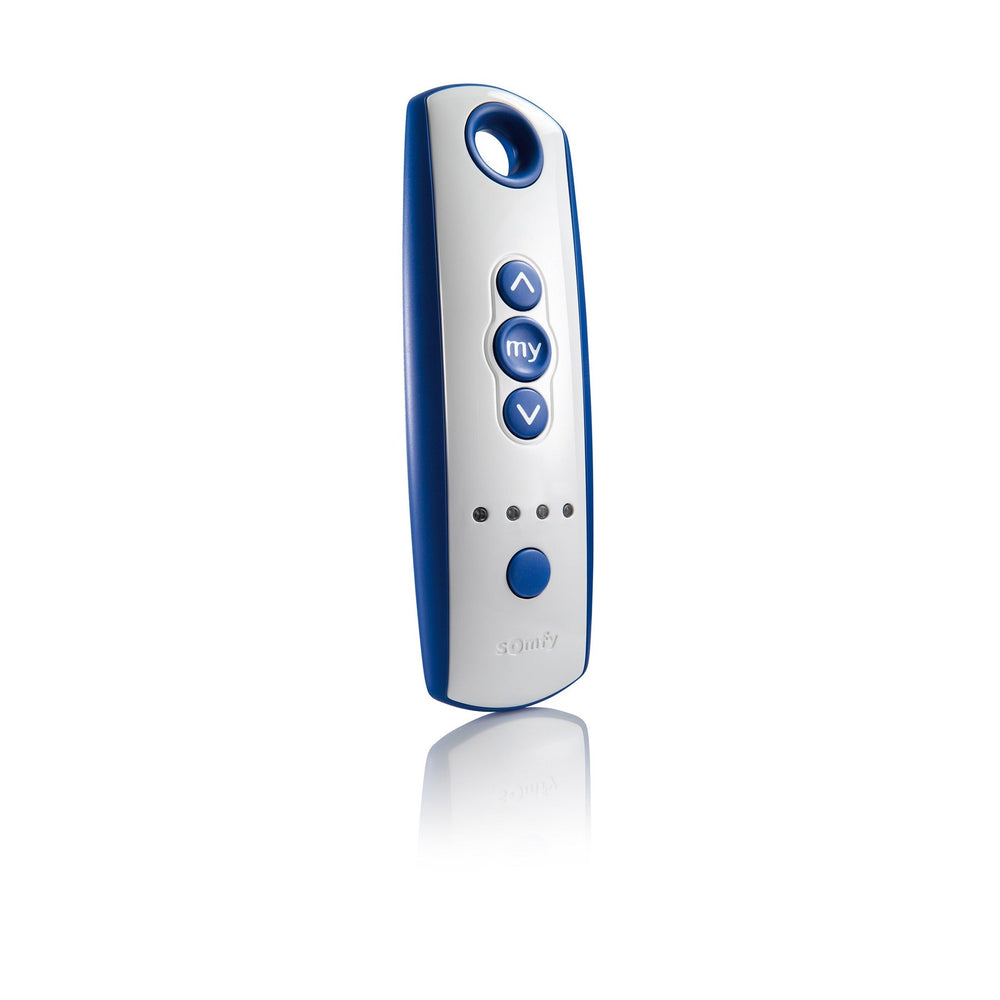
Press the channel selection button. The LEDs show the active channel, and all four LEDs lit means channel 5.
On the jobWrite the channel plan down before you start: which channel runs which shade. It saves guesswork on the third shade.
On a multi-channel remote, pick the channel first
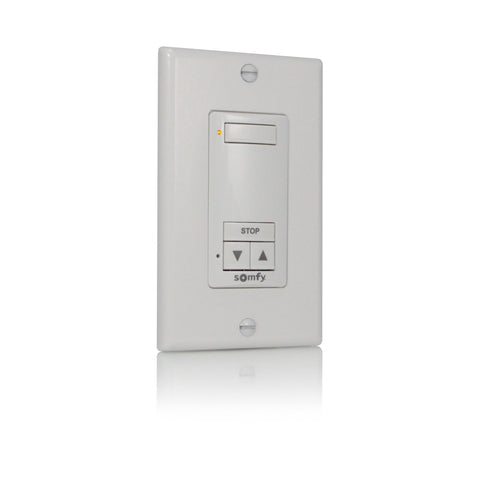
On a Telis 16, use the channel navigation buttons and read the number on the screen. On a DecoFlex wall switch, press the channel buttons you want so their LEDs light.
ExampleA DecoFlex wall switch by the door can run the same shade as a handheld remote. Each one is paired separately.

On a multi-channel remote, pick the channel first
Pair the same channel to each motor in turn. That channel then runs all of those shades together.
ExamplePair channel 5 on a Telis 4 to every shade in a room and it becomes an "all shades" button.
Check yourself
Hint: Pairing happens on whichever channel is selected when you press PROG.
Channel 2 now runs the shade. Remove it if you do not want it, then select channel 3 and pair again.
Module 4 of 5
The core job: add a new remote using one that already works. Two presses, two jogs, done in about two minutes.
4 lessons, then a scenario check.
The two-press pairing method
You need a remote that already runs the shade. Hold its PROG button until the shade jogs. The motor is now in programming mode.
On the jobPut both remotes in your hands before you press anything. The clock starts when the motor enters programming mode.
The two-press pairing method
PROG is a small button on the back of most Somfy remotes. On some models it sits in a recess, so a pen tip helps.
Watch forUse PROG on the remote, not the button on the motor head. Holding the motor's own button is how a full reset starts.
The two-press pairing method
A brief press of PROG on the new remote adds it to the motor's list. The shade jogs again. That second jog means you are done.
ExampleHold PROG on the old remote, the shade jogs. Tap PROG on the new remote, the shade jogs again. Press UP on the new remote to prove it.
The two-press pairing method
Somfy notes that a motor left idle in programming mode for more than 2 minutes drops out of it. Have both remotes in hand before you start.
Watch forIf you get pulled away mid-job, start over. After 2 minutes idle the motor is no longer listening.
Step by step
Have the working remote and the new remote in hand, standing where you can see the shade.
6 steps, one per screen.
Step 1 of 6
Plug-in and hardwired motors need the circuit on. Battery shades need a charge.
Step 2 of 6
Do this on both remotes if both have channels.
Step 3 of 6
Let go when the shade jogs. The motor is now in programming mode.
Step 4 of 6
The shade jogs again. The new remote is paired.
Step 5 of 6
The shade follows. Both remotes now run it.
Step 6 of 6
One channel paired to several shades works them as a group.
Check yourself
Hint: Start with the remote the motor already knows.
The one that already runs the shade. You hold its PROG button until the shade jogs.
Module 5 of 5
How to take a remote off a motor, and what to do when no working remote is left. The reset clears everything, so you will set limits again after.
4 lessons, then a scenario check.
Remove a remote, or start over when no remote works
Hold PROG on a remote you are keeping until the shade jogs. Then briefly press PROG on the remote you want gone. The shade jogs and that remote stops working.
ExampleA tenant moves out with a remote. Remove that remote from the motor using a remote you are keeping.
Remove a remote, or start over when no remote works
With no working remote, the two-press method has nothing to start from. The fix is a motor reset, which clears every remote and the limits too.
Watch forPulling the battery out of an old remote does not remove it. Put a battery back in and it works again.
Remove a remote, or start over when no remote works
On standard RTS motors, Somfy's guide says to hold the programming button on the motor for about 15 seconds, until it jogs 3 times. WireFree Li-ion motors have the button on the motor head and also confirm with 3 jogs.
On the jobCount the jogs. The reset is done when the motor jogs 3 times.
Remove a remote, or start over when no remote works
A reset motor has no limits, so set them again before normal use. The limit-setting course walks through it.
On the jobPlan the visit for both jobs: reset, then set limits, then pair the new remote. The limits course covers the middle step.
Check yourself
Hint: Think about what a reset erases.
All paired remotes and the limits. You set limits and pair a remote again afterward.
Final quiz
Each question is a real job scenario, one per screen. Stuck? Tap the hint. You see the right answer and why right after you choose. Pass and you get a printable certificate, plus a 10% code for your first ShadeMotorsDirect order.
Question 1 of 10
On the job: You are pairing a new remote and the shade dips and lifts an inch.
Hint: This is the only reply an RTS motor can give.
A jog is the motor's only way to confirm a step, because RTS radio runs one way.
Question 2 of 10
On the job: A homeowner has a working Situo 1 and a new Situo 5 to add.
Hint: The motor only listens to remotes it already knows.
Holding PROG on a paired remote is what opens programming mode on the motor.
Question 3 of 10
On the job: The working remote is in your hand and you are pressing PROG.
Hint: You are waiting for a signal from the shade, not counting seconds.
Hold until the jog. The jog is the confirmation, not a fixed count of seconds.
Question 4 of 10
On the job: The motor jogged and is in programming mode. Now you pick up the new remote.
Hint: Long holds are for resets.
A brief press adds the new remote. Long holds on a motor's own button are for resets.
Question 5 of 10
On the job: You put the motor in programming mode, then took a phone call.
Hint: Somfy's pocket guide gives a time limit in minutes.
Somfy's pocket guide warns the motor exits programming mode after more than 2 minutes idle.
Question 6 of 10
On the job: A customer calls: their new remote will not pair no matter what. The motor is RTS and the remote box says Zigbee.
Hint: Check whether the two radios match.
RTS motors only pair with RTS controls. Swap the remote for an RTS model.
Question 7 of 10
On the job: You are adding a Telis 4 so channel 2 runs the kitchen shade.
Hint: Each channel acts as a separate remote.
Each channel acts as its own remote, and pairing applies to the selected channel.
Question 8 of 10
On the job: You pick up a Telis 4 and see every channel light on.
Hint: There are four LEDs but five channels.
Somfy's guide notes all four LEDs lit means channel 5.
Question 9 of 10
On the job: A tenant moved out with a remote and the landlord wants it disabled.
Hint: It uses the same two presses as adding one.
Removal uses the same two presses as pairing. Pulling a battery only stops it working for now.
Question 10 of 10
On the job: A shade's only remote went through the wash and no other remote runs it.
Hint: The fix uses the motor's own button and ends with three jogs.
That reset erases all remotes and limits, so you set limits again afterward.
Almost done
Your score shows on the next screen. The certificate goes to your inbox so you can download it again later.
Parts used in this course
Parts used in this course
Your cart is currently empty.
Not sure where to start? Try these collections: