Skip to content
Genuine Somfy Motors & Parts for Roller Shades

Shade Motors School · Drapery · 201

How to Set Up a Somfy Irismo 45 WireFree RTS Drapery Motor

The Irismo 45 WireFree RTS runs a drapery track on a rechargeable battery with no wiring. Learn what it can carry, how to charge it, the first setup on the remote, the Touch Motion and speed settings, and how to add remotes or reset it.

  • 5 modules
  • 14 min
  • 10-question quiz
  • Free certificate
  • Unlocks 10% off
10% OFF

Pass the quiz to unlock 10% off your first ShadeMotorsDirect order. Your code and certificate arrive by email from Shade Motors School.

You will be able to: Charge, program and adjust a Somfy Irismo 45 WireFree RTS drapery motor.

Start the course

Inside this course

5 modules, one idea at a time

  1. What it can carryThe weight, track and drapery limits Somfy sets for the Irismo 45 WireFree. After this module you can confirm a job fits before you quote it.3 lessons · scenario check
  2. Battery and chargingHow the pack charges and how the motor tells you it is low. After this module you can keep an Irismo running between visits.3 lessons · scenario check
  3. First setupThe order Somfy uses to bring a new Irismo online. After this module you can program one from the box to a working remote.3 lessons · scenario check
  4. Touch Motion and speedThe two settings that change how the Irismo feels to use. After this module you can tune it to the room.3 lessons · scenario check
  5. Remotes and resetsHow to add a remote and how far each reset goes. After this module you can fix a lost remote without losing the limits.2 lessons · scenario check
  6. Final quiz10 real job scenarios, one per screen, each with a hint if you need it. Score 80% to pass and get your certificate.

Pass = 10% off

Finish every module, pass the quiz, unlock 10% off

Module 1 of 5

What it can carry

The weight, track and drapery limits Somfy sets for the Irismo 45 WireFree. After this module you can confirm a job fits before you quote it.

3 lessons, then a scenario check.
What it can carry

A battery drapery motor

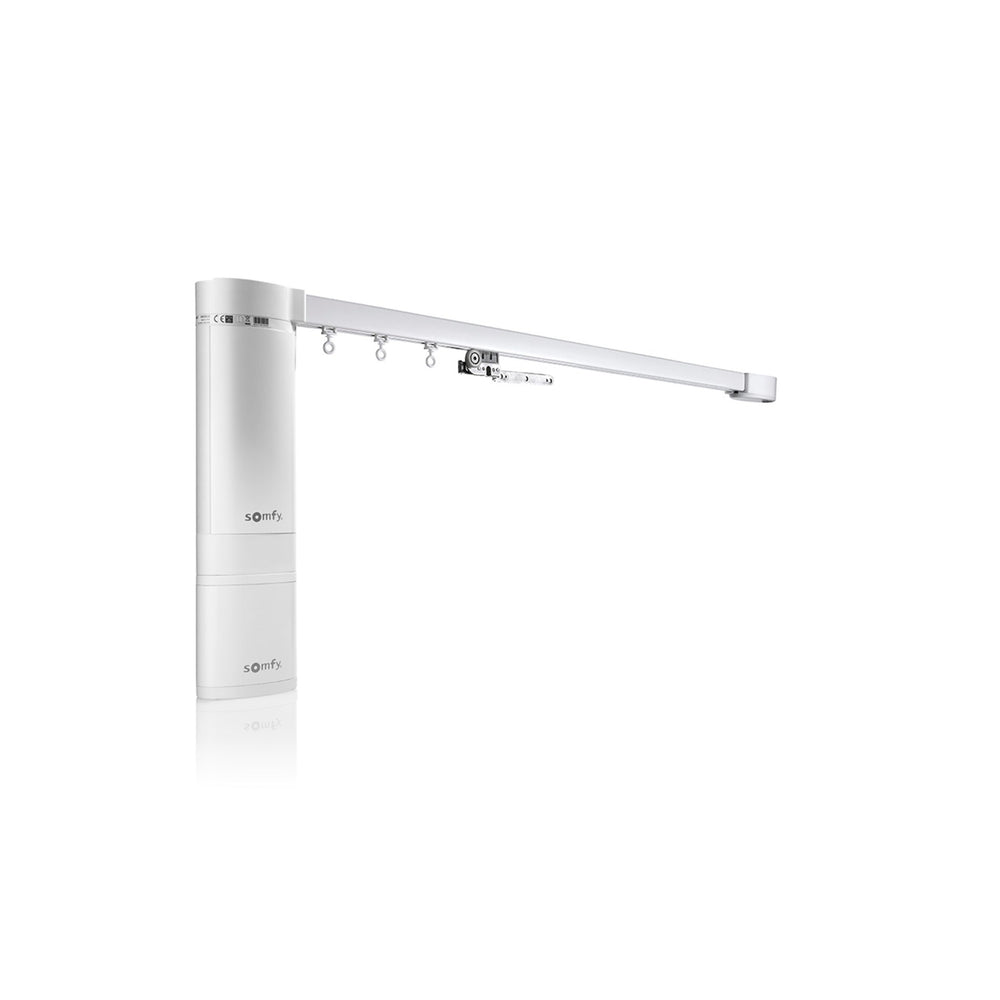
Somfy describes the Irismo 45 WireFree RTS (1002353) as a battery operated, compact way to motorize draperies. It has a built-in RTS receiver and lists 0.8 Nm at 87.5 rpm.

ExampleA rental with no outlet near the window still gets a motorized drapery.

Somfy Irismo 45 WireFree RTS Drapery Motor (1002353)
Irismo 45 WireFree RTS (1002353)

What it can carry

Weight and track limits

The spec sheet lists 99 lb for side or center opening, 198 lb with the tandem option, a 33 ft maximum track and up to 2 splices.

On the jobWeigh the drapery panels before you quote. Lined blackout fabric adds up fast.

LIMITSSide or center opening99 lb (45 kg)Tandem198 lb (90 kg)Max track length33 ft (10 m)Max splices2

What it can carry

Drapery styles

Somfy lists one-way, center and asymmetric opening, with pinch pleat, Ripplefold and Accordia draperies.

ExampleA center-opening Ripplefold in a bedroom is a standard Irismo job.

WHAT IT RUNSOpeningsone-waycenterasymmetricStylespinch pleatRipplefoldAccordia

Check yourself

A pair of lined center-opening panels weighs 120 lb. Does a single Irismo 45 WireFree fit?

Finish every module, pass the quiz, unlock 10% off

Module 2 of 5

Battery and charging

How the pack charges and how the motor tells you it is low. After this module you can keep an Irismo running between visits.

3 lessons, then a scenario check.

Battery and charging

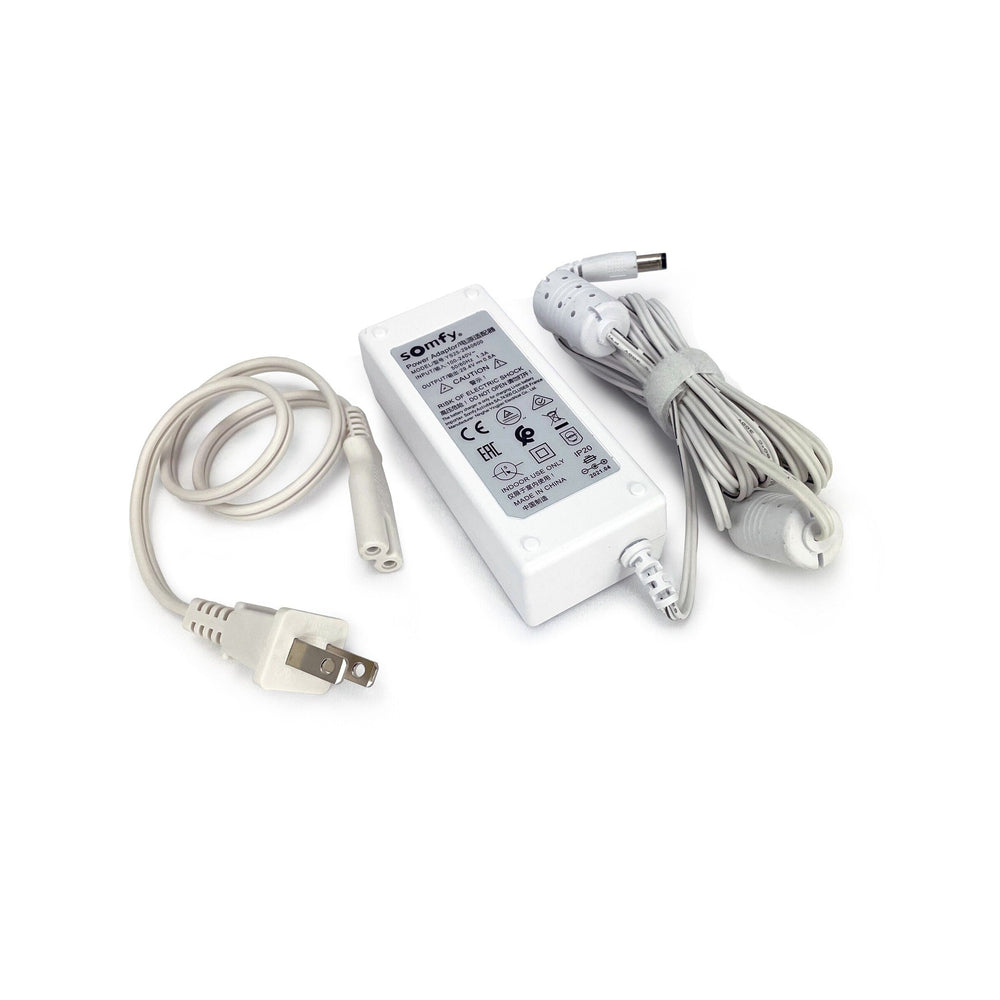
Charge with the Irismo charger

Connect the charger to the bottom of the battery pack. The charger LED shows red while charging and turns green when the charge cycle is complete.

Watch forSomfy notes the motor cannot be used while it charges.

Somfy Irismo 45 RTS Motor Battery Charger (1003080)
Irismo 45 RTS battery charger (1003080)

Battery and charging

Read the beeps

On connection, one beep and a green blink mean the battery is fine. One beep and a red blink mean charge it. A beep before and after each run means the battery is low.

ExampleAn owner hearing a beep on every run needs to charge, not a service call.

BATTERY SIGNALSBeep + green blinkbattery OKBeep + red blinkcharge the packBeep before and after a runbattery lowBeep + fast red blinkno battery

Battery and charging

A replaceable pack

Somfy lists a replacement 25.9 V Li-ion battery (9026476) for the Irismo 45 WireFree.

On the jobKeep a charged spare pack for a hotel with many Irismo rooms.

Somfy Replacement 25.9V Rechargeable Li-ion Battery for Irismo 45 WireFree RTS (9026476)
Replacement battery for Irismo 45 WireFree (9026476)

Check yourself

An Irismo beeps once before and once after every run. What does it mean?

Finish every module, pass the quiz, unlock 10% off

Module 3 of 5

First setup

The order Somfy uses to bring a new Irismo online. After this module you can program one from the box to a working remote.

3 lessons, then a scenario check.

First setup

Pre-program and set the ends

Connect the battery, then press OPEN and CLOSE together on the RTS remote. The drapery moves to confirm. The first OPEN or CLOSE command runs to the end to record the hard stop.

On the jobClear the track of obstacles before the first run. It is recording the stops.

FIRST SETUP1Connect the battery pack2Press OPEN + CLOSE together: drapery moves3First OPEN or CLOSE records the end stop4Check direction, then pair

First setup

Check direction

Press OPEN. If the drapery closes instead, press MY until it moves to reverse direction, then press OPEN again to confirm.

Watch forFix direction before you pair. It is quicker than reprogramming later.

DIRECTIONOPEN opensdirectionis rightOPEN closespress MYuntil it moves

First setup

Save the remote

Press the PROG button on the back of the remote until the drapery moves. Somfy says the address is then saved permanently.

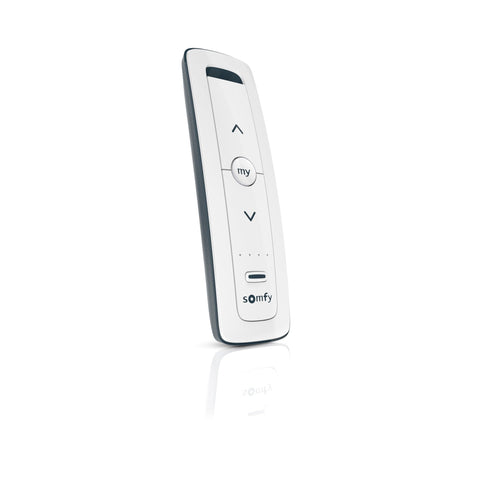
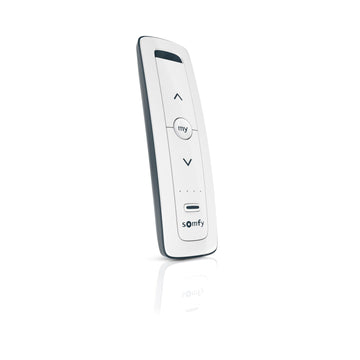
ExampleA Situo 5 RTS can be that first remote, with one channel for each window.

PAIRButtonPROG on the backHold untilthe drapery movesResultremote saved

Check yourself

After setup, OPEN closes the drapery. What do you press?

Finish every module, pass the quiz, unlock 10% off

Module 4 of 5

Touch Motion and speed

The two settings that change how the Irismo feels to use. After this module you can tune it to the room.

3 lessons, then a scenario check.

Touch Motion and speed

Touch Motion

Press OPEN and CLOSE together until it moves; the yellow LED lights. Press them again to cycle: fast blink high, slow blink low, solid off. Press MY to confirm.

ExampleA household with pets brushing the drapery may want Touch Motion off.

TOUCH MOTIONFast yellow blinkhigh sensitivitySlow yellow blinklow sensitivitySolid yellowTouch Motion offConfirmMY until it moves

Touch Motion and speed

Four speeds

Press OPEN and MY together until it moves. Press OPEN for faster or CLOSE for slower, between 12.5 and 20 cm/s. Press MY to confirm. 12.5 cm/s is the default.

On the jobMatch the speed on side-by-side windows so the panels move together.

SPEED12.5 cm/sdefault15 cm/s17.5 cm/s20 cm/sfastest

Touch Motion and speed

Favorite position

Move the drapery where you want it, then hold MY for about 5 seconds until it moves. A brief MY press later sends it there.

Watch forA brief MY press while moving stops the drapery instead.

MY POSITIONSethold MY about 5 sUsebrief MY when stoppedDeletego there, hold MY again

Check yourself

A client wants the drapery to move faster. What do you press first?

Finish every module, pass the quiz, unlock 10% off

Module 5 of 5

Remotes and resets

How to add a remote and how far each reset goes. After this module you can fix a lost remote without losing the limits.

2 lessons, then a scenario check.
Remotes and resets

Add or delete a remote

On a remote already programmed, hold PROG until the drapery moves. Then briefly press PROG on the remote to add or delete. The drapery moves to confirm.

ExampleA guest room gets a second remote without touching the motor.

ADD A REMOTEStep 1paired remote:hold PROGuntil it movesStep 2other remote:brief PROGto add or delete

Remotes and resets

Two levels of reset

Hold the LED button until the drapery moves twice to erase all remotes and keep the limits and MY position. Hold until it moves three times to erase everything.

Watch forCount the moves. Holding too long erases the limits as well.

RESETSMoves twiceremotes erasedlimits and MYkeptMoves 3 timesremotes, sensors,limits and MYerased

Check yourself

The only remote is lost, but the limits are right. Which reset?

Final quiz

10 questions. Score 80% to pass.

Each question is a real job scenario, one per screen. Stuck? Tap the hint. You see the right answer and why right after you choose. Pass and you get a printable certificate.

10% OFF

Score 80% to unlock 10% off your first ShadeMotorsDirect order.

Question 1 of 10

On the job: Lined center-opening panels weigh 90 lb.

Does one Irismo 45 WireFree fit?

Question 2 of 10

On the job: The client wants a 40 ft track.

What does Somfy list?

Question 3 of 10

On the job: You plug in the charger.

What does a green charger LED mean?

Question 4 of 10

On the job: The motor beeps before and after each run.

What is it telling you?

Question 5 of 10

On the job: A new Irismo is connected.

How do you pre-program the remote?

Question 6 of 10

On the job: OPEN closes the drapery.

How do you reverse it?

Question 7 of 10

On the job: The client finds Touch Motion too sensitive.

Which LED shows low sensitivity?

Question 8 of 10

On the job: You open speed mode.

Which speed is the default?

Question 9 of 10

On the job: The remote is lost, limits are fine.

How far do you reset?

Question 10 of 10

On the job: You add a second remote.

What is step 2?

Almost done

Where should we send your certificate?

Your score shows on the next screen. If you pass, your certificate and 10% code go to this email. They come from Shade Motors School (school@shademotorsdirect.com). Check Promotions, Updates or Spam if you don't see them.

Your name prints on the certificate. You'll also get new course alerts and Somfy tips from ShadeMotorsDirect. Unsubscribe any time.

Parts used in this course

Genuine Somfy parts, 5-year warranty