Module 1 of 5
Before you start
The setup that keeps programming clean. After this module the drapery, power and remote are ready.
2 lessons, then a scenario check.

Shade Motors School · Drapery · 201
A Glydea ULTRA RTS learns its limits by itself, so programming takes a few presses. Learn the prep, the pairing and direction check, automatic limits and the MY position, then speed, Touch Motion and the S button reset.
You will be able to: Pair a remote to a Glydea ULTRA RTS motor, set its limits and adjust speed and reset with Somfy's sequences.
Inside this course
Module 1 of 5
The setup that keeps programming clean. After this module the drapery, power and remote are ready.
2 lessons, then a scenario check.
Before you start
Move the drapery to the middle of the track so it can run either way. Power only the motor you are programming.
On the jobUnplug the other Glydea motors in the room until this one is done.
Before you start
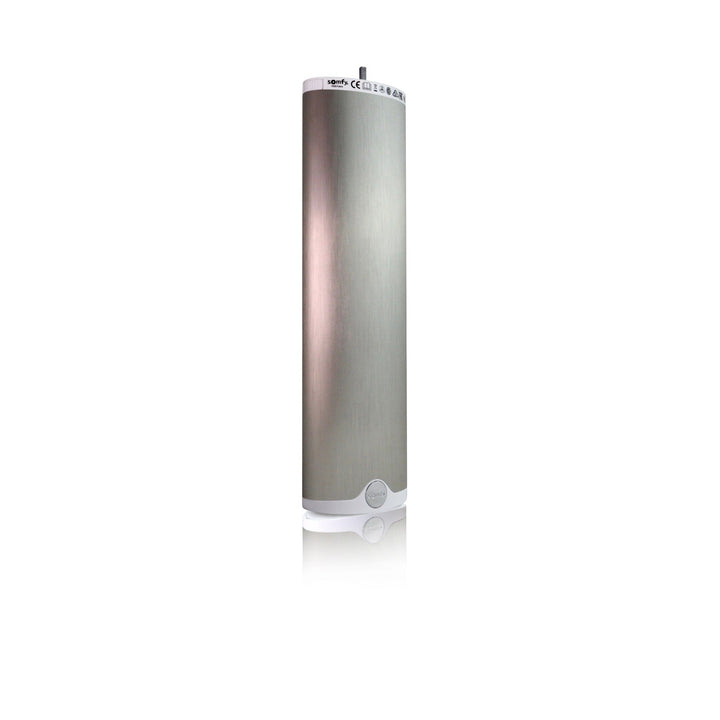
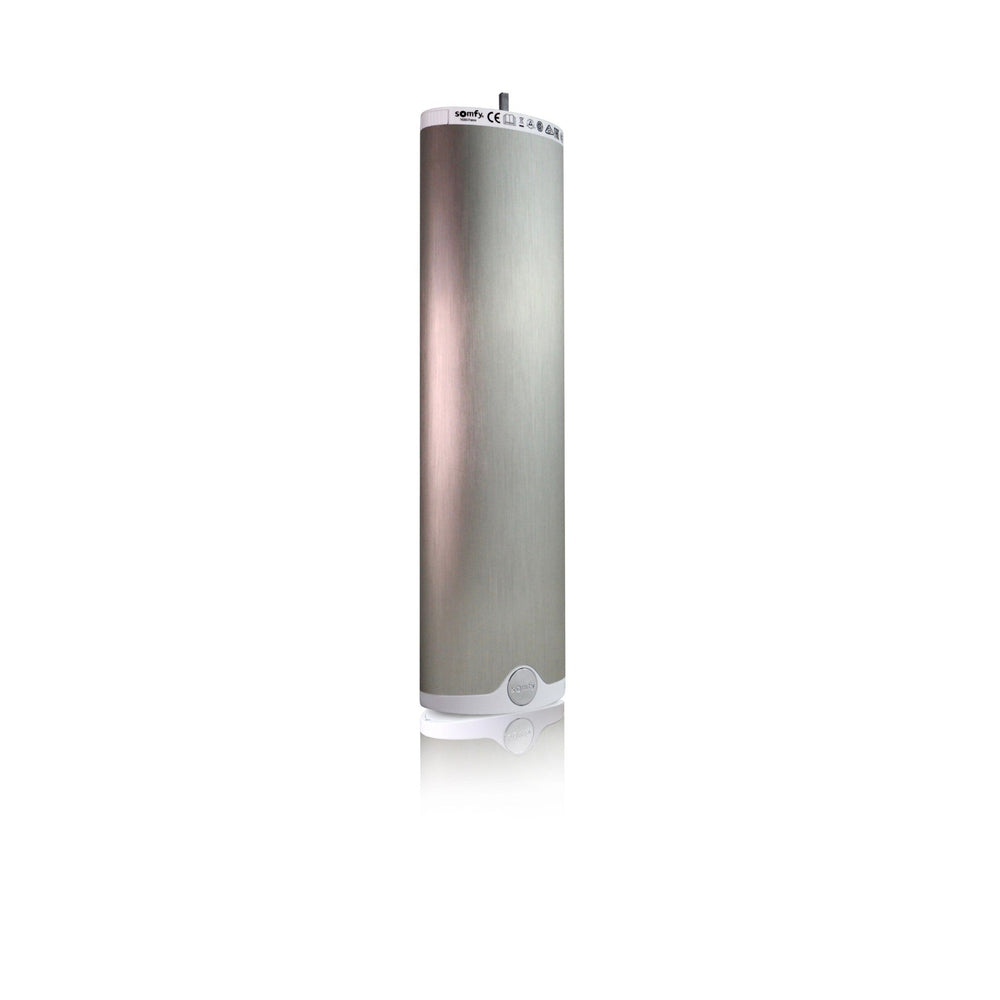
The Glydea ULTRA 35 and 60 RTS plug into 120V. Somfy supports standard and inverse mounting with the same programming.
ExampleA top-mounted track uses the same programming steps as a wall-mounted one.
Check yourself
Hint: Somfy says to power only one.
Unplug the second motor so only the one you are programming has power.
Module 2 of 5
The opening presses that put a remote on the motor and set its direction. After this module the motor answers your remote and opens on OPEN.
2 lessons, then a scenario check.
Pair and check direction
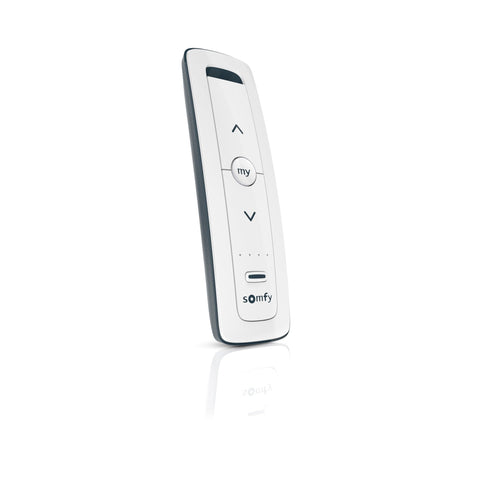
Hold OPEN and CLOSE until the drapery jogs. Press OPEN. If it closes, hold MY until it jogs. Then hold PROG on the back of the remote until the drapery jogs.
Watch forA jog confirms each step. No jog means repeat the step.
Pair and check direction
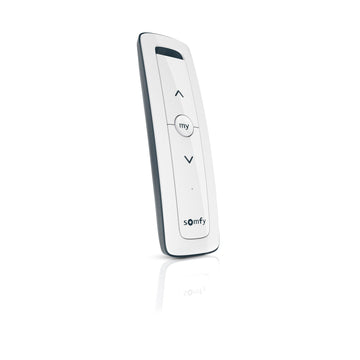
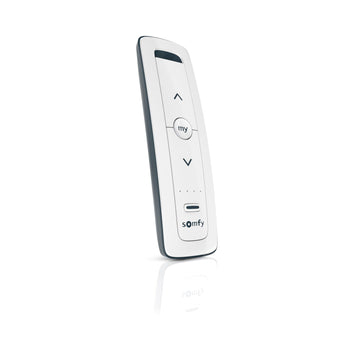
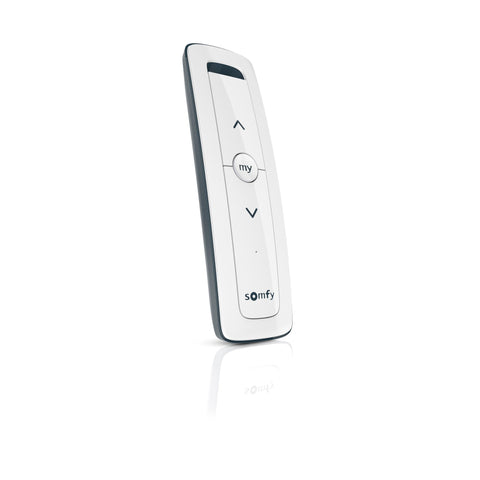
A Situo 1 RTS paired this way becomes the motor's first control.
On the jobLabel the remote with the window name before you leave.

Check yourself
Hint: Same fix as an RTS shade.
Hold MY until the drapery jogs to reverse the direction, then press OPEN to confirm.
Module 3 of 5
How the motor finds its stops and how to store a favourite position. After this module the drapery opens and closes on its own.
3 lessons, then a scenario check.
Limits and the MY position
Briefly press OPEN or CLOSE. The drapery runs to both hard stops, records them as limits and enters user mode.
ExampleTap CLOSE once and step back. The drapery travels to each end by itself.
Limits and the MY position
Run to the limit you want to change. Hold OPEN and CLOSE until it jogs, move to the new spot and hold MY until it jogs.
On the jobPull a limit back when the drapery bunches against a wall at the stack end.
Limits and the MY position
Move the drapery to a favourite position and hold MY until it jogs. To delete it, go to MY and hold MY until it jogs.
ExampleA half-open MY position gives daylight with privacy in a front room.
Check yourself
Hint: Adjust the limit, do not reset.
Run to that limit, hold OPEN and CLOSE until a jog, move it to the new spot, then hold MY until a jog.
Module 4 of 5
The settings that change how the drapery moves. After this module you can tune it for a bedroom or a lobby.
3 lessons, then a scenario check.
Speed and Touch Motion
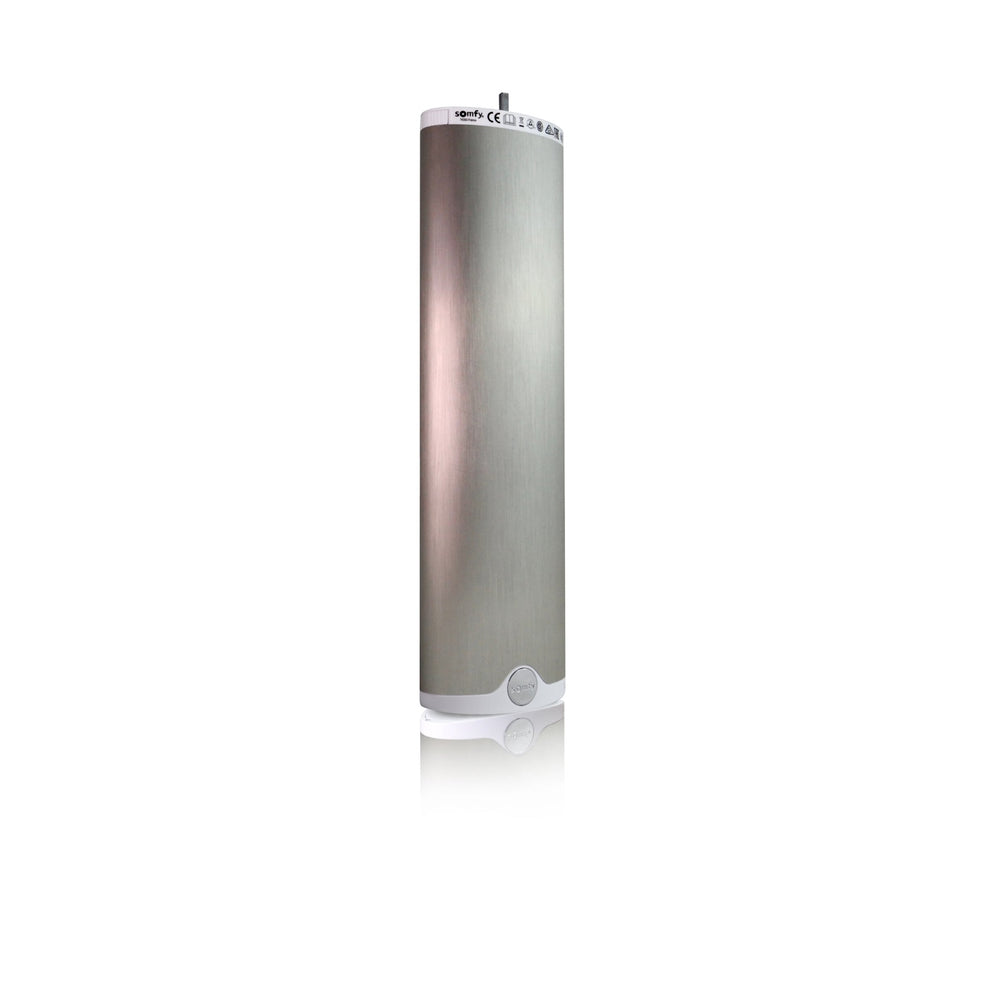
A switch on the Glydea ULTRA sets SILENT or HI-SPEED, which is the default. Somfy lists 2.95 in/s silent and 4.95 to 7.86 in/s standard.
ExampleA bedroom track set to SILENT moves slower and quieter for early mornings.
Speed and Touch Motion
Hold MY and OPEN until the drapery cycles. Press OPEN for faster or CLOSE for slower, then hold MY until it jogs.
On the jobMatch the speed of two tracks in one room so they finish together.
Speed and Touch Motion
Touch Motion starts the drapery when someone pulls the fabric. It is off by default and offers standard and low sensitivity.
Watch forLow sensitivity suits a busy room where people brush past the drapery.
Check yourself
Hint: Look on the motor.
Set the motor switch to SILENT. Somfy lists 2.95 in/s in silent mode.
Module 5 of 5
How to add more remotes and when to use each reset. After this module you can recover a motor without losing more than you mean to.
3 lessons, then a scenario check.
Add controls and reset
Hold PROG on a paired control until the drapery jogs. Then briefly press PROG on the new control until it jogs. Deleting uses the same steps.
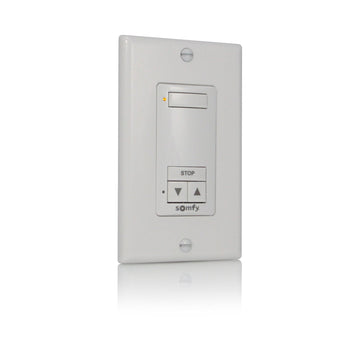
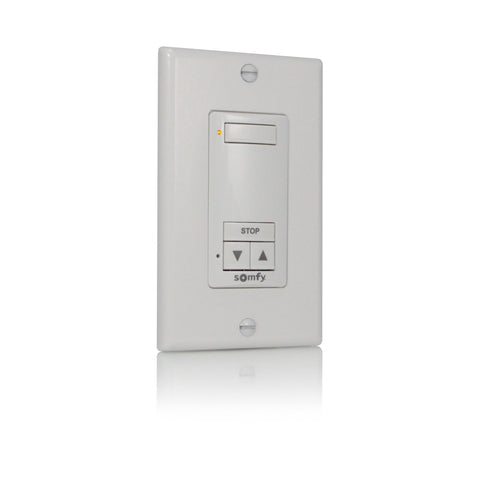
ExampleAdd a DecoFlex wall switch by the door with two PROG presses.
Add controls and reset
The Glydea ULTRA labels its programming button S. Hold it until two jogs to delete all controls and keep limits. Hold until three jogs to erase everything.
Watch forA three-jog reset means setting limits again. Use the two-jog reset for a lost remote.
Add controls and reset
A DecoFlex RTS wall switch adds a fixed control beside the door.
On the jobPair the wall switch while you still have the first remote in hand.

Check yourself
Hint: Count the jogs.
Hold the S button until the drapery jogs two times. Controls are deleted, limits stay.
Final quiz
Each question is a real job scenario, one per screen. Stuck? Tap the hint. You see the right answer and why right after you choose. Pass and you get a printable certificate, plus a 10% code for your first ShadeMotorsDirect order.
Question 1 of 10
On the job: You arrive to program a Glydea ULTRA.
Hint: It needs room both ways.
Somfy says to start mid-track.
Question 2 of 10
On the job: Three Glydea motors share a room.
Hint: One at a time.
Somfy says to power only the motor being programmed.
Question 3 of 10
On the job: You held OPEN and CLOSE and the drapery jogged.
Hint: Check direction before pairing.
Press OPEN; it should open.
Question 4 of 10
On the job: Direction is right and you want to record the remote.
Hint: The button on the back.
Holding PROG on the remote records it.
Question 5 of 10
On the job: The remote is recorded and no limits are set.
Hint: It finds the stops.
The drapery runs to both hard stops and records them.
Question 6 of 10
On the job: The drapery stops short at the stack end.
Hint: Adjust, do not reset.
Somfy has a limit adjustment in user mode.
Question 7 of 10
On the job: A bedroom client wants a quieter drapery.
Hint: Look on the motor.
SILENT mode runs at 2.95 in/s.
Question 8 of 10
On the job: Two tracks in one room finish at different times.
Hint: Speed adjustment starts with MY and OPEN.
Hold MY and OPEN, then OPEN faster or CLOSE slower, then hold MY.
Question 9 of 10
On the job: Every remote for a Glydea ULTRA is lost and the limits are right.
Hint: Keep the limits.
Two jogs deletes controls and keeps limits.
Question 10 of 10
On the job: You want to add a DecoFlex wall switch.
Hint: Open the motor with a known control.
Add a control by holding PROG on a paired control first.
Almost done
Your score shows on the next screen. The certificate goes to your inbox so you can download it again later.
Parts used in this course
Parts used in this course
Your cart is currently empty.
Not sure where to start? Try these collections: